
Slate Digital Submerge 1.0.5 (macOS)
- Version
- 1.0.5
- Size
- 38 MB
- Earliest macOS
- 11 or later
- CPU type
- Apple Silicon
- Updated
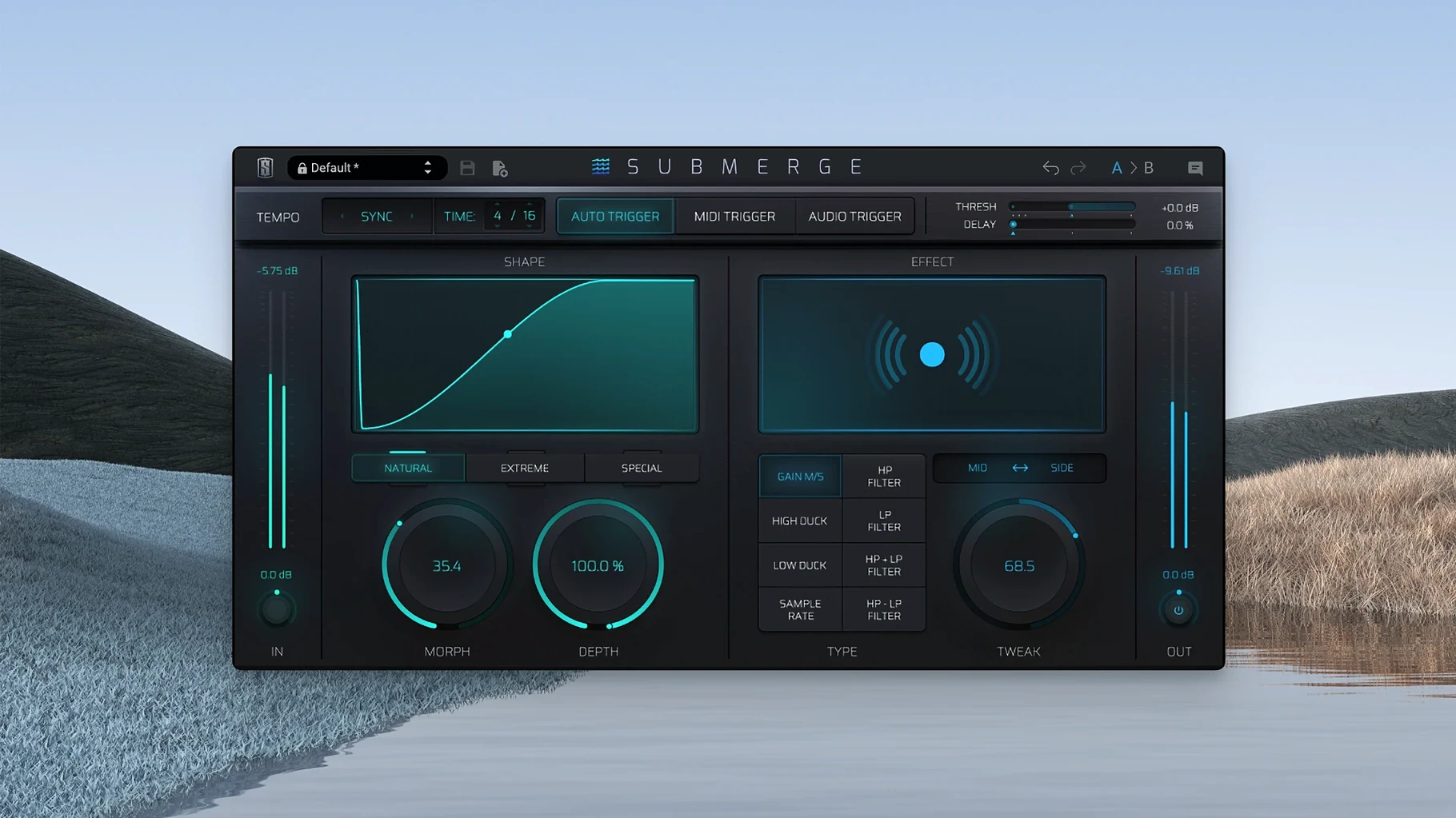
Mix engineers and electronic producers reach for Submerge when a track needs rhythmic ducking or a pumping sidechain effect without routing multiple channels. Slate Digital’s automatic sidechain plugin handles the work in three trigger modes: auto syncs to the project tempo, MIDI accepts note input, and audio reacts to an external signal. Once triggered, three curve types – natural, extreme, and custom – shape how the gain reduction behaves.
Creates classic pumping sidechain on pads or bass
- Creating a classic pumping sidechain on a pad or bass part, triggered by a kick drum
- Ducking a vocal under a busy instrumental section, using the audio trigger mode with a clean external source
- Applying filtering alongside compression – the plugin includes high-pass and low-pass filters that work with the Speed, Morph, Depth, and Tweak controls
- Working on Apple Silicon Macs running macOS 11 or later
English-only interface; auto trigger needs stable tempo
- Interface language is English only
- The auto trigger mode needs a stable project tempo; for irregular rhythms the audio or MIDI modes give more control
- Version 1.0.5 does not list any changes from earlier builds
Set threshold relative to signal, not default
New users often treat Submerge like a standard compressor and wonder why the sound isn't behaving. The first mistake: leaving the threshold at its default and expecting instant results. Submerge needs the threshold set relative to your signal level before the ducking feels natural. A second mistake is ignoring the Shift key. Holding Shift inverts the curve, turning ducking into pushing – beginners miss this because it is not obvious in the interface. A third mistake: using auto trigger on a track with a loose tempo. If your project drifts or uses rubato sections, the ducking will feel out of time. Switch to MIDI or audio trigger for those parts.
Pad part breathed around kick using audio trigger from bus
I had a pad part that needed to breathe around a kick drum. I loaded Submerge on the pad channel and set the trigger mode to audio, routing a send from the kick bus. The initial curve was natural, which gave a soft duck – fine for a verse, but the chorus needed more energy. I switched to the extreme curve and brought the Depth control up. The pad started pumping clearly. I held Shift to check the push effect, but that pushed the pad into the kick – not right for this arrangement, so I let Shift go. I dialled in a high-pass filter with the Tweak control to keep the pad's low end clear. The Speed control needed a small nudge to match the release to the track's groove. Session saved. No routing mess, no extra busses.
Adjust Speed first on natural curve; try Shift push effect
- Start with the natural curve and adjust Speed first – it is the control that most affects how the sidechain feels against your rhythm.
- Do not skip the Shift-driven push effect. Try it on a sustained synth or a reverb tail for a lift that normal ducking cannot do.
- Use MIDI trigger mode if your track has a pattern that does not align with the kick or snare. A simple MIDI note can give you precise control over when the ducking starts and stops.
- Keep the filters in mind. High-pass filtering before the sidechain can stop low-end rumble from triggering the effect too early.
No “what's new” for 1.0.5. The release line gave nothing I could check, and I will not stretch it into a changelog.
- macOS 11 or later
- Apple Silicon processor
Questions people ask
Can Submerge work with external audio as a trigger source?
Yes. The audio trigger mode lets you route an external signal into the plugin, so a kick drum or a loop can control the ducking on a different track.
Does Submerge run on Intel Macs?
The listed requirement is macOS 11 and Apple Silicon architecture. If you are on an Intel Mac, check Slate Digital’s system notes before downloading.
Staffroom comments 0
Sign in or create an account here to leave a comment.
Nobody has commented on this one yet.
Other VST Plugins tools
All VST Plugins tools-
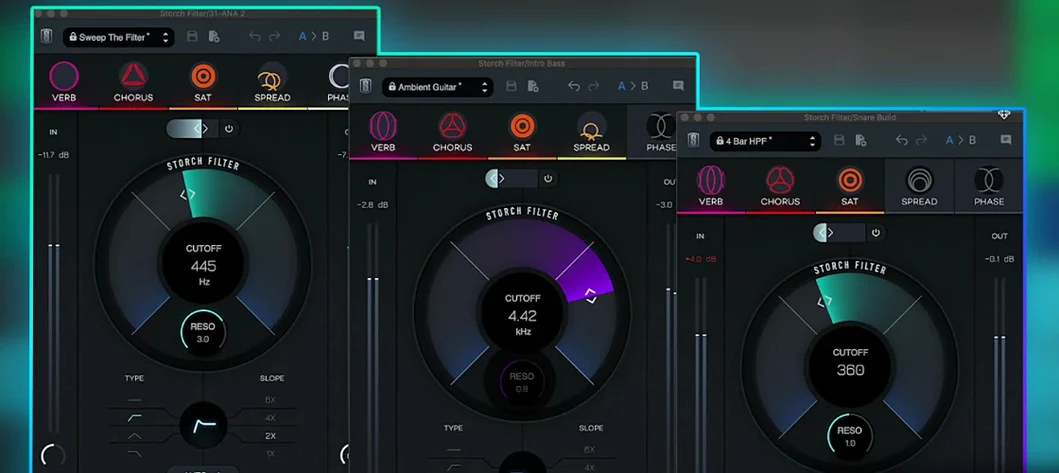 Slate Digital Storch Filter
1.0.6
69 MB
VST Plugins
-
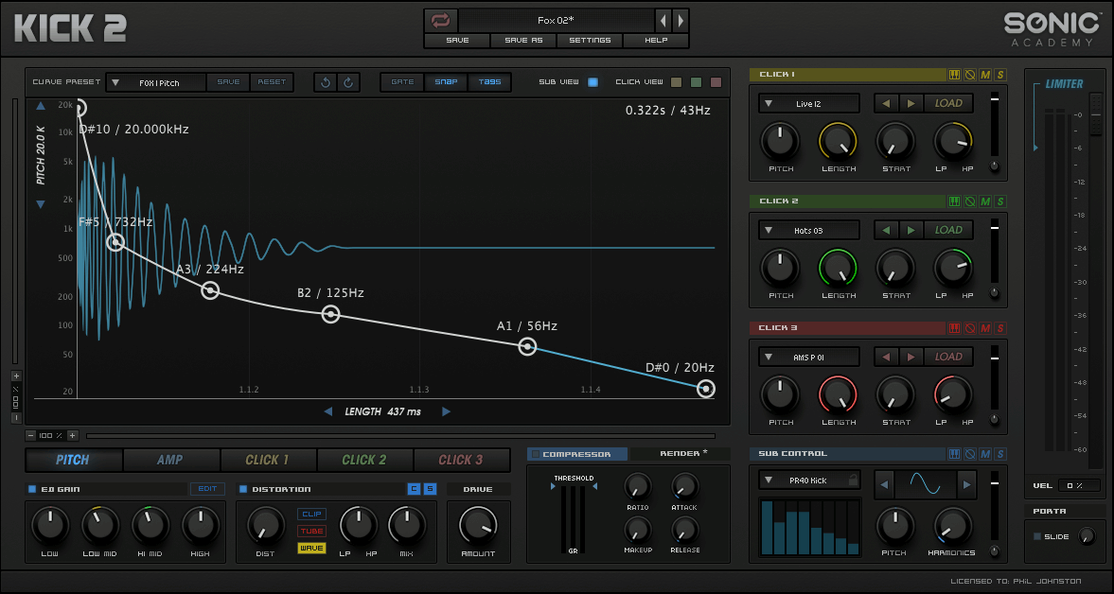 Sonic Academy KICK
1.1.8
358 MB
VST Plugins
-
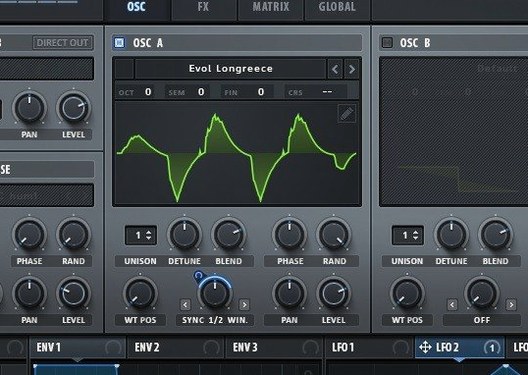 Serum
2.1.5
1.2 GB
VST Plugins
-
 Steinberg SpectraLayers Pro
13.0.20
3.9 GB
VST Plugins
-
 Scaler 3
3.3.2
1.4 GB
VST Plugins
-
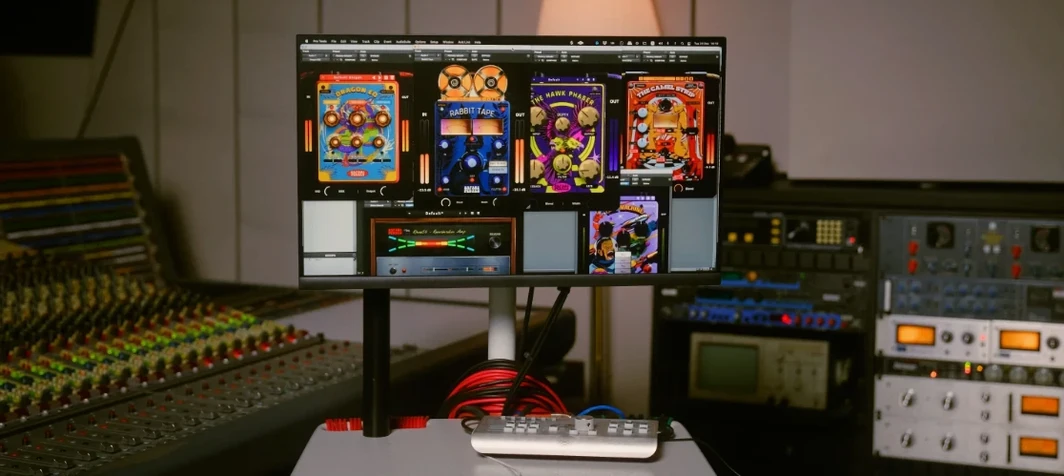 Safari Pedals Everything Bundle
2026.05
628 MB
VST Plugins
-
 Superior Drummer
3.4.4
625 MB
VST Plugins
-
 Roland ZENOLOGY Pro
2.0.7
1.8 GB
VST Plugins