
Capture One 16.9.0 (macOS)
One download for Apple Silicon and Intel. Opens the install steps and mirrors.
- Version
- 16.9.0
- Size
- 1.2 GB
- Earliest macOS
- 12 or later
- CPU type
- Universal
- Updated
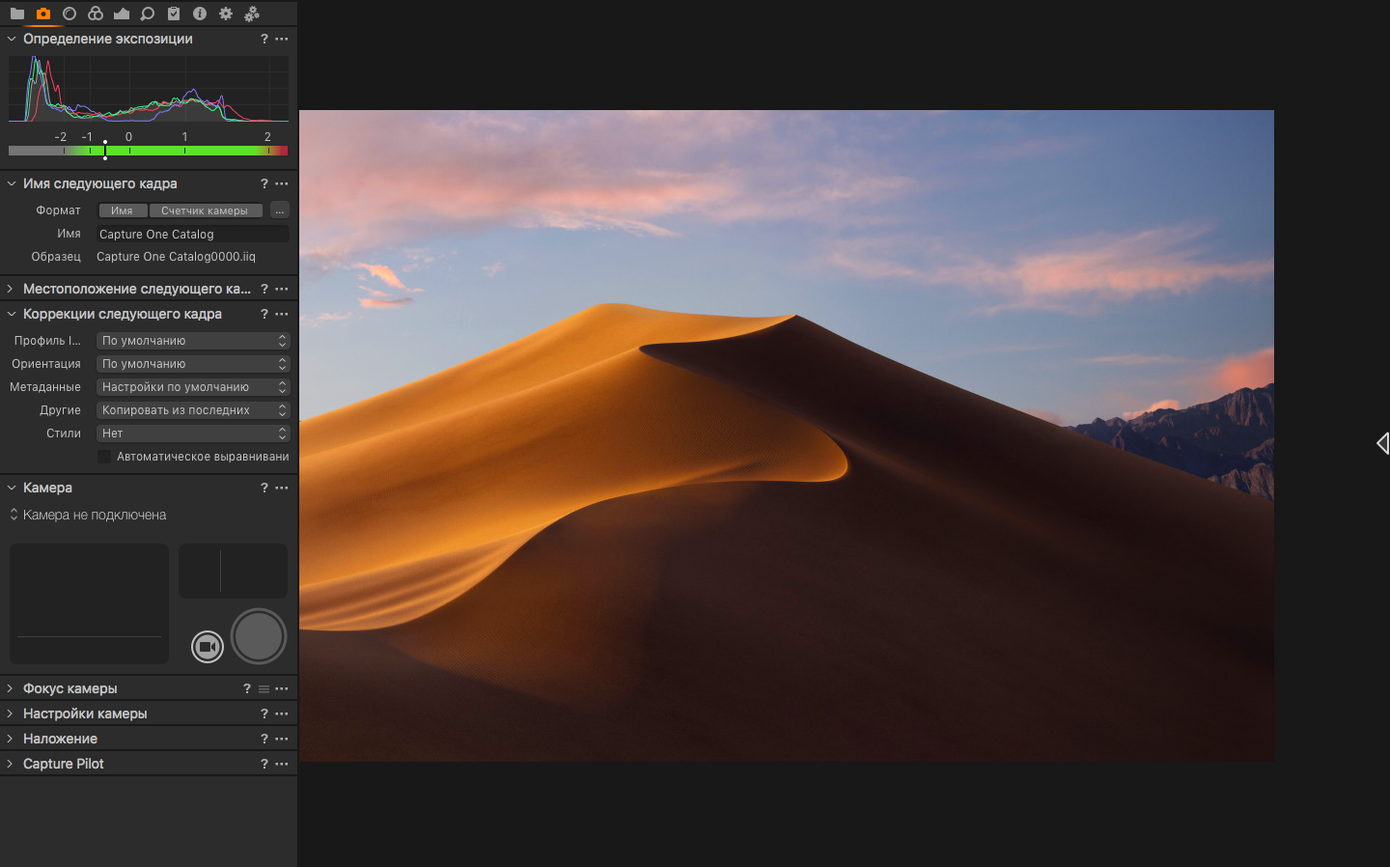
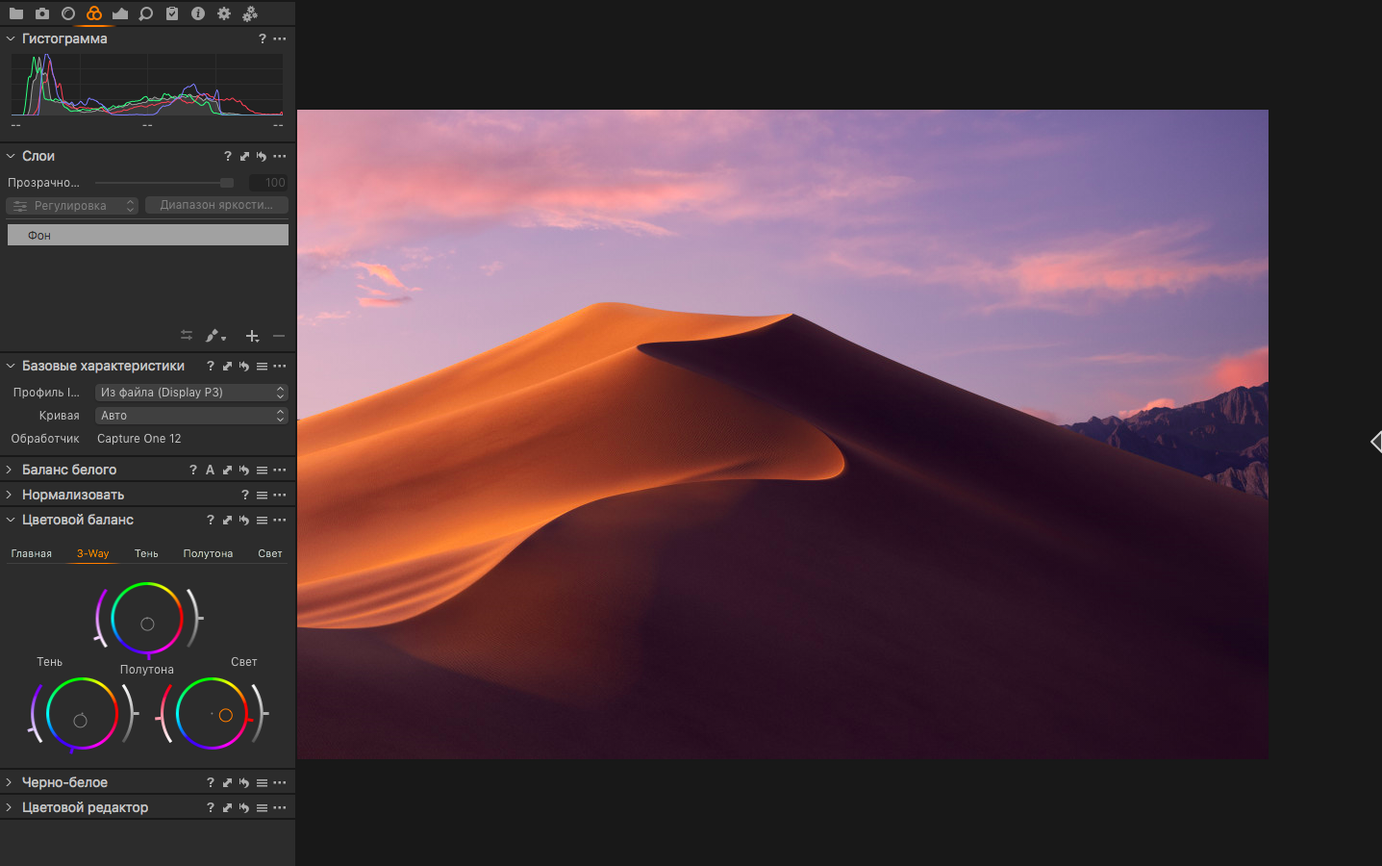
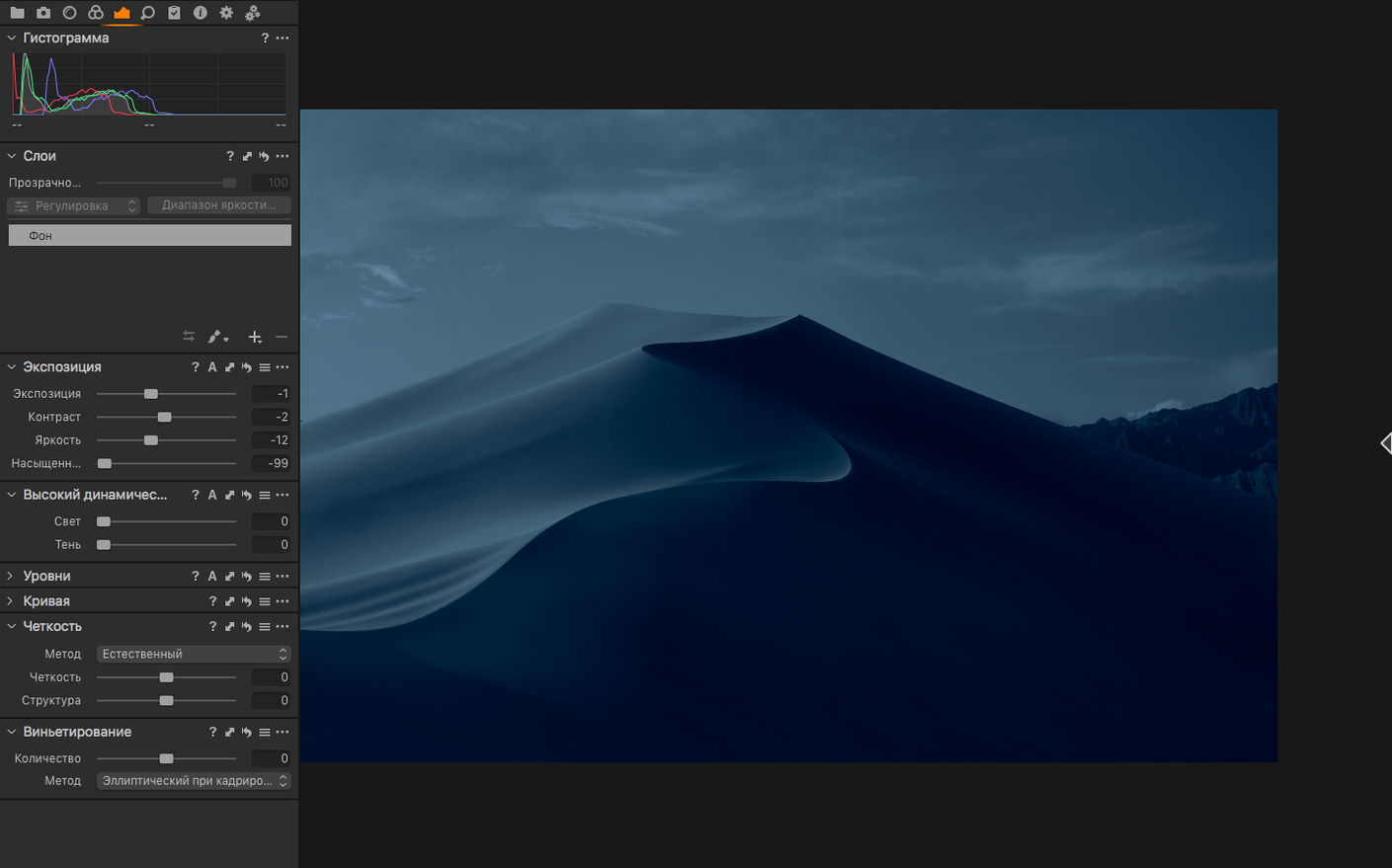
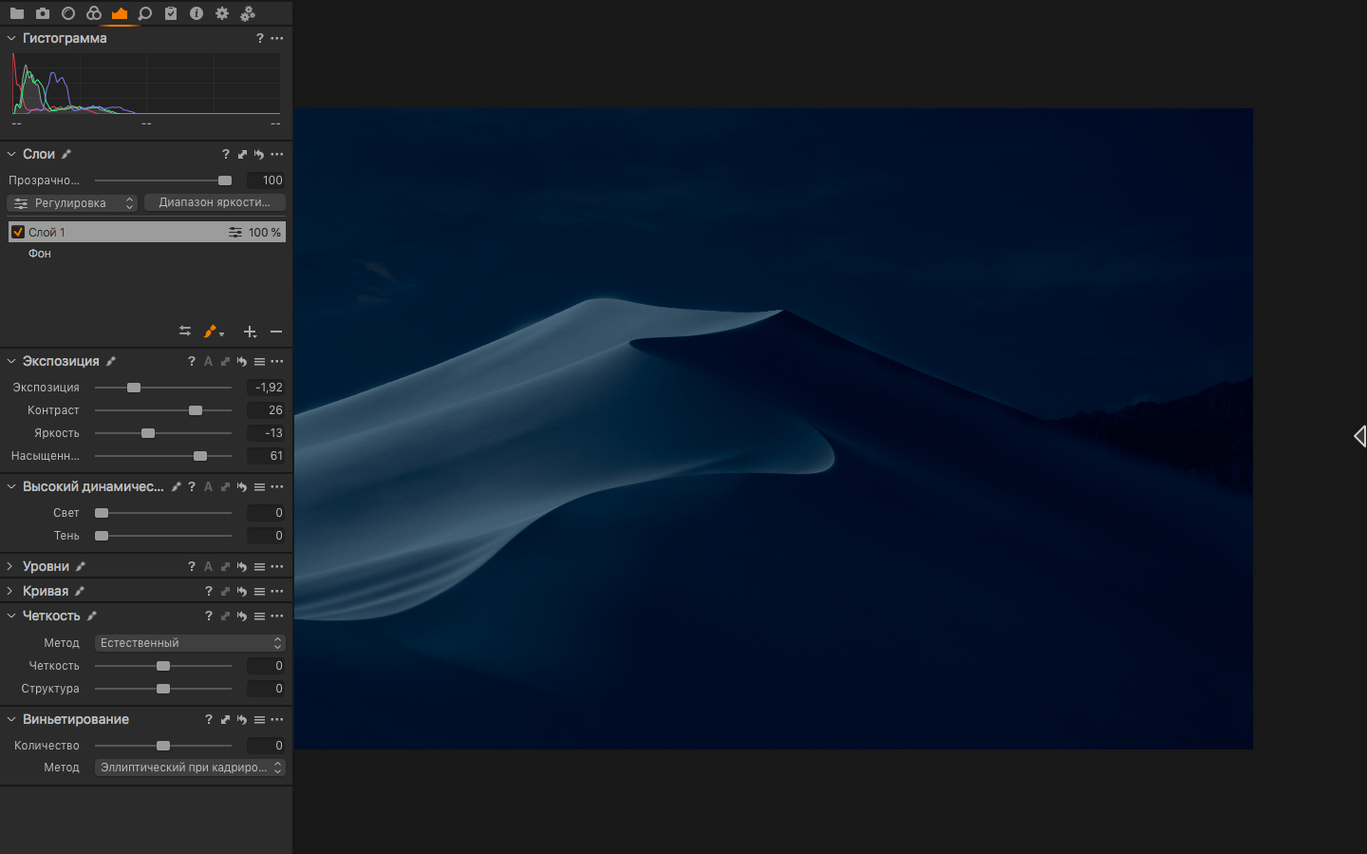
Over 500 camera models are supported out of the box. The app works directly with RAW files, keeping the original data intact while you build correction variants from it.
Colour grading and noise control
Colour noise reduction and sharpness adjustments sit at the core of the processing engine. You pull back blown highlights and lift crushed shadows without leaving banding behind.
Tethered shooting and review
A wired or wireless connection feeds the live view straight to the Mac. Assisted review flags shots by sharpness, letting you cull a session fast.
Export and layout
Full-size TIFF exports in RGB or CMYK are available alongside JPG. New contact sheets in version 16.8 give you a clean print layout without extra software.
Collapses three apps into one workspace
Capture One does not try to be a DAM first, a pixel editor second, and a layout tool third. It pulls those jobs from other apps and does them in one place. That shifts the usual stack. You still need a file renamer like A Better Finder Rename for ingest, but you skip the round-trip to a separate RAW developer.
A session can feed a PSD straight into Affinity Photo for heavy retouching, then come back as a variant. The CMYK TIFF export means you can hand a file to a print house without opening Adobe InDesign just to convert the colour space. For school media departments that still teach page layout, that single checkbox saves a whole lesson on colour profiles.
macOS features tie in where it matters. The app runs natively on Apple Silicon, so it respects the system's efficiency cores during batch exports. Files written to an external SSD over Thunderbolt use the Mac's own file system caching. Spotlight does not index the Capture One catalogue by default, but exported contact sheets and TIFFs land in folders that Time Machine picks up without extra configuration.
Metal pipeline cuts off pre-Monterey Macs
macOS 12 Monterey is the floor. That rules out older Mac Pros stuck on Mojave, but it also means the app uses the Metal-based processing pipeline Apple pushed hard from Monterey onward. Both Intel and Apple Silicon chips are supported, so a 2019 Intel iMac and an M2 MacBook Air share the same feature set.
The installer is a signed disk image. No kernel extensions, no system-level daemons. The app runs inside standard user permissions. If a school Mac has a management profile that blocks unidentified developers, the Terminal workaround in the install steps handles Gatekeeper without touching System Integrity Protection.
Disk space matters more than RAM. The catalogue file itself stays small, but the preview cache grows fast. Keeping that cache on fast internal storage while the RAW files sit on a network share is a common setup that the app handles without complaint.
Small conveniences that slip past the feature list
The white balance eyedropper works on any neutral gray point you click. That sounds obvious, but the app calculates the correction from the RAW data, not from the rendered preview. A gray card shot under mixed fluorescent and daylight gives a cleaner result than the same eyedropper in a JPEG-first editor.
Correction variants all point back to the original RAW file. The variant stores only the adjustment instructions. That keeps the session folder lean, which matters when six students pull work from the same network share.
Batch conversion runs on the fly. You can set a folder of RAWs to convert to full-size TIFFs while you edit another image. The queue does not lock the interface. For a technician setting up a teacher's machine, that means you can start the heavy export and hand the Mac over straight away.
What the 16.8 cycle changed for daily use
Enhanced denoise landed in 16.8 and shifted the default workflow for high-ISO shots. Before, you would push luminance noise reduction and then compensate sharpness. Now the denoise pass runs early in the pipeline, so sharpening applies to a cleaner base. The difference shows most on skin tones shot at ISO 6400 and above.
Assisted review changed the culling step. Instead of scrolling through 300 frames manually, the app flags the sharpest shots in a burst. It is not picking winners for you; it is ranking by edge contrast. That cuts the first pass to a few minutes.
New contact sheets added a layout option that used to require a separate plug-in. You pick the template, the app pulls the selected variants, and the sheet prints or exports as a PDF. For a school photography club that needs a quick proof sheet for a darkroom session, it removes one more piece of software from the chain.
Camera support for the Canon EOS R6 V, Phase One IXM-RS250, and Panasonic DC-L10 arrived in the same release. The Panasonic addition matters for compact-camera users who want the same colour grading tools as the full-frame shooters in the department.
- Enhanced denoise added to the processing engine
- Assisted review marks shots by sharpness for quicker culling
- New contact sheets for print layout
- macOS 12 or later
- Intel and Apple Silicon Macs
Questions people ask
Does Capture One use the original RAW file for each edit?
Yes. Every correction variant starts from the original RAW data, so no edit quality is lost when you create multiple versions of the same shot.
What export formats are available?
You can export to full-size TIFF in RGB or CMYK and to JPG, which covers both high-end print workflows and quick web delivery.
Staffroom comments 0
Sign in or create an account here to leave a comment.
Nobody has commented on this one yet.