iZotope Ozone 12.1.0 (macOS)
One download for Apple Silicon and Intel. Opens the install steps and mirrors.
- Version
- 12.1.0
- Size
- 1.1 GB
- Earliest macOS
- 13.7 or later
- CPU type
- Universal
- Updated
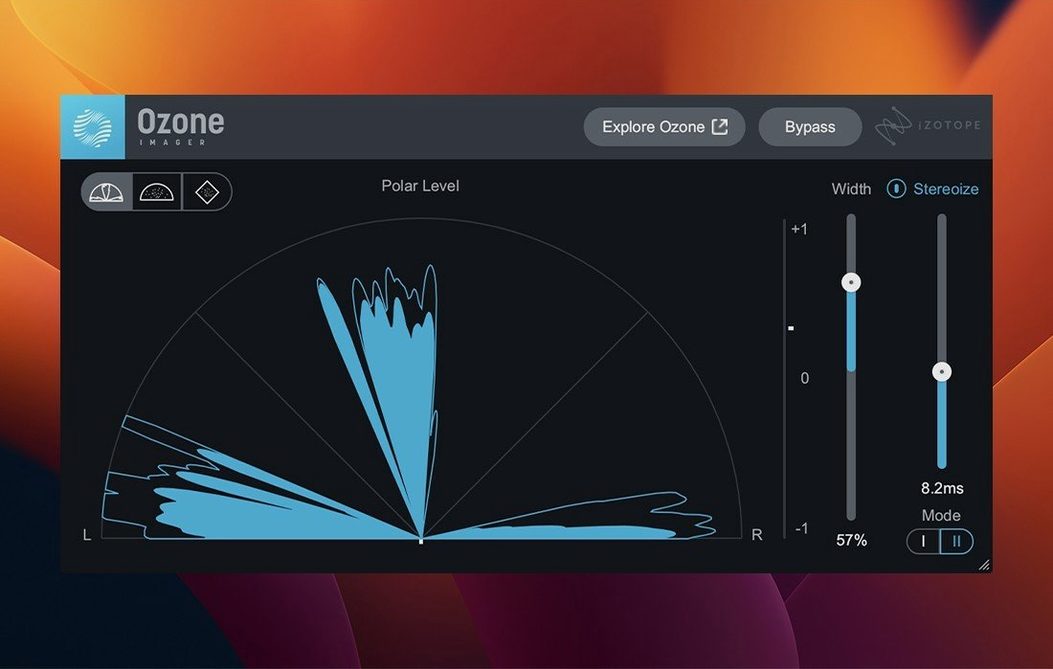
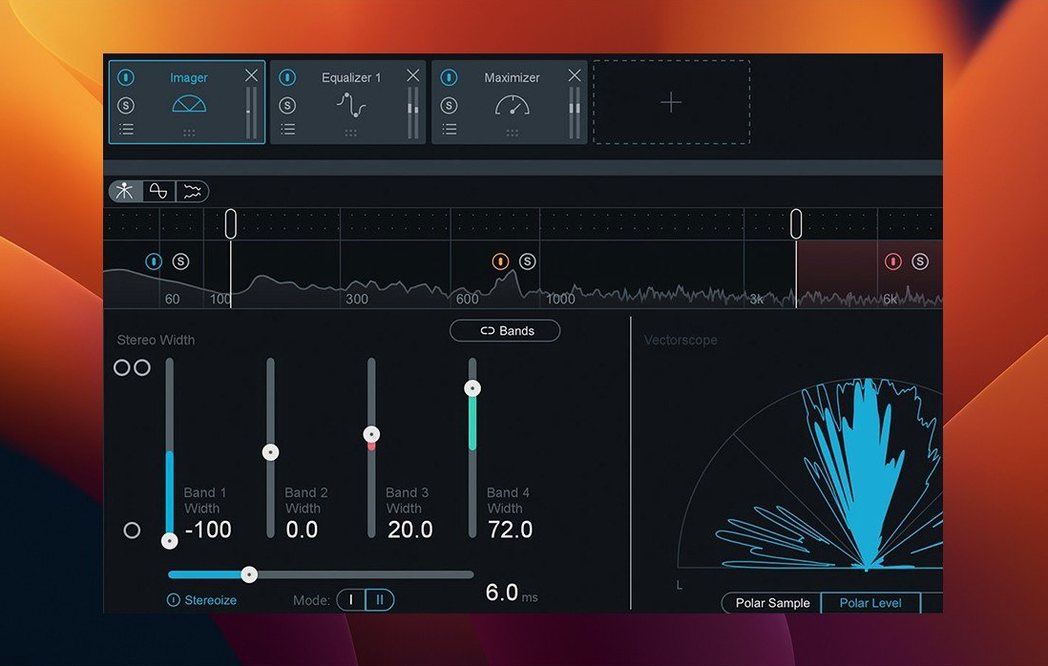
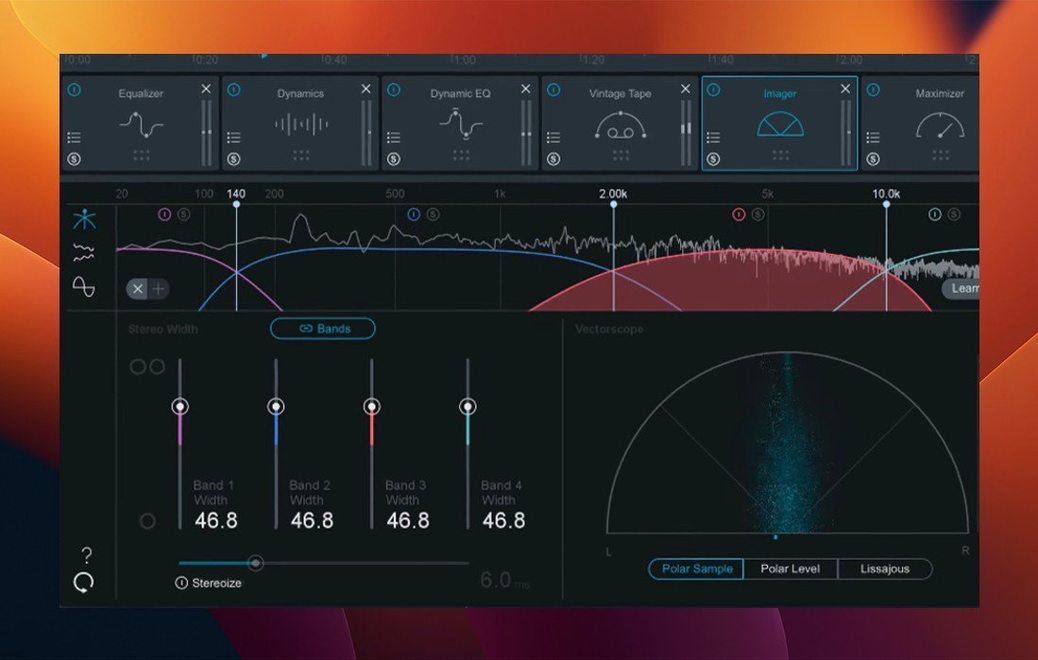
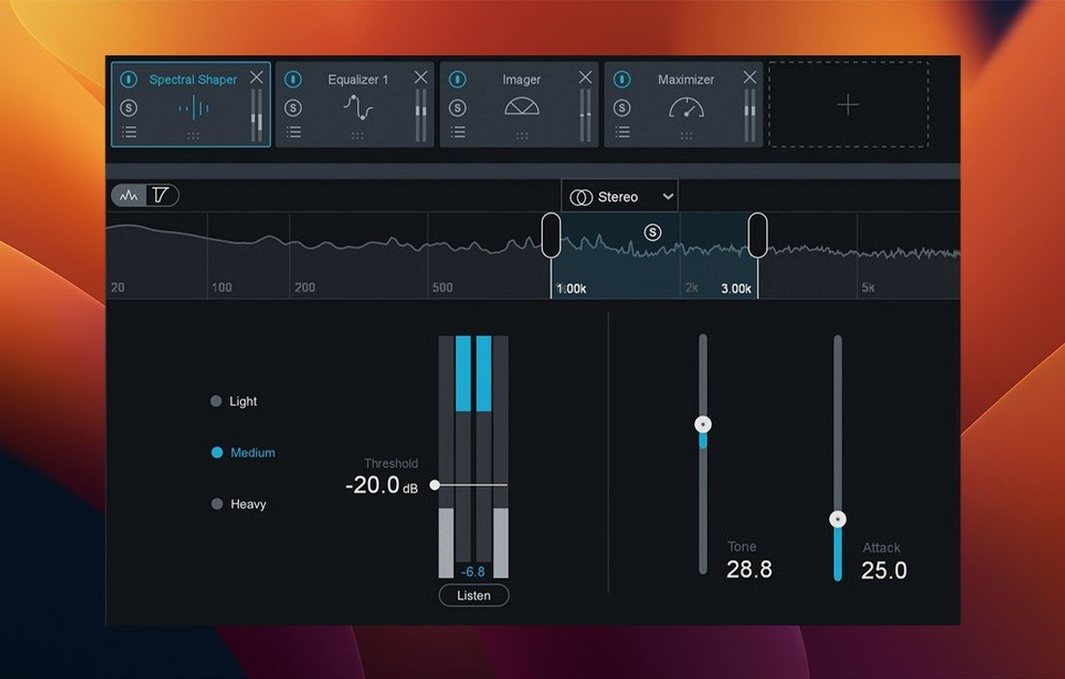
You finish a mix and pull up Ozone on the stereo bus. The Assistant listens to a short section, sets a starting chain, and you begin adjusting the Maximizer’s IRC 5 mode to keep punch while hitting a sensible loudness target. That is the standard path. An experienced user digs further.
What does the Bass Control module actually process?
It splits low end into separate transient and sustain layers. You shape punch and body independently without multiband crossover artefacts, which is cleaner than a standard EQ cut and boost on sub and bass regions.
How does IRC 5 differ from earlier limiting modes?
IRC 5 applies transient-adaptive limiting that preserves attack shape rather than just clipping peaks. It can push a master louder with less obvious distortion, though it needs more CPU than IRC 4 or Classic mode.
Can I trust the AI Assistant’s starting point?
It gives a reasonable EQ curve, stereo width setting and dynamic profile from a short analysis. You treat it as a rough draft to override — backing off its suggested midrange cuts or tightening the Maximizer threshold almost always improves the result.
What plug-in formats work on a current Mac?
AU, AAX and VST3 — all 64-bit only. The latest update added Cubase 15 to the supported hosts and fixed a mono-to-stereo routing bug that previously collapsed the stereo output.
Practical tips for the first week
- Let the Assistant analyse a chorus, not a verse. The densest section gives it more to work with for the EQ and dynamic targets.
- Drop the Maximizer threshold by 0.8–1.2 dB right after the Assistant sets its level. The initial suggestion tends to play it safe, leaving a little loudness on the table.
- Full strength can over-sculpt a mix that already has a clear tonal identity.
- Toggle the Bass Control module in and out before touching its sliders. Some mixes need transient shaping; others just need a low shelf and the module only adds phase shift.
- Save a default chain with your preferred module order and a bypassed Maximizer. Loading a blank Ozone session with modules you never use slows down the first ten minutes of every session.
- On an M-series Mac, run the AU version in Logic and the VST3 in Cubase 15. The 12.1.0 update resolved the UI lag that plagued earlier builds, so both formats now load and open at a comparable speed.
A stem-mastering scenario: a podcast editor’s chain
Someone cutting a weekly interview podcast faces a different problem from a music producer. The voice tracks arrive edited but unmastered, with room tone shifts between host and guest recordings, occasional low-end rumble from guest microphones, and a loudness target of -16 LUFS for the platform’s spec.
They insert Ozone on the master bus. The Assistant suggests a midrange boost and a wide stereo image — useless for a mono dialogue mix. So they bypass the Imager and the suggested EQ, pull up Stem EQ, and work directly on the vocal stem. A 90 Hz high-pass cleans the guest track’s rumble without touching the host’s warmer mic tone.
Bass Control stays off — no music beds in this episode. The Maximizer uses IRC 4 instead of 5, because transient preservation matters less on spoken word, and the lighter CPU load keeps export times short on a long interview. The final limiter ceiling sits at -1.5 dBTP, and the integrated loudness lands at -16.1 LUFS without further tweaking.
They save the chain as “Podcast mono voice” and load it every week. Two minutes of setup, then straight to export.
How Ozone sits alongside a few alternatives
Against FabFilter Pro-L 2 — a single dedicated limiter, not a suite. Pro-L 2 gives you finer control over lookahead, channel linking and dithering, but you supply every other mastering process yourself. Ozone wraps limiting, EQ, dynamics and stereo control in one window, which saves routing and plugin slot management. Pro-L 2 excels when you already have a finished tonal balance and only need transparent loudness; Ozone suits building a full chain from scratch.
Against ToneBoosters Barricade 4 — another single-plugin limiter with a gentler learning curve and effective ISP protection. Barricade handles intersample peaks cleanly, but lacks the spectral shaping and stem-level control Ozone brings. A Mac user who masters music and dialogue might keep both: Ozone for the broad strokes and stem work, Barricade for a second limiting stage on safety-critical masters.
Against IK Multimedia T-RackS 5 MAX — a large suite closer in scope to Ozone. T-RackS splits its modules into individual plugins, which appeals to users who prefer building chains in a DAW’s insert slots. Ozone’s integrated workflow and single-window Assistant give it an edge in speed; T-RackS offers a wider range of colour modules but demands more manual routing and gain staging. If you want one cohesive environment for mastering decisions, Ozone covers more ground without leaving the plugin window.
- UI loading and instantiation times reduced.
- Stereo output fixed for mono-to-stereo instances.
- Cubase 15 added to the supported host list.
- Supported macOS versions updated.
- macOS 13.7 or later
- Intel or Apple Silicon Mac
- 64-bit AU, AAX or VST3 host
Questions people ask
Which macOS versions does Ozone 12.1.0 support?
It runs on macOS Ventura 13.7, macOS Sonoma 14.7, and macOS Sequoia 15.4.
Staffroom comments 0
Sign in or create an account here to leave a comment.
Nobody has commented on this one yet.
Other Mac Apps tools
All Mac Apps tools-
 Jump Desktop
10.15.46
62 MB
Mac Apps
-
 iReal Pro
2026.3.2
145 MB
Mac Apps
-
 KeyShot
2025.1
1.8 GB
Mac Apps
-
 Imagenomic Plugin Suite
2027
71 MB
Mac Apps
-
 Kontakt
8.14.1
1.6 GB
Mac Apps
-
 HitPaw Watermark Remover
2.4.7Intel Macs only
290 MB
Mac Apps
-
 HitPaw Video Converter
4.5.0Intel Macs only
577 MB
Mac Apps
-
 Logic Pro
12.3.1
1.5 GB
Mac Apps