Kontakt 8.14.1 (macOS)
One download for Apple Silicon and Intel. Opens the install steps and mirrors.
- Version
- 8.14.1
- Size
- 1.6 GB
- Earliest macOS
- 14 or later
- CPU type
- Universal
- Updated
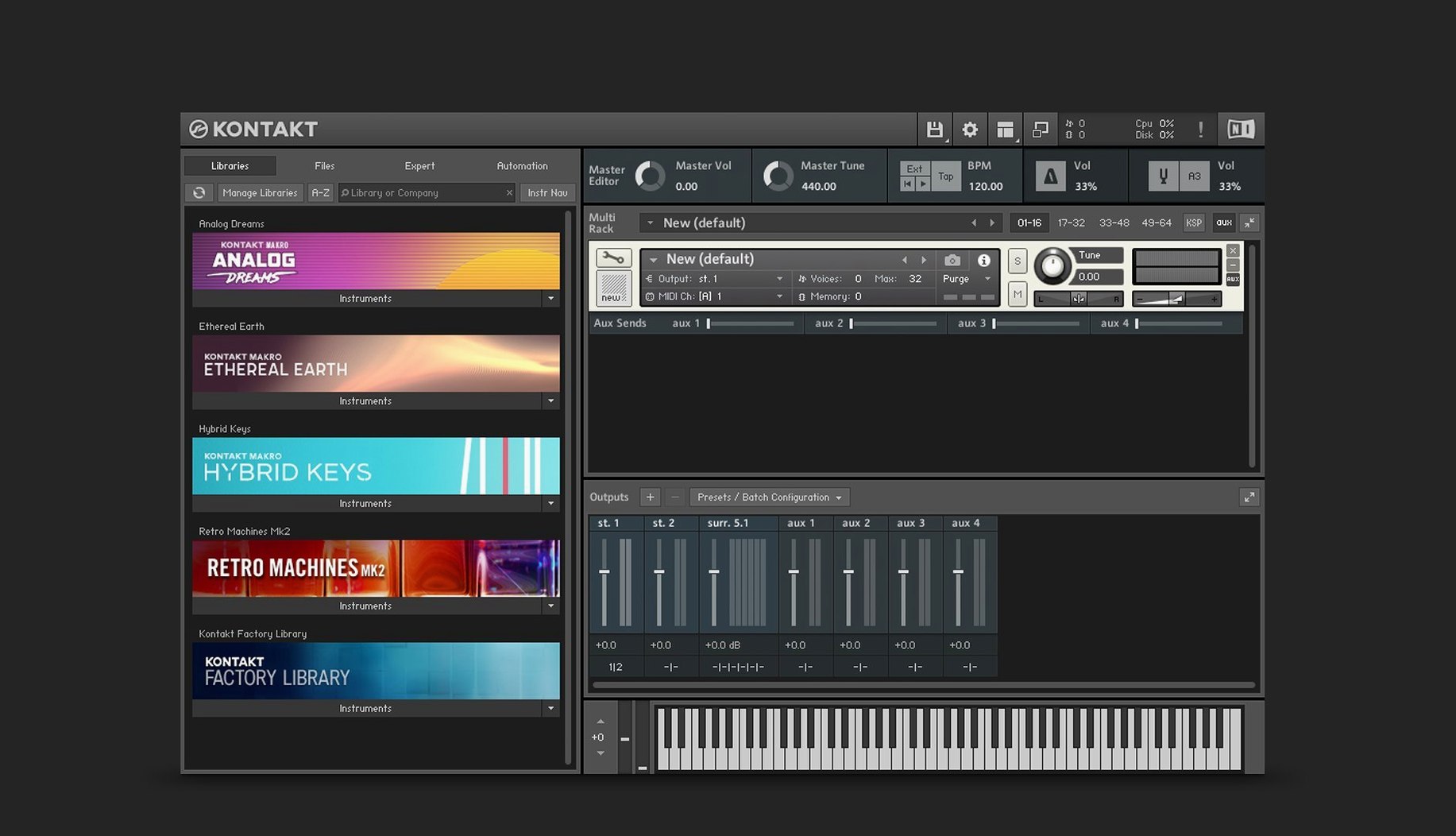
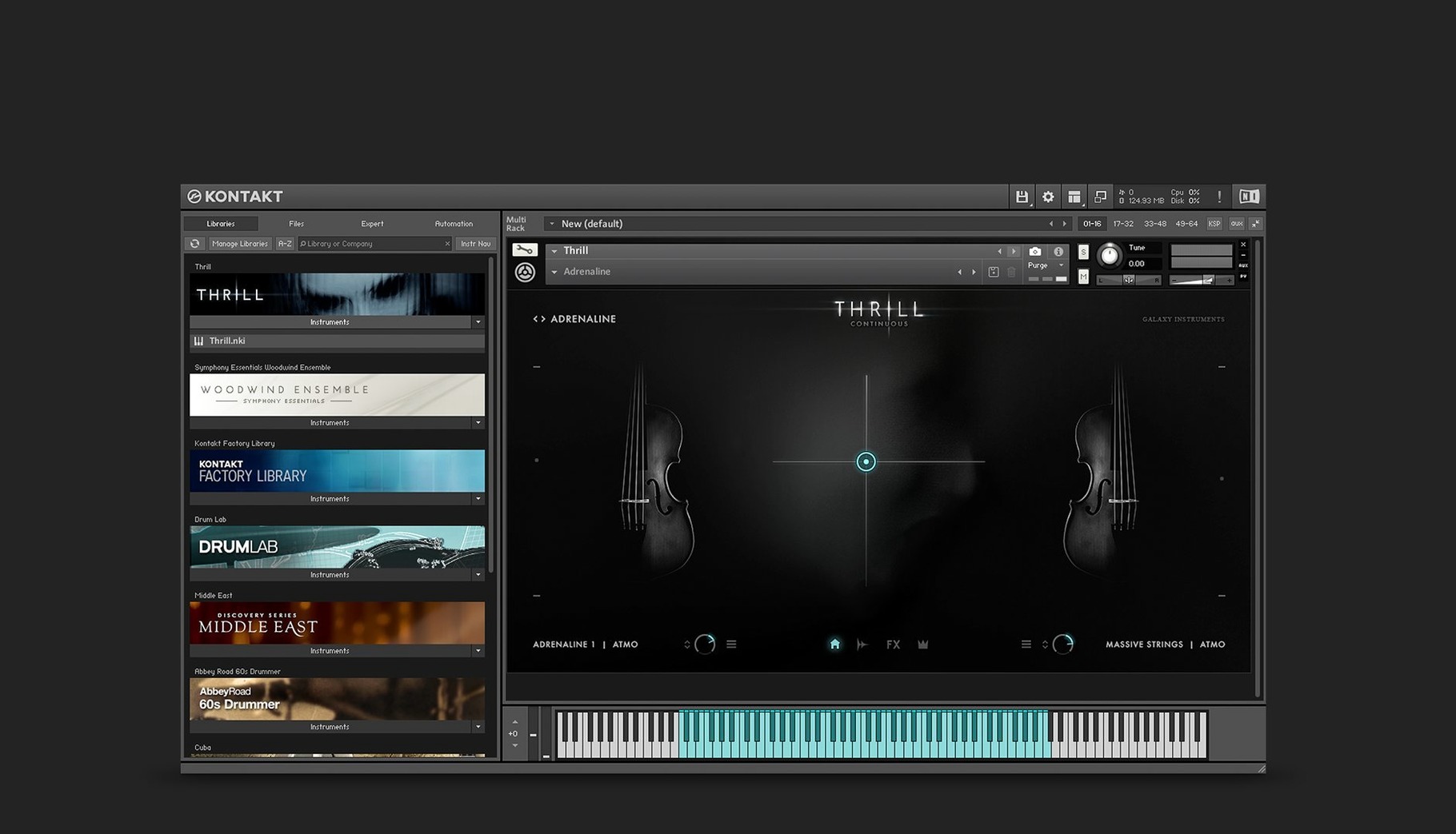
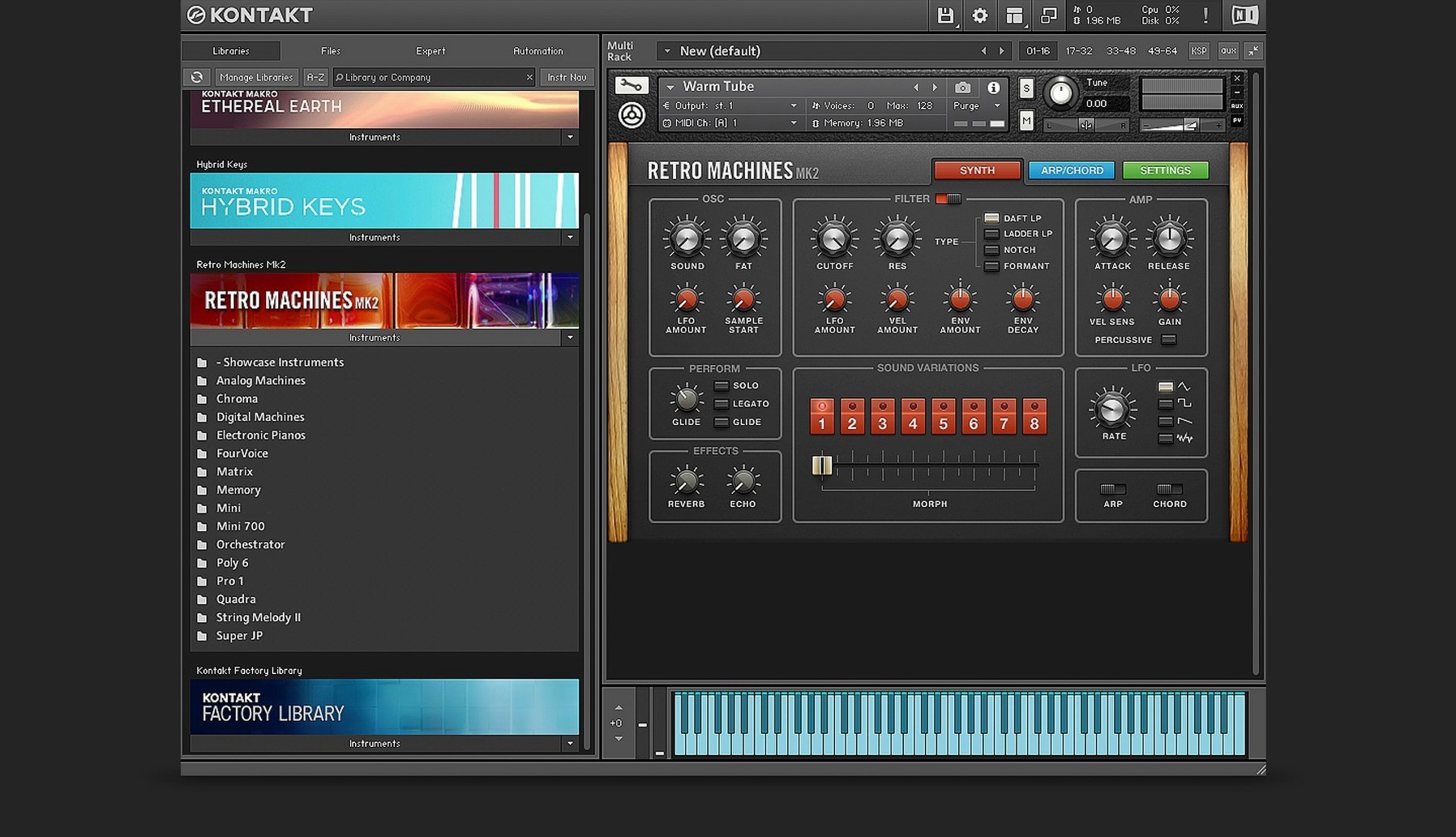
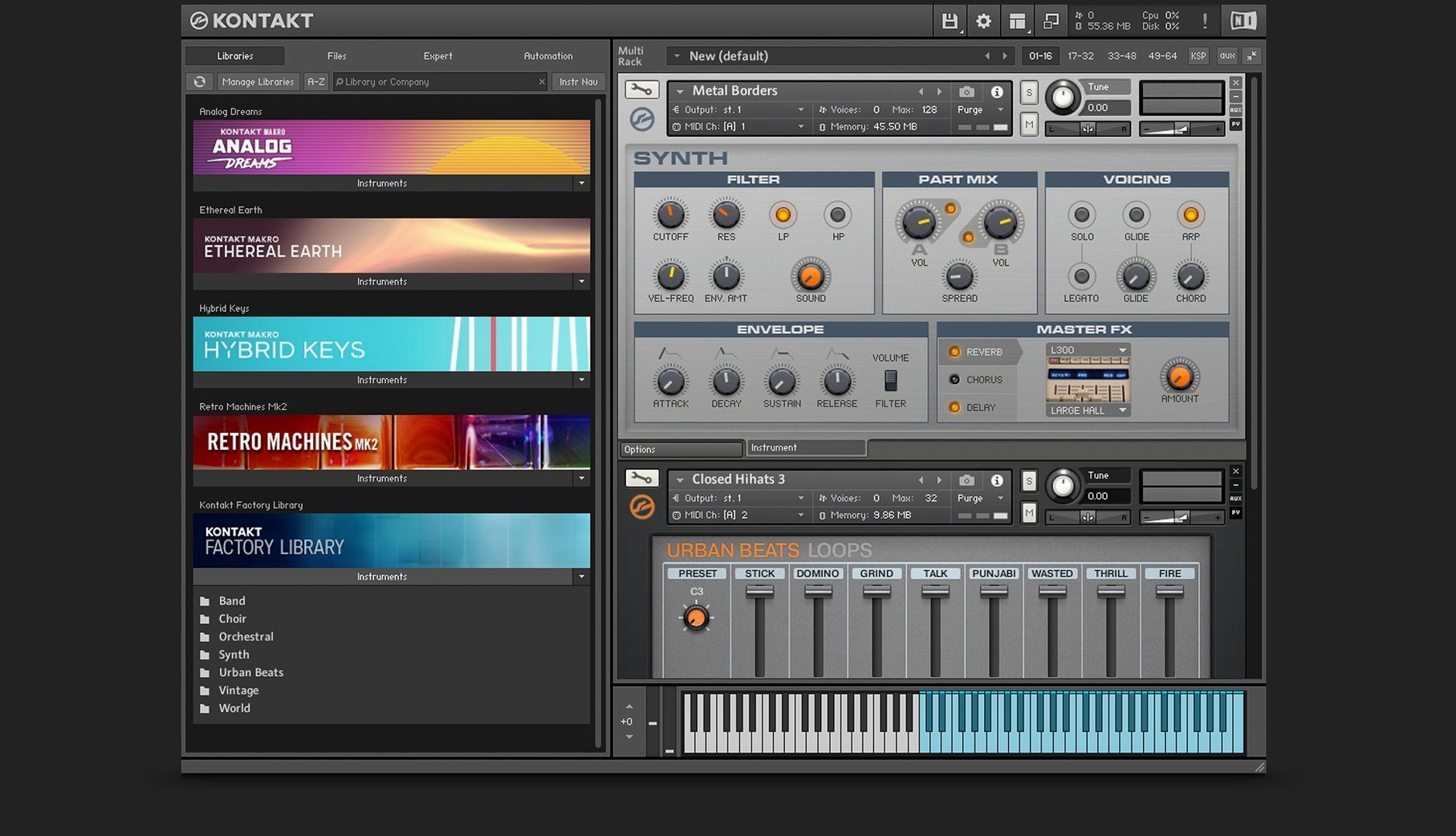
The new Default view strips things back. No browser panel eating a third of the window, no multi-rack taking up space you didn't ask for. Just the instrument you loaded, centred, with a side pane that stays out of the way until you drag a Tool onto a channel. It's the view I leave it on now.
Drag a sample into Leap. That's the first thing worth doing. It's a self-contained loop and one-shot player built into Kontakt 8 — no instrument mapping, no group editing. Drop a drum break onto it and the waveform fills the panel. It auto-slices, sets start points, and responds to MIDI immediately. For quick performance patches it's faster than building a full instrument from scratch.
The Wavetable module got a second Form shaper. That means you can run two shaping curves in series — push a sine into a saw-like shape, then mangle it further with a different curve. Combined with Adaptive Resonance, which reins in filter peaks before they tear your ears off, it's easier to get aggressive sounds that still sit in a mix.
If you're opening Kontakt for the first time, ignore the library tab. Switch to Default view, drag something into Leap, map a few keys, and turn the Form knob. The rest of the platform — the scripting, the Komplete UI building tools, the MIDI manipulation — makes more sense once you've done that.
It installs beside your current version
People ask whether Kontakt 8 overwrites an existing version. It installs alongside Kontakt 6 or 7. Libraries remain where they were. The first launch scans known locations, and anything authorised in Native Access appears ready. No need to relocate sample folders unless you keep them outside the default path.
Another common question is about the Player label. Kontakt 8 Player runs factory libraries and third-party instruments licensed through Native Instruments. The full version opens everything — unlicensed libraries, home-built instruments, edited patches. If you only need to load a handful of commercial libraries, Player suffices. If you build instruments or run older unlicensed content, you want the full version.
People sometimes worry about Apple Silicon. Version 8.13.1 runs native on ARM and Intel. No Rosetta translation, no AU validation loops. The plug-in scans once and appears in Logic, Live, and Pro Tools as expected.
Native Access is mandatory. Kontakt 8 does nothing without it. Install that first, sign in, let it settle. It handles activation, library registration, and updates. If Native Access refuses to open, the fix is usually a simple restart of the background service — not a reinstall.
a session with Leap and the wavetable engine
You open Kontakt 8. Default view greets you — empty rack, side pane collapsed. You drag a four-bar drum loop from the desktop directly onto the Leap panel. Kontakt slices it into sixteen hits. Each slice maps to a MIDI note starting at C1. You tap a few keys on the controller. The slices trigger cleanly, no clicks.
You nudge slice three's start point forward a few milliseconds. Tightens the groove. Slice seven gets pitched down three semitones. Slice twelve you reverse. All edits happen inside Leap without touching the mapping editor.
Next you load the Wavetable module into an empty instrument slot. Default wave is a sine. You engage the first Form shaper and drag it toward a square-like curve. Then you activate the second Form shaper and set it to a completely different contour. The modulation oscillator is routed to wavetable position at half the base frequency. Adaptive Resonance keeps the filter from howling when you sweep the cutoff past 2 kHz with high resonance.
You drag a Tool from the side pane — the arpeggiator — onto the MIDI channel. It latches to the instrument instantly. The sequence plays, you tweak the rate, and the wavetable morphs underneath it. Twenty minutes in, you have a performance patch that sounds like three layers but is really one oscillator and a loop player.
Scripting and UI framework have no rival
Logic's Sampler and Ableton's Simpler cover basic multisample playback well. Simpler handles slicing and warping in one click. Sampler maps zones quickly. Neither offers anything like the Kontakt script engine or the Komplete UI framework. If you only need to play back a piano library, the built-in tools are fine. If you want legato scripting, round-robin with release triggers, or a custom front panel, Kontakt is the only one that delivers.
UVI Falcon goes deeper in synthesis. It layers wavetable, analogue modelling, granular, and FM in one patch. The modulation system is more flexible than Kontakt's. But Falcon's learning curve is steep, and its library ecosystem is smaller. Kontakt's strength is the sheer number of instruments available — tens of thousands, from orchestral to sound design. Falcon rewards sound designers who build from scratch. Kontakt rewards people who load an instrument and get to work.
Steinberg HALion sits somewhere between the two. Strong wavetable engine, good macro system, scriptable. Its library format never gained the traction Kontakt's did. For a composer who needs a cello that sounds convincing out of the box, Kontakt remains the default. For a sound designer who wants to build a synth with seven oscillator types and a Lua script, Falcon or HALion may fit better.
Kontakt 8's Leap feature bridges a gap none of these three addressed before. Falcon's slice mode exists, and Simpler slices too, but Leap's immediacy — drag, drop, play — feels closer to a hardware sampler. That alone makes the full version worth considering if your workflow relies on found sound and quick performance mapping.
Repair button in Native Access fixes missing libraries
Snag one: Kontakt 8 does not see a library after installation. Open Native Access, find the library in the list, and check its install path. If the path is correct but the library still shows a repair button, click it. Native Access re-verifies the files and re-links them. This fixes most missing-library complaints.
Snag two: the AU plug-in fails validation in Logic. Remove the AU cache file from ~/Library/Caches/AudioUnitCache, restart Logic, and let it re-scan. If the issue persists, open Kontakt in standalone mode first. It sometimes needs to complete its initial setup — font cache, database index — before the plug-in validates cleanly.
Snag three: Leap slices don't align to the transient you want. Leap auto-detects transients based on amplitude peaks. If it misses one, zoom the waveform, hold Option, and click to add a slice marker manually. Drag existing markers to reposition them. Double-click a marker to remove it. This manual override works on any audio dropped into Leap.
Snag four: Adaptive Resonance seems to do nothing audible. It only engages when filter resonance and cutoff interact in a way that would normally clip or ring. It is not a creative effect — it is a safety net. If you never hit extreme resonance settings, it stays transparent.
Snag five: Native Access spins on "Loading products" after an update. Quit Native Access, open Activity Monitor, and kill the NTKDaemon process. Relaunch Native Access. The daemon restarts fresh and the product list populates within seconds.
- Tools for creative MIDI manipulation on any instrument channel
- Leap — a loop and one-shot sample player with auto-slicing
- Komplete UI and Komplete Script for building high-DPI instrument interfaces
- macOS 14 or later
- Apple Silicon and Intel (64-bit)
- VST, AU, AAX plug-in formats
- Interface: English
Staffroom comments 0
Sign in or create an account here to leave a comment.
Nobody has commented on this one yet.