MotionVFX - mLowers Universal for FCP (macOS)
- Size
- 71 MB
- Updated
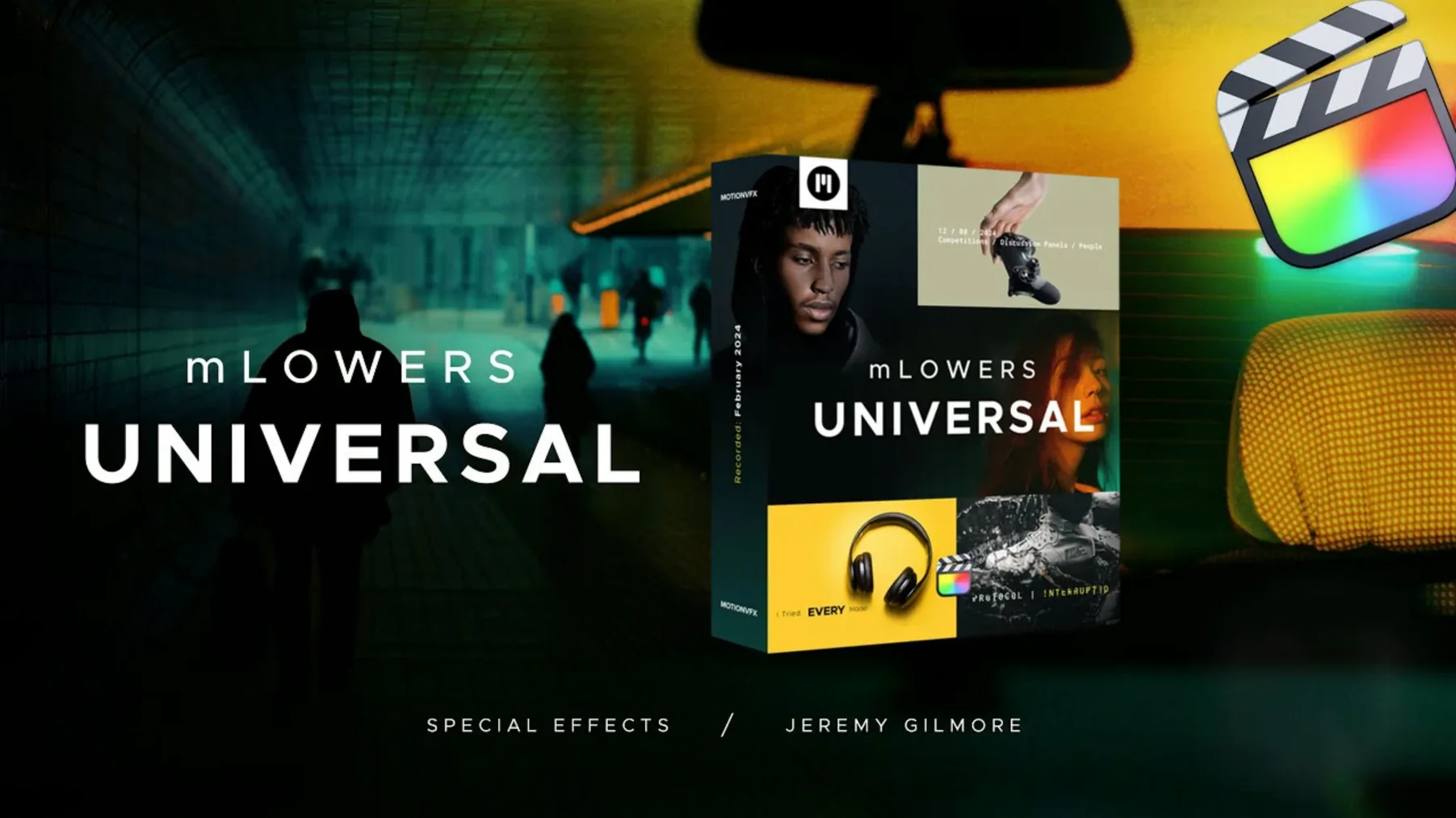
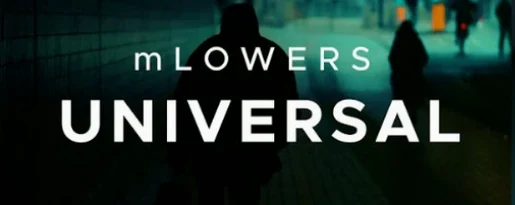
Final Cut Pro users often end up building lower thirds from scratch or reusing the same three templates. mLowers Universal from motionVFX gives you 70 animated options in one pack, covering high-tech, movie-screen and retro looks. It is a universal set, so it suits promos, social clips and short films alike.
- 70 animated lower thirds and titles
- High-tech, movie-screen and retro design styles
- Social media markers for cross-platform promotion
- Works as a Motion Template in Final Cut Pro
- Drop into the Titles browser, then edit text and colours
The breadth of styles means you can match the tone of the project without opening a motion graphics app. For a motionvfx download mac that covers most lower-third needs, mLowers Universal is a practical addition.
Beginners often expect the presets to work straight out of the box without checking the install path. The files must go into /Users/Your Name/Movies/Motion Templates/Titles. Drop them anywhere else and Final Cut Pro will not see them. Another common mistake is not restarting Final Cut Pro after moving the files. The Titles browser only refreshes its list on launch, so a restart is necessary for the presets to appear.
Copy files to user folder, not system-wide
- Copying the files to the system-wide Motion Templates folder instead of the user one. The user folder is the correct location for third-party templates.
- Editing the text in the Inspector panel but forgetting to select the correct layer first. The preset contains multiple editable text fields, and clicking the wrong one can leave the title unchanged.
- Overwriting the font style by applying a different font to the whole clip rather than adjusting the font per field in the preset. The pack keeps a consistent look only if you edit the intended text fields individually.
- Ignoring the social media markers. The pack includes markers for Instagram, YouTube and Twitter; these appear as separate presets and some users miss them entirely.
No activation needed; titles snap into timeline
The current version of mLowers Universal removes the need for any activation step. Earlier releases required users to enter a code on first use; that step is gone now. The titles also place more cleanly into the timeline without shifting the playhead unexpectedly, which happened occasionally in older builds. No further changes to the preset count or design styles have appeared in recent updates.
A real-world scenario from a school video editor
A media studies teacher preparing a term-end showcase needs lower thirds for the opening sequence and five student interviews. With mLowers Universal, the teacher opens Final Cut Pro, browses the Titles folder and drags a movie-screen preset into the timeline for the opening credits. The text is changed in the Inspector panel to match the school name. For each interview, a retro-style lower third is dropped in and the student name typed in. The social media markers are used for the end credits to point to the school YouTube page. The whole process takes under half an hour, and no additional motion graphics software is needed. For a motionvfx download mac that fits a school workflow, mLowers Universal is a practical choice.
No “what's new” for this build. The release line gave nothing I could check, and I will not stretch it into a changelog.
- Final Cut Pro
Questions people ask
What styles are included in mLowers Universal?
It includes high-tech, movie-screen-inspired and retro designs, giving you a range of looks across the 70 animated lower thirds.
Staffroom comments 0
Sign in or create an account here to leave a comment.
Nobody has commented on this one yet.