Nik Collection 9.0 (macOS)
One download for Apple Silicon and Intel. Opens the install steps and mirrors.
- Version
- 9.0
- Size
- 3.5 GB
- Earliest macOS
- 13.3 or later
- CPU type
- Universal
- Updated
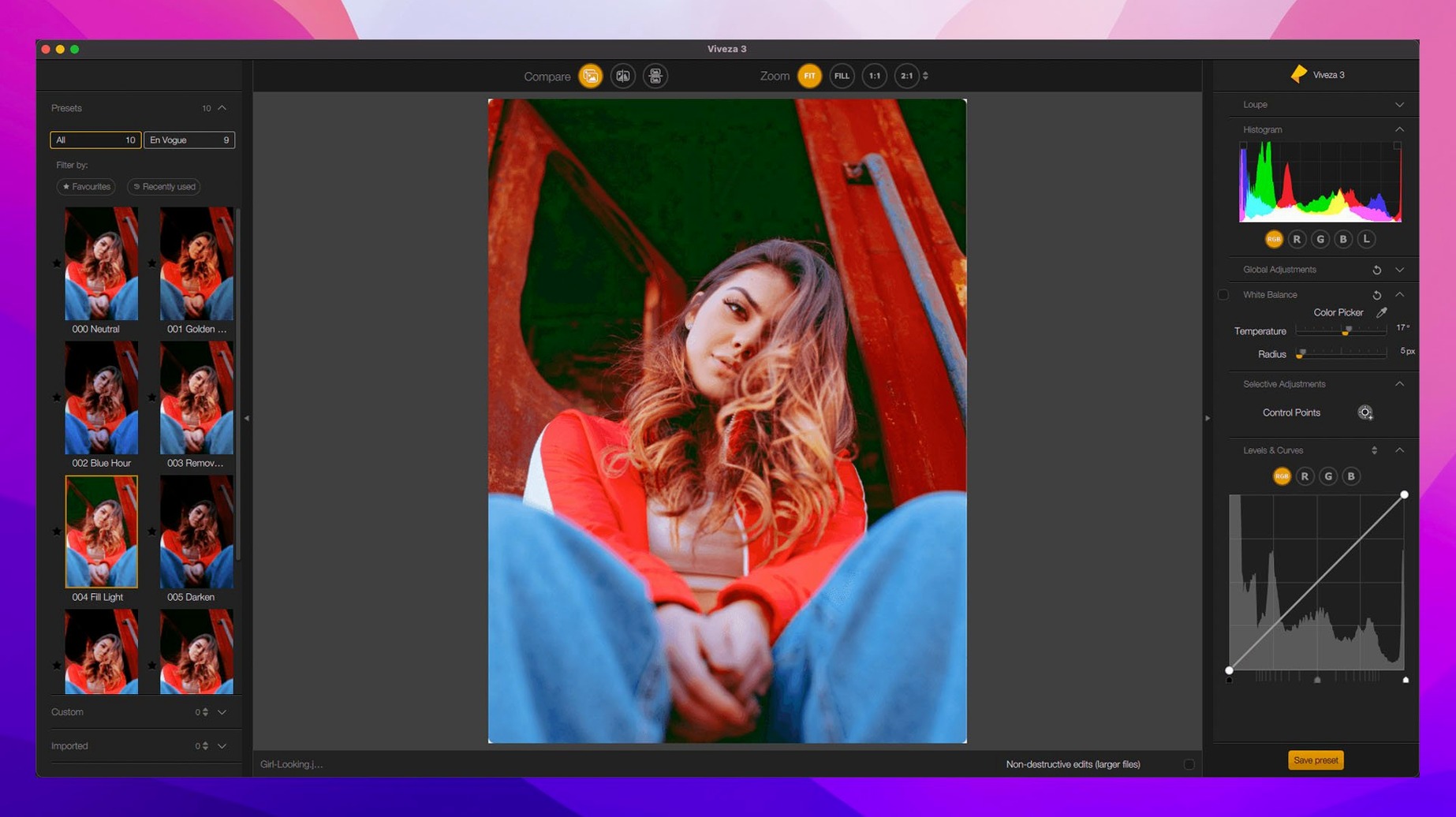
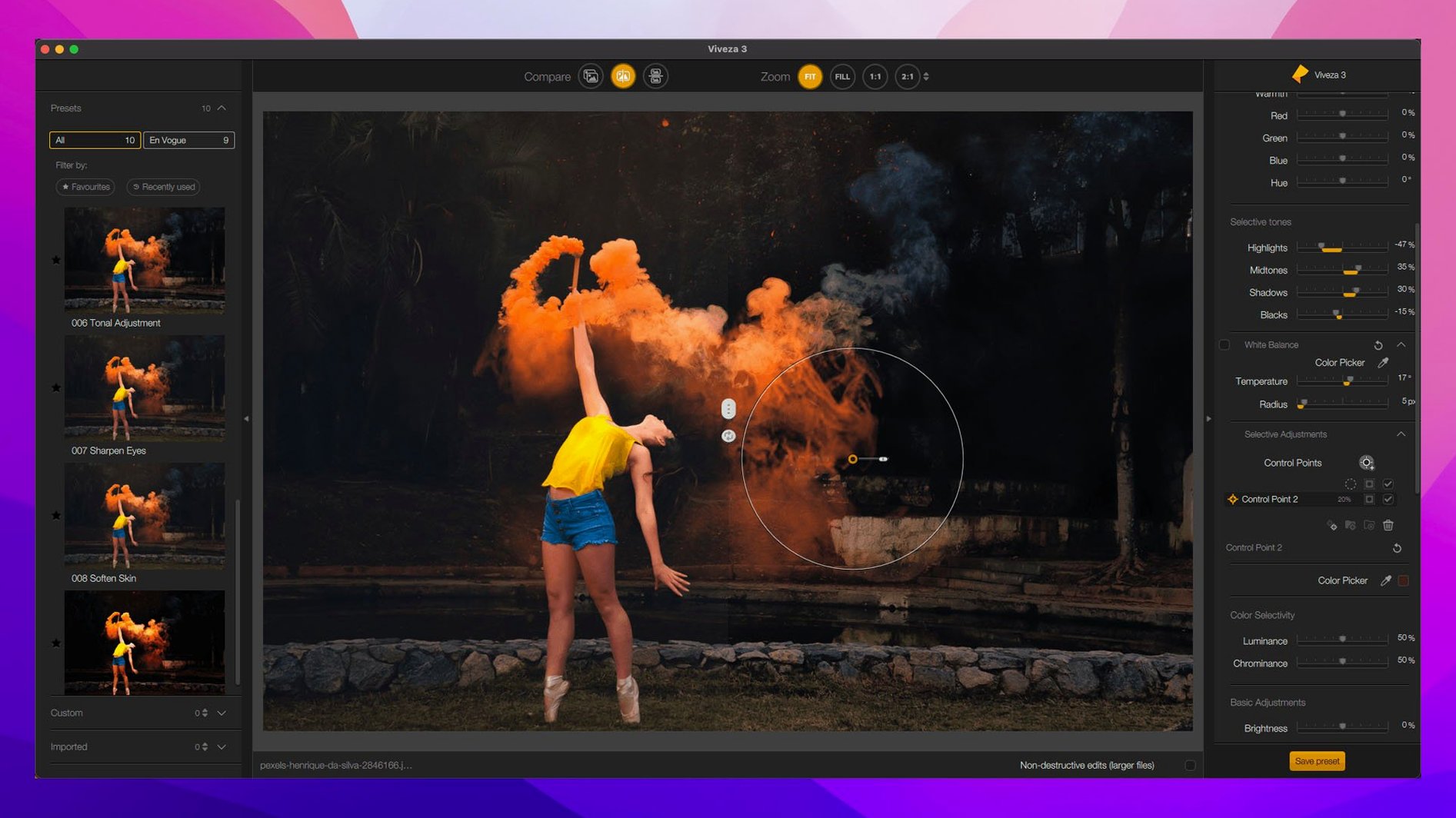
Nik Collection 9 by DxO lands with Depth Masks, AI Masks, and a proper Color Grading tool inside Nik Color Efex. Chromatic Shift, Glass Effect, and Halation round out the new additions. Copy and paste local adjustments between images now works too — a small thing that saves time when you're matching a look across a set.
What the tools do
- Color Efex Pro gives you 52 filters and 250 effects. The new Color Grading tool works directly on shadows, midtones, and highlights.
- Analog Efex Pro packs more than 80 tools and special effects. Good for film-style looks without leaving your host app.
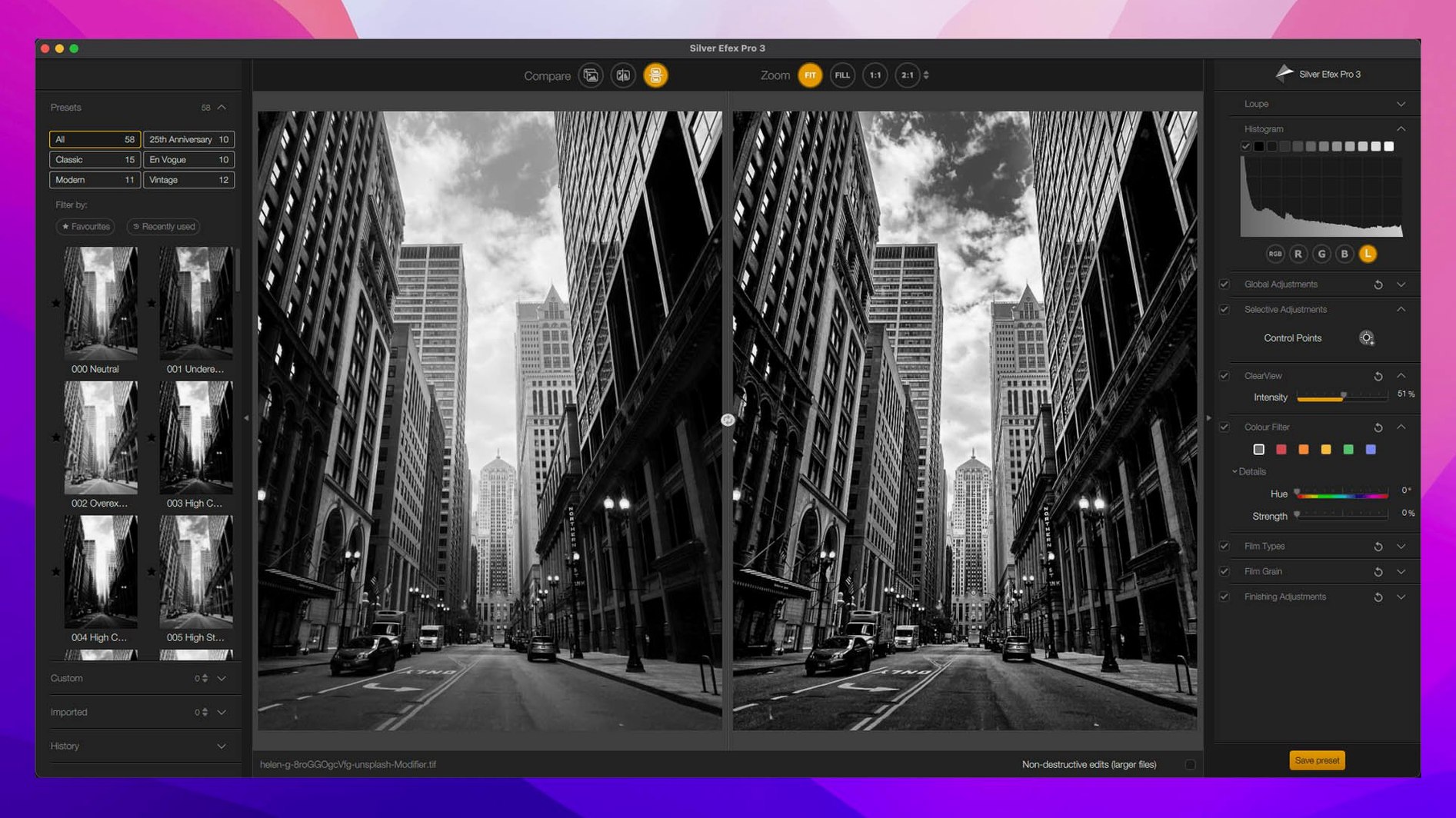
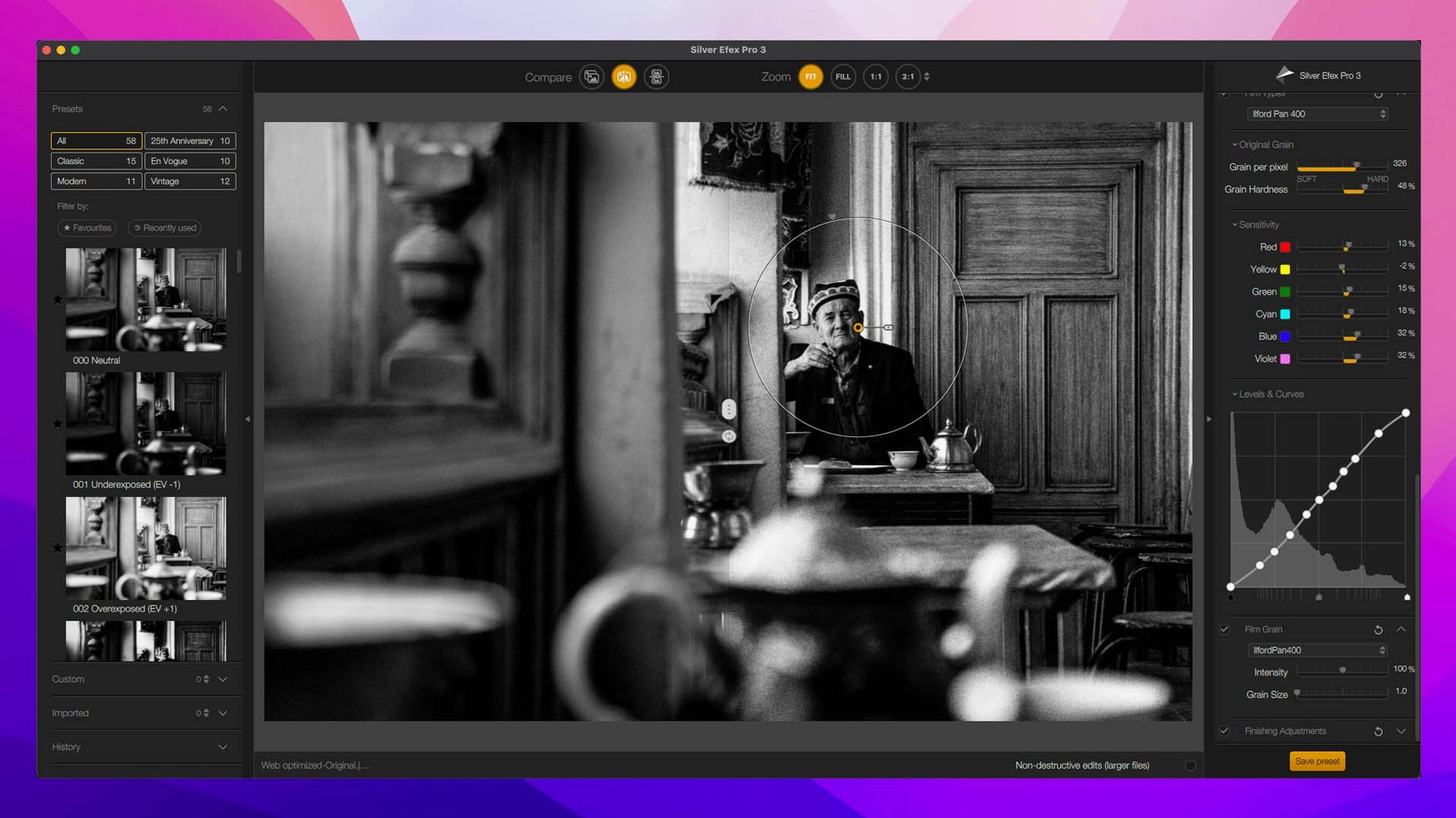
- Silver Efex Pro uses presets for monochrome work. Sharpener Pro handles 16-bit image sharpening with a preview of the image area.
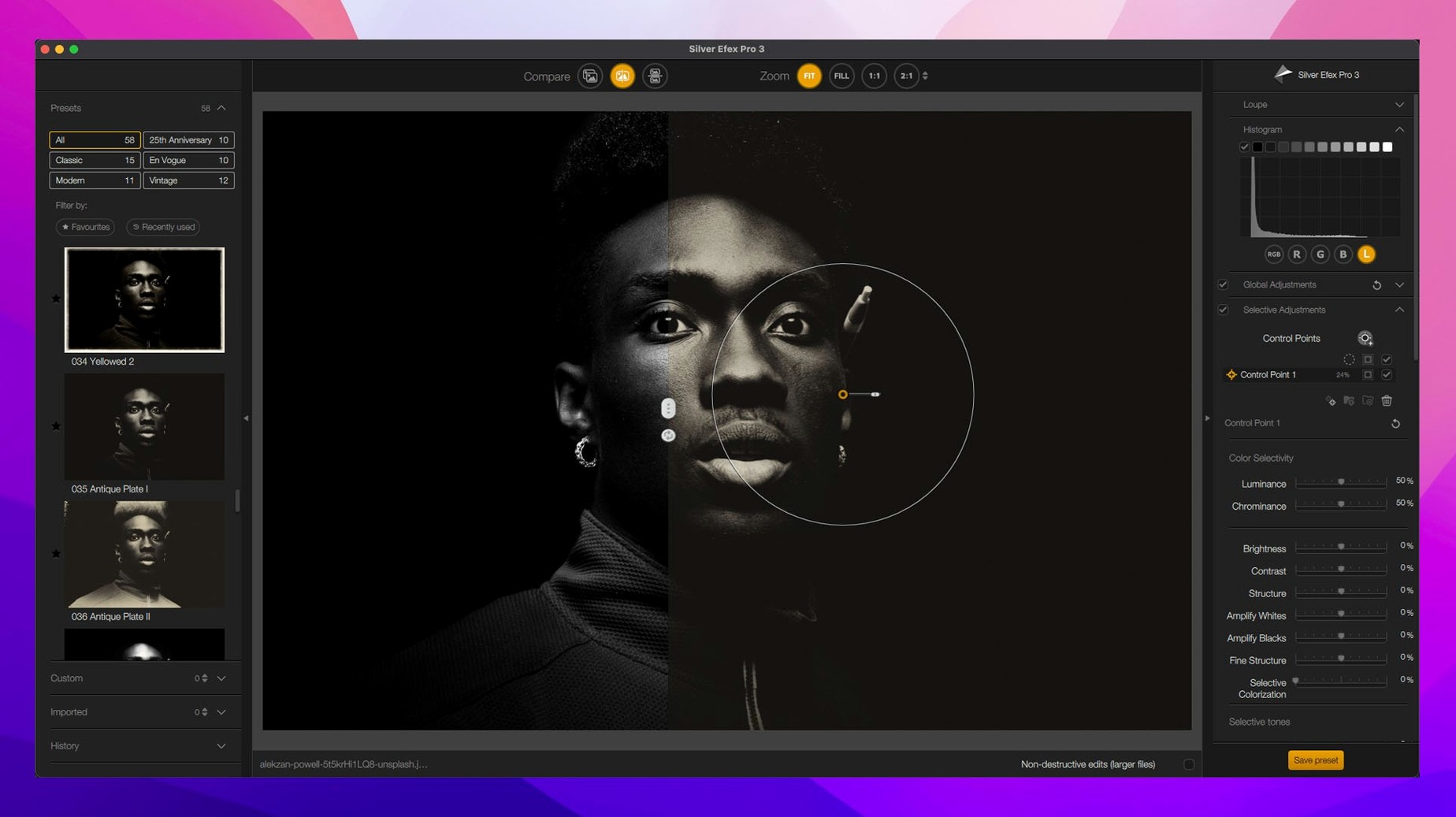
- Viveza uses control points for local colour and light adjustments — no masking required in most cases.
- Perspective Efex, HDR Efex Pro, and Dfine cover distortion, HDR merging, and noise reduction.
Integrates with Affinity Photo and DxO PhotoLab
The suite integrates with Affinity Photo and DxO PhotoLab as well as the usual Adobe host apps. If you work in a raw workflow that doesn't start with Lightroom, the direct integration with PhotoLab is worth noting. The suite is available in 14 languages including English, Russian, German, and French.
Works with macOS 13.3 or newer on Intel and Apple Silicon
Most questions come down to whether Nik Collection 9 will work with the gear you've already got. If your Mac runs macOS 13.3 or later — that's Ventura — you're fine on both Intel and Apple Silicon machines. No special permissions needed beyond the usual ability to install plugins into your host application's folder. The activation is handled by a single included step; follow the bundled instructions and you'll have the full suite in the plugin menus.
Another common question is whether you need all eight tools or if you can pick one. The suite installs them all, but you don't have to use every filter. If your work leans heavily on black-and-white conversion, you'll spend most of your time in Silver Efex Pro and probably never open HDR Efex Pro. That's fine — the suite doesn't force you into a workflow.
People also ask about the U Point technology and whether it works like layers. It does not create layer masks. U Point lets you paint local adjustments onto the image without selecting areas first. It's a different approach to masking that takes a few tries to get used to, but once it clicks, it's faster than brushing masks for most tasks.
Opens as a plugin filter from Photoshop, Lightroom, or PhotoLab
The suite runs as plugins, not as a standalone app. After installation, the tools appear as filters in Photoshop, Lightroom, Affinity Photo, or DxO PhotoLab. You launch them from the host application's plugin menu. The interface for each tool opens in its own window, and you apply adjustments there before returning to your host app.
Because the suite works on both ARM and x86 systems at 64-bit, the same installer covers Macs with Apple Silicon and older Intel Macs. The build label shows Nik Collection 9 by DxO 9.1.0. The interface language adapts to your system or can be set manually — the full list spans 14 languages from Arabic to Japanese.
Depth Masks and AI Masks are new in version 9. These generate a mask based on depth information or subject recognition, which saves time compared to manual selection. The Mask Overlays feature lets you see where your adjustments are applied, and Preset Hover Preview shows a thumbnail of each preset before you commit.
Don't try to open the suite's files directly
The most common mistake is assuming the tools are standalone applications. They are not. You open a photo in your host app, then launch the Nik plugin from there. Trying to open the suite's files directly will leave you with nothing.
Another error is ignoring the copy-and-paste feature for local adjustments. If you have a set of corrections applied to one image and need the same look on others, select the adjustment points and use the copy-paste function. Doing it manually for each image wastes time.
Beginners also overlook the Selective tool inside Color Efex Pro. The tool restricts an effect to a specific area of the image. Without it, filters apply globally. Using the Selective tool is how you get localised results without switching to a separate mask editor.
A final point: the suite's presets are a starting point, not a finishing line. Silver Efex Pro's presets, for example, give you a base look but you still need to tweak contrast, structure, and toning to match your image. Relying on presets alone leads to flat results.
- Depth Masks and AI Masks
- New Color Grading tool in Nik Color Efex
- Chromatic Shift, Glass Effect, and Halation
- Copy and paste local adjustments between images
- Build label: Nik Collection 9 by DxO 9.1.0
- macOS 13.3 or later
- Intel or Apple Silicon
Questions people ask
What is the difference between Nik Collection 8 and 9?
Nik Collection 9 adds Depth Masks, AI Masks, a Color Grading tool in Nik Color Efex, Chromatic Shift, Glass Effect, and Halation. It also allows copying and pasting local adjustments between images.
Does Nik Collection 9 work with Affinity Photo?
Yes, Nik Collection 9 integrates with Affinity Photo as a plugin, alongside DxO PhotoLab and Adobe applications.
What languages is Nik Collection 9 available in?
The suite is available in 14 languages: Russian, English, German, Arabic, Spanish, Italian, Traditional Chinese, Simplified Chinese, Korean, Dutch, Polish, Turkish, French, and Japanese.
Staffroom comments 0
Sign in or create an account here to leave a comment.
Nobody has commented on this one yet.
Other Mac Apps tools
All Mac Apps tools-
 OmniGraffle Pro
7.26
73 MB
Mac Apps
-
 Movist Pro
2.21.0
60 MB
Mac Apps
-
 OmniPlayer: MKV Video Player Pro
2.1.22Intel Macs only
78 MB
Mac Apps
-
 ON1 Photo RAW
27.0.2
1.1 GB
Mac Apps
-
 Motionvfx - mTitle Cinematic
5 MB
Mac Apps
-
 MotionVFX mModules
5 MB
Mac Apps
-
 MotionVFX - mLowers Universal for FCP
71 MB
Mac Apps
-
 MotionVFX mInfographics
8 MB
Mac Apps