MotionVFX mModules (macOS)
- Size
- 5 MB
- Updated
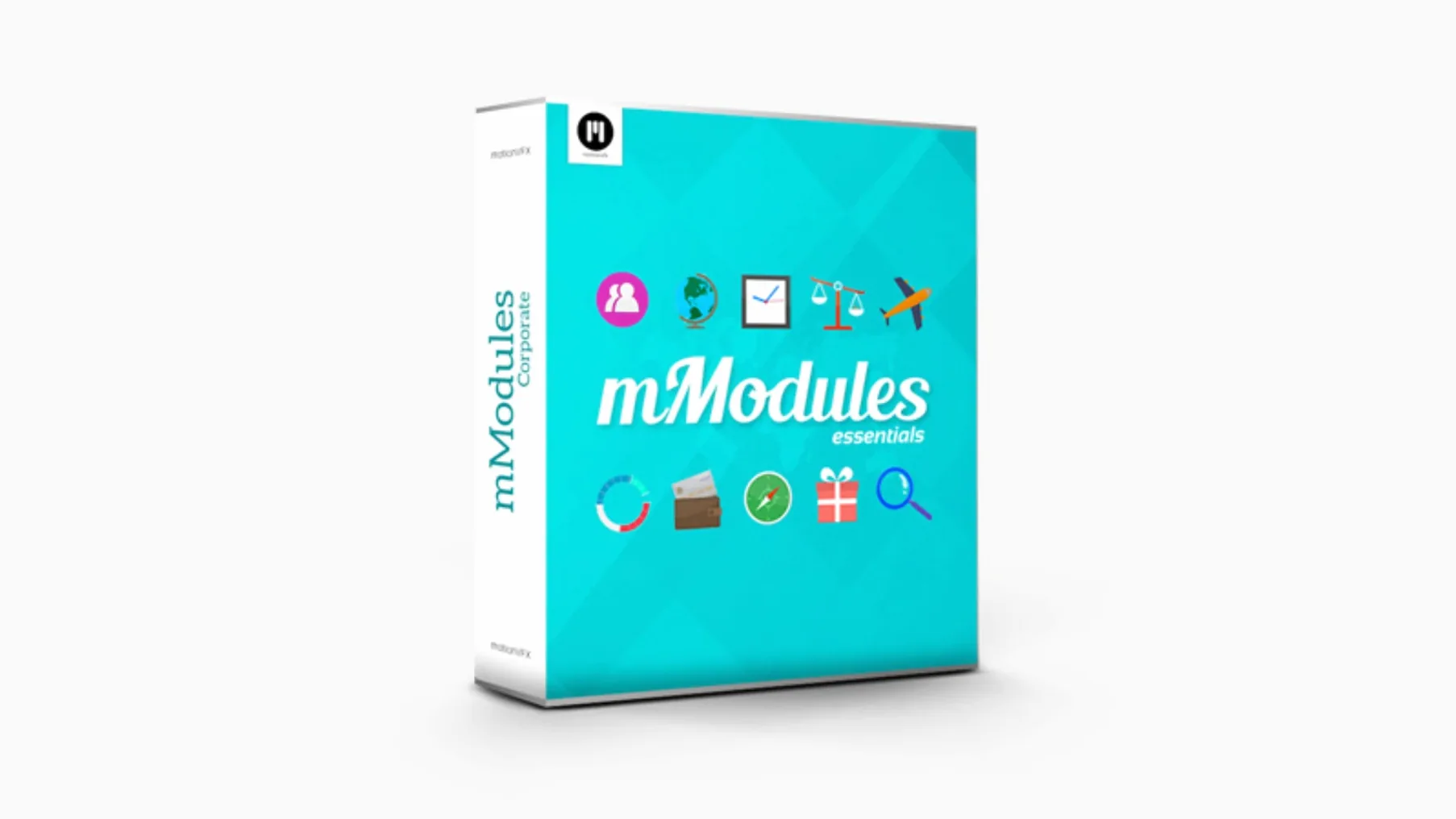
Editors working in Final Cut Pro X often look for ready-made motion graphics to speed up their workflow. MotionVFX mModules gives you 60 template elements that drop directly into your project. Before you install the pack, here are the practical answers to the questions most people ask first.
- It is a plugin, not a standalone application — it works inside Final Cut Pro.
- Templates appear in the Generators Browser or Titles Browser under the motionVFX category.
- Installation means moving the files to a specific folder inside your user Movies directory.
- The MotionVFX Help Center covers any setup issues if they come up.
- No macOS version is listed on the source, so check compatibility with your current system.
Once the files are in place, restart Final Cut Pro and look for the motionVFX section in your browser panels. That is all it takes to get started.
Drag‑and‑drop motion elements vs. building from scratch
MotionVFX mModules sits in a specific corner of the Final Cut Pro ecosystem: pre-built motion elements that you drag in rather than build from scratch. It is not the only option, and knowing what else is out there helps you decide whether this pack suits your working style.
MotionVFX mModules vs. Red Giant Universe
Red Giant Universe offers a broader set of tools — transitions, text effects, colour grading and particle generators — many of which work across multiple video editors, not just Final Cut Pro. If you need a wide effects library and edit in more than one NLE, Universe covers more ground. If you work exclusively in Final Cut Pro and want quick, clean motion bars and titles, mModules gives you exactly that without the extra weight.
MotionVFX mModules vs. Apple's built-in titles
Final Cut Pro ships with a handful of title templates and basic transitions. They are adequate for simple projects but limited in style. mModules extends that library with modern, broadcast-style graphics — lower thirds, kinetic type, logo stings — that would take an hour or two to build by hand. For editors who need consistent, professional-looking motion elements fast, the time saved easily justifies the download.
MotionVFX mModules vs. Envato Elements templates
You browse, pick, download and import each template individually. mModules delivers 60 templates in one archive, installed in one go. If you prefer a one-off collection that stays in your browser without managing a library, mModules is the simpler setup.
Templates not appearing? Restart Final Cut Pro first
A few routine issues come up when installing or using mModules. Here is what to check first.
- Templates do not appear in the browser. Restart Final Cut Pro after moving the files. If they still do not show, check the folder path:
/Users/Your User Name/Movies/Motion Templates/Titles. The pack must be inside that Titles folder, not in a sub-folder you created. A common mistake is placing the archive or a sub-directory there instead of the unpacked contents. - "MotionVFX" category is missing from the browser. The category name is case-sensitive and created automatically when Final Cut Pro scans the Titles and Generators folders on launch. If you moved files while the application was open, quit and reopen it. If the category still does not appear, verify that your user account has read and write permissions for the Movies folder.
- Elements look wrong or do not render. Some templates rely on certain Final Cut Pro version features. Make sure your copy of Final Cut Pro is up to date. If a particular element uses a font your system lacks, substitute it in the Edit panel.
- Archive does not unpack. The archive is standard. Use the built-in Archive tool in macOS or a utility like The Unarchiver. If you get a corruption error, re-download the file — downloads can sometimes cut short.
Weekly news shows and sports highlights benefit most
mModules suits editors who need to produce polished video quickly and do not have time to build custom motion graphics from scratch. Three types of users benefit especially.
- School or college media departments producing weekly news shows, sports highlights or student films. The pack gives a consistent look across projects without requiring a motion graphics specialist on staff.
- Freelance video editors handling client work such as social media ads, event recaps or corporate interviews. Having 60 pre-built elements means you can assemble an intro, lower third and closing graphic in minutes, not hours.
- Final Cut Pro editors moving from simpler tools. If you are used to iMovie or another consumer editor and want to raise the production value of your projects, mModules offers templates that look professional without needing to learn motion graphics software.
No “what's new” for this build. The release line gave nothing I could check, and I will not stretch it into a changelog.
- macOS: not specified by the developer
- Processor: not specified
- Other: Final Cut Pro X required
Questions people ask
Where do the templates appear in Final Cut Pro?
After installation, the templates show up in the Generators Browser or Titles Browser under the motionVFX category.
Where can I find installation instructions?
The MotionVFX Help Center provides detailed steps for installing their products on your system.
Staffroom comments 0
Sign in or create an account here to leave a comment.
Nobody has commented on this one yet.