Super Vectorizer Pro 2.4.0 (macOS)
One download for Apple Silicon and Intel. Opens the install steps and mirrors.
- Version
- 2.4.0
- Size
- 8 MB
- Earliest macOS
- 10.13 or later
- CPU type
- Universal
- Updated
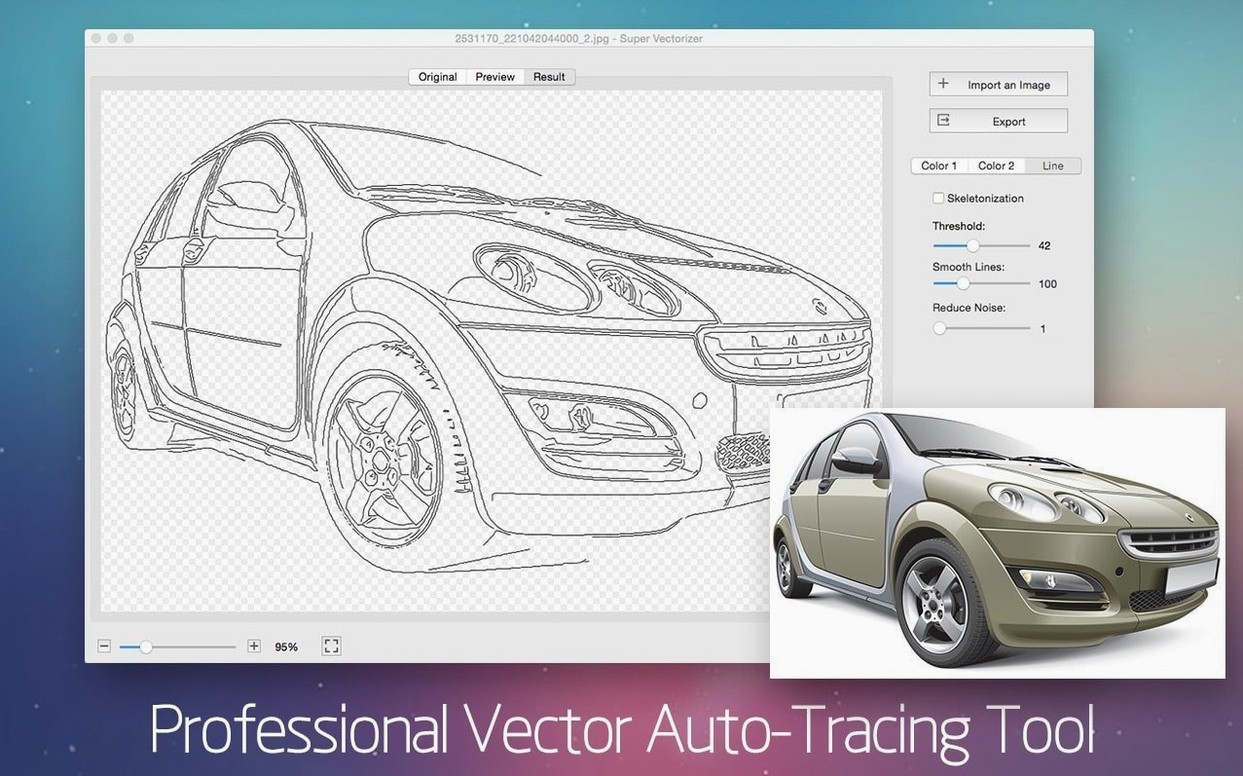
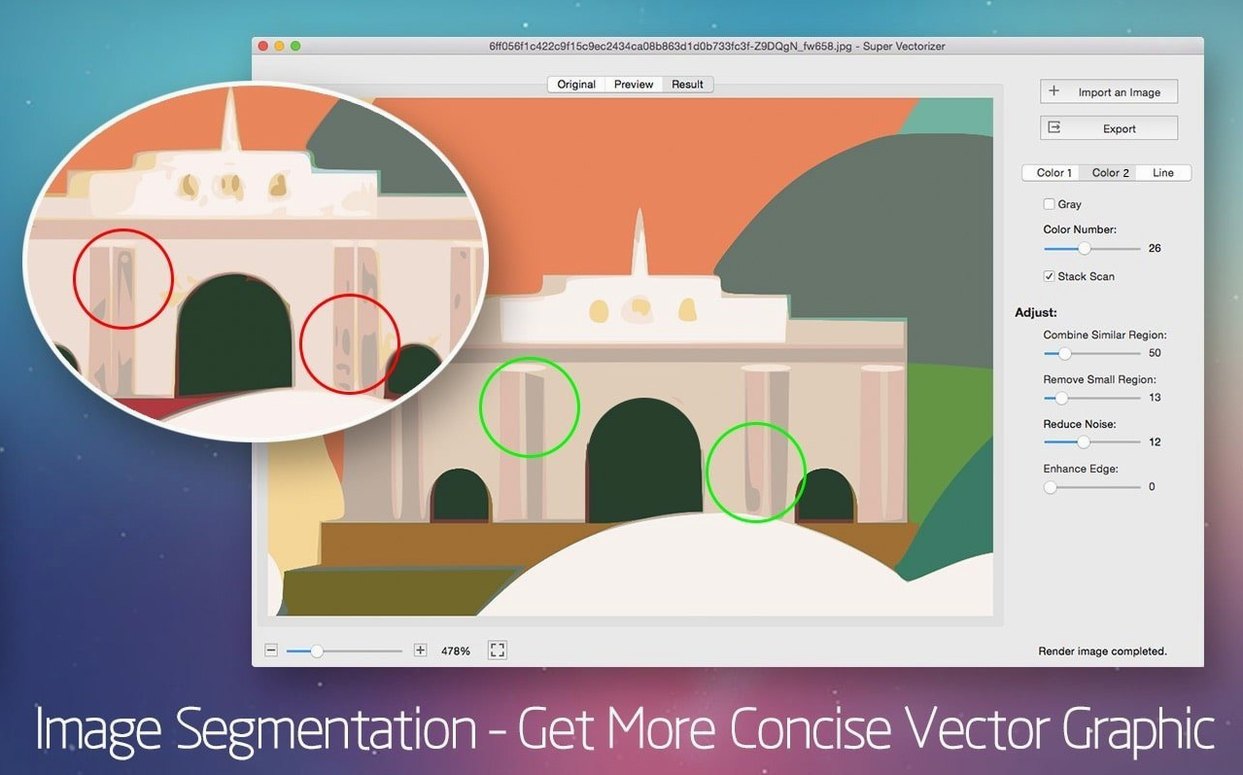
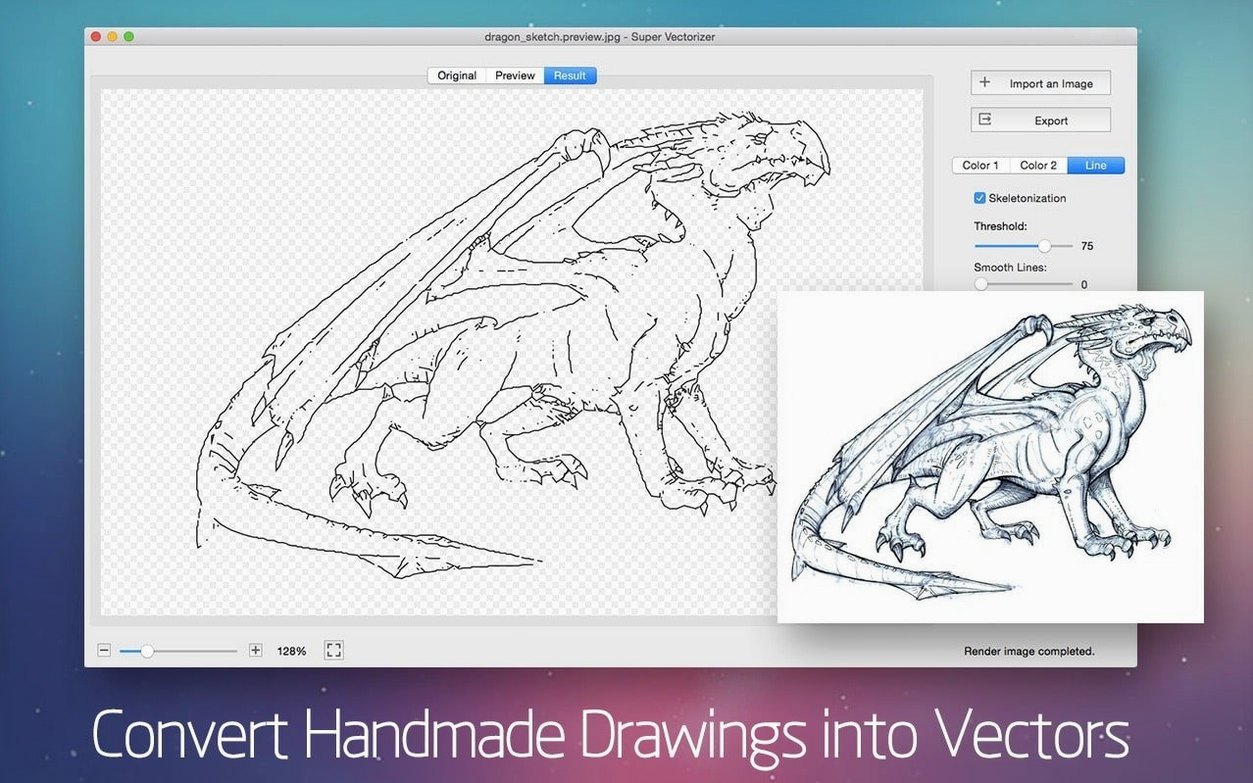
Skeletonization. That is the feature that sets Super Vectorizer Pro apart from the usual auto-trace tools. It reduces raster art to a centre-line skeleton before building vectors — a real help for line drawings, schematics, and logo work where you want paths, not filled shapes.
How fast is the preview?
You see the vector result update in real time as you adjust parameters. No waiting for a full render to see if the threshold is right.
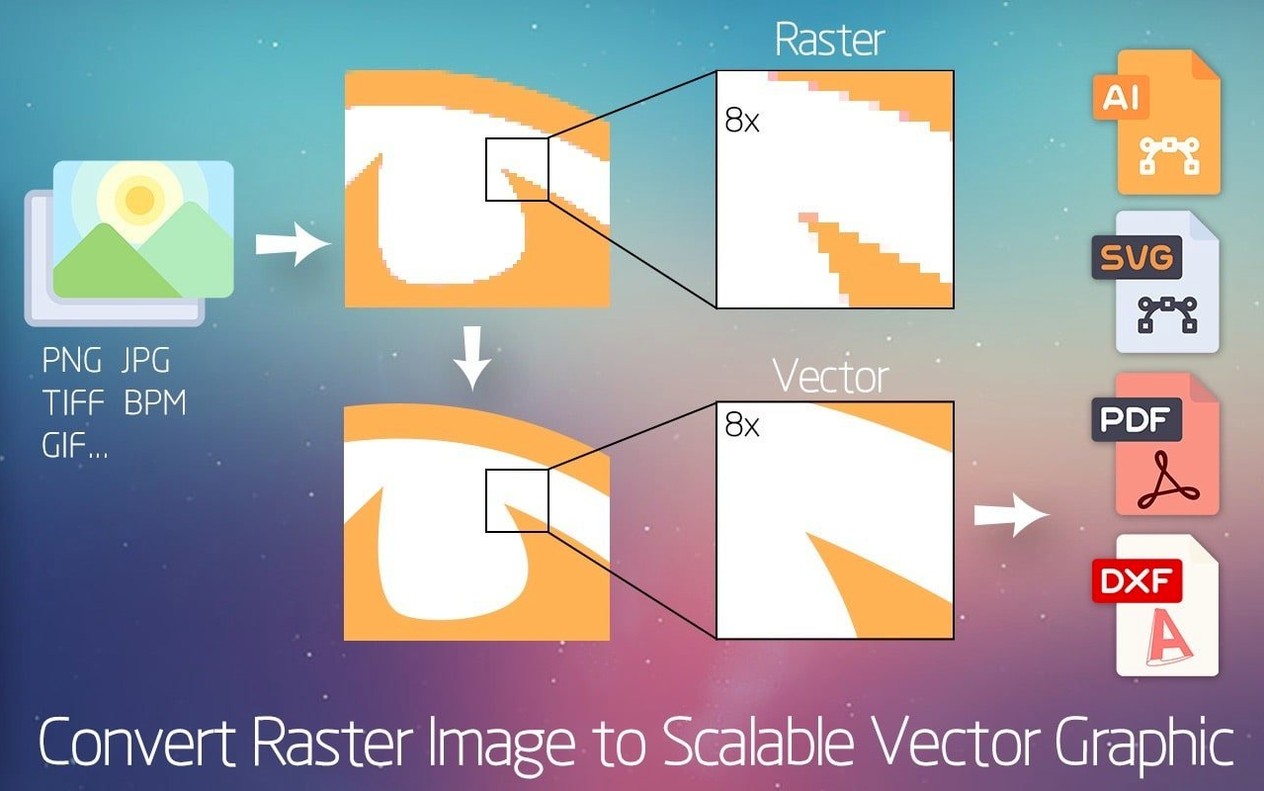
Export to AI, SVG, DXF, PDF, or transparent PNG
AI, SVG, DXF and PDF — the usual suspects for print, CAD, and web. You can also output with a transparent background.
Can it handle logos?
Workflow: turning a pencil sketch into an editable SVG
Here is one way I use Super Vectorizer Pro that covers the whole process from scan to final file. This works for any line-based source — ink, pencil, or even a clean logo PNG.
- Scan or photograph the drawing at 300 dpi or higher, save as PNG or JPEG. Super Vectorizer Pro accepts more than 70 input formats, but a clean bitmap gives the best start.
- Drag the file into the app. The real-time preview shows the raw vectorisation immediately.
- Toggle the skeletonization function on. For line art this strips the raster strokes down to centre-lines before building vectors, instead of filling the whole stroke width. That keeps the output looking like a clean pen drawing, not a thick blob.
- Set the colour limit to 2 or 4 colours (the app supports up to 64). For a monochrome sketch you only need black and white.
- Adjust the threshold slider until the preview shows clean edges with no noise. The live update means you see each change instantly — no guesswork.
- Export as SVG. That file opens directly in Illustrator, Corel, or any vector editor on the Mac. Because the output supports transparent backgrounds, you can place the vector over other artwork without a white box around it.
The whole job takes under a minute for a simple sketch. For a dense pencil drawing you might spend a little longer tuning the threshold, but the real-time preview keeps that step fast.
Export to Illustrator, Corel, or Affinity Designer
Super Vectorizer Pro sits between your raster source and your main vector editor. On the Mac that workflow is straightforward:
- Export to AI or SVG from Super Vectorizer Pro, then open the file in Illustrator, Corel, Affinity Designer, or Inkscape. No format conversion step needed.
- Export to DXF if you are bringing traced geometry into CAD or CNC software. The app handles that directly.
- Use macOS Preview or Photos to crop or resize the original bitmap before vectorising — no need for a separate image editor.
- Drag the resulting SVG straight into a web project or a tool like Figma or Sketch. SVGs from Super Vectorizer Pro are standard paths with no proprietary extras.
Set color count to 2 or 4 for line art traces
When you first open Super Vectorizer Pro, a few adjustments save time on every trace:
- Colour count — If you mostly trace line art, set the colour limit to 2 or 4 from the start. The default may be higher, which adds unnecessary detail.
- Background transparency — Enable transparent background output in the export settings. That way you never have to strip a white background later.
- Output format — Pick your usual format (SVG for web, AI or PDF for print) and the app remembers it for the next session.
- Language — The interface ships in English, Russian, German, Spanish, Italian, French, and Chinese variants. If you need a different one, switch it in the preferences before starting any work.
Yes. The tracing engine handles crisp logos and more complex illustrations alike. Interface available in nine languages.
No “what's new” for 2.4.0. The release line gave nothing I could check, and I will not stretch it into a changelog.
- macOS 10.10 or later
- Intel or Apple Silicon
Questions people ask
Does Super Vectorizer Pro work on Apple Silicon Macs?
Yes. It runs on macOS 10.10 and later on both Intel and Apple Silicon Macs.
Staffroom comments 0
Sign in or create an account here to leave a comment.
Nobody has commented on this one yet.