TablePlus 6.8.0 (macOS)
One download for Apple Silicon and Intel. Opens the install steps and mirrors.
- Version
- 6.8.0
- Size
- 91 MB
- Earliest macOS
- 12.6 or later
- CPU type
- Universal
- Updated
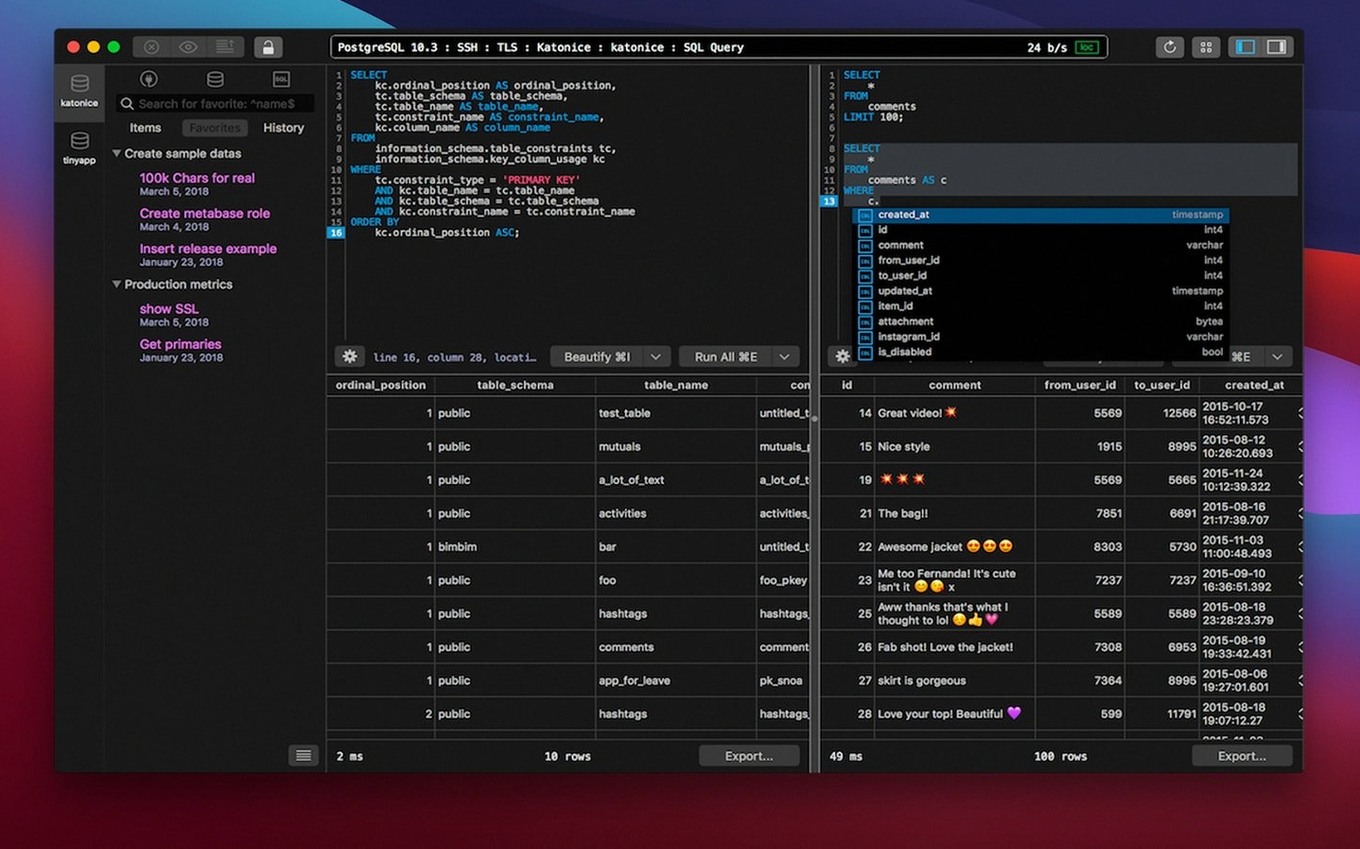
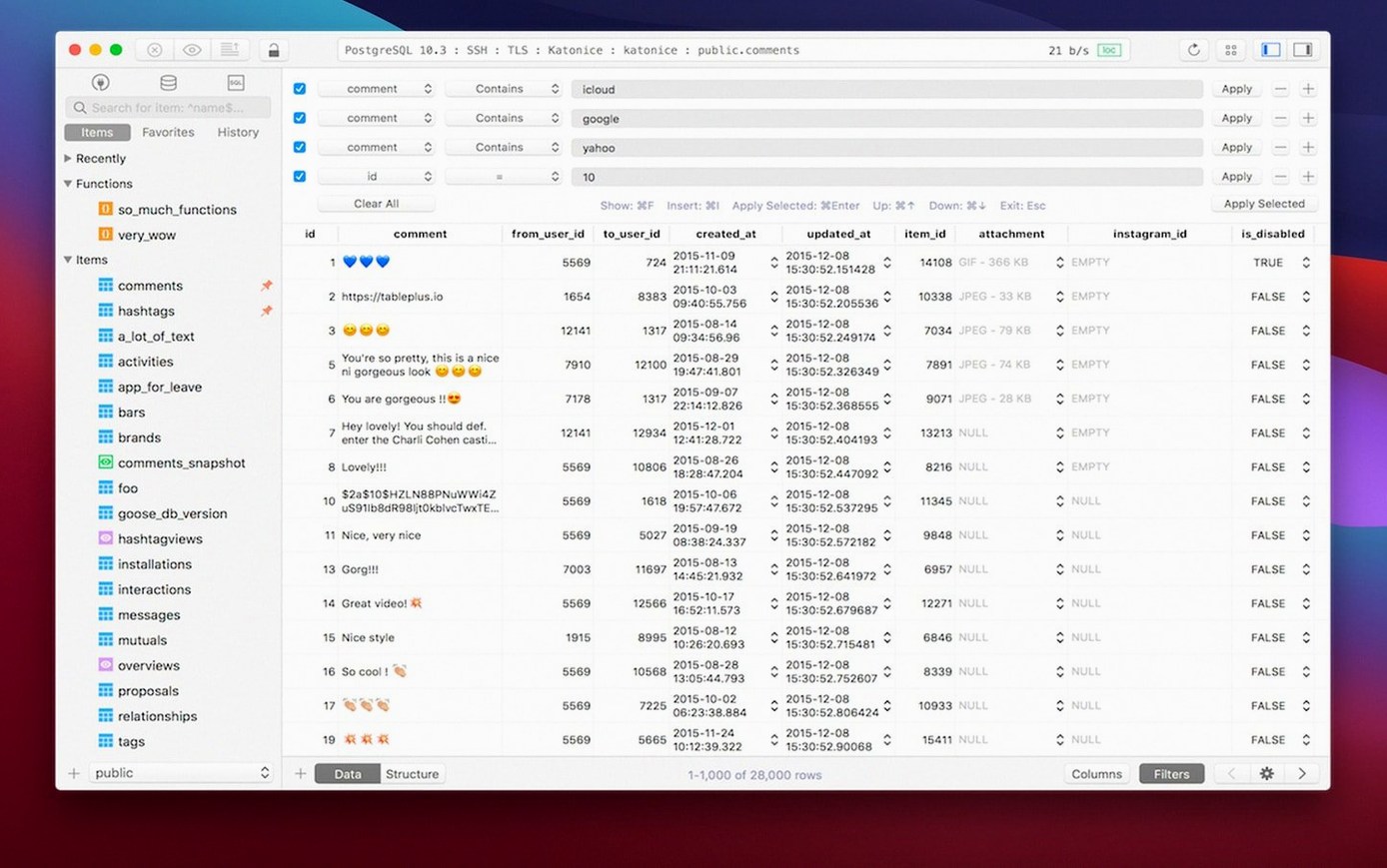
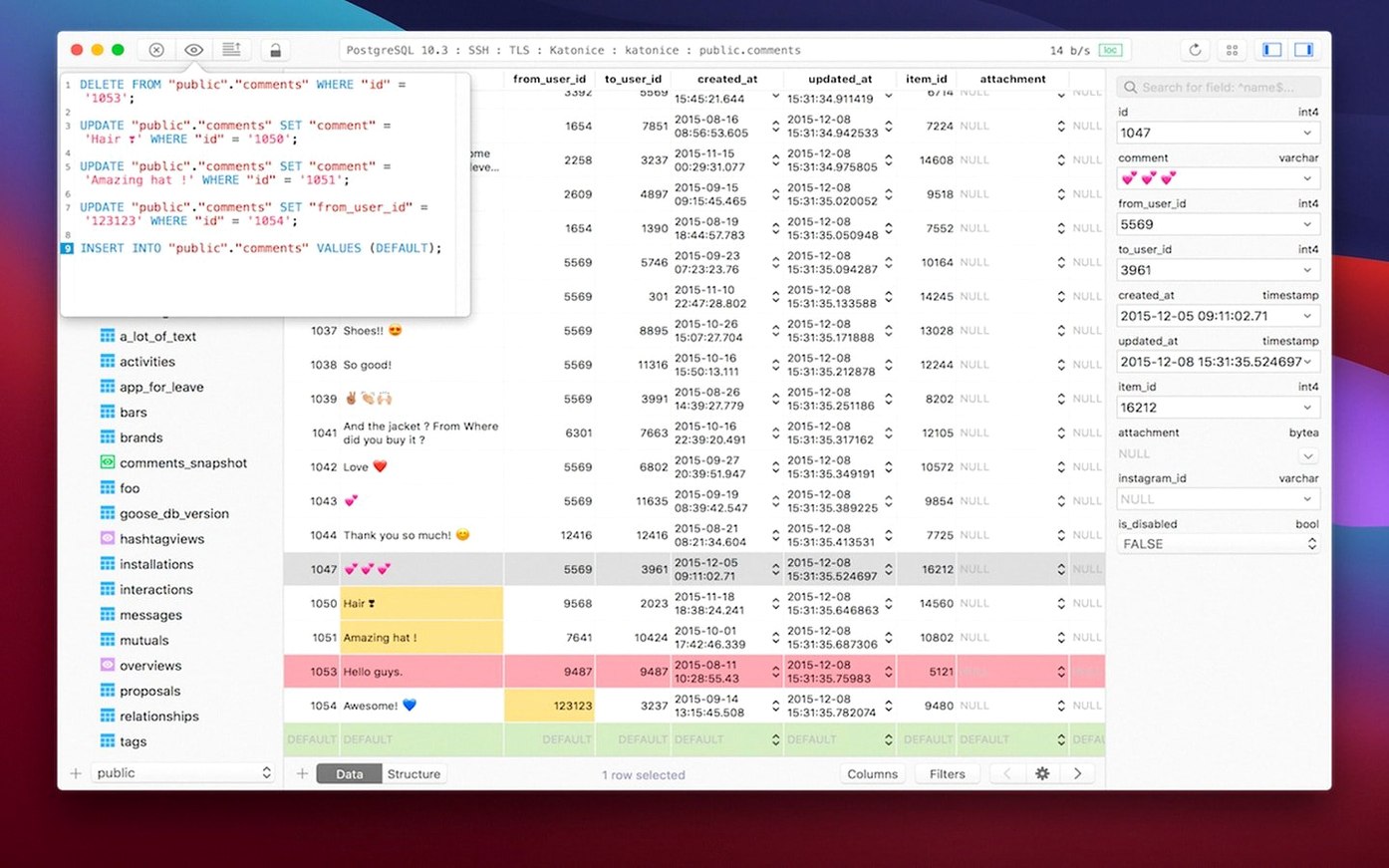
TablePlus is a native macOS application for managing relational databases.
Supports MySQL, PostgreSQL, SQLite, and SQL Server
Before you grab TablePlus, you probably want to know what it supports. It handles MySQL, PostgreSQL, SQLite, and Microsoft SQL Server, among others. You can extend it with plugins and drivers as needed. It runs on both Intel and Apple Silicon Macs, requiring macOS 12.6 or later.
Features that matter
The app includes a code preview, a safe mode for cautious edits, and an optional dark mode. The script editor reports errors as you write, which saves time. Connections can use TLS or native libss for encryption. Multiple tabs and windows let you keep several databases open without losing your place.
Remembers recent databases and right-click table features
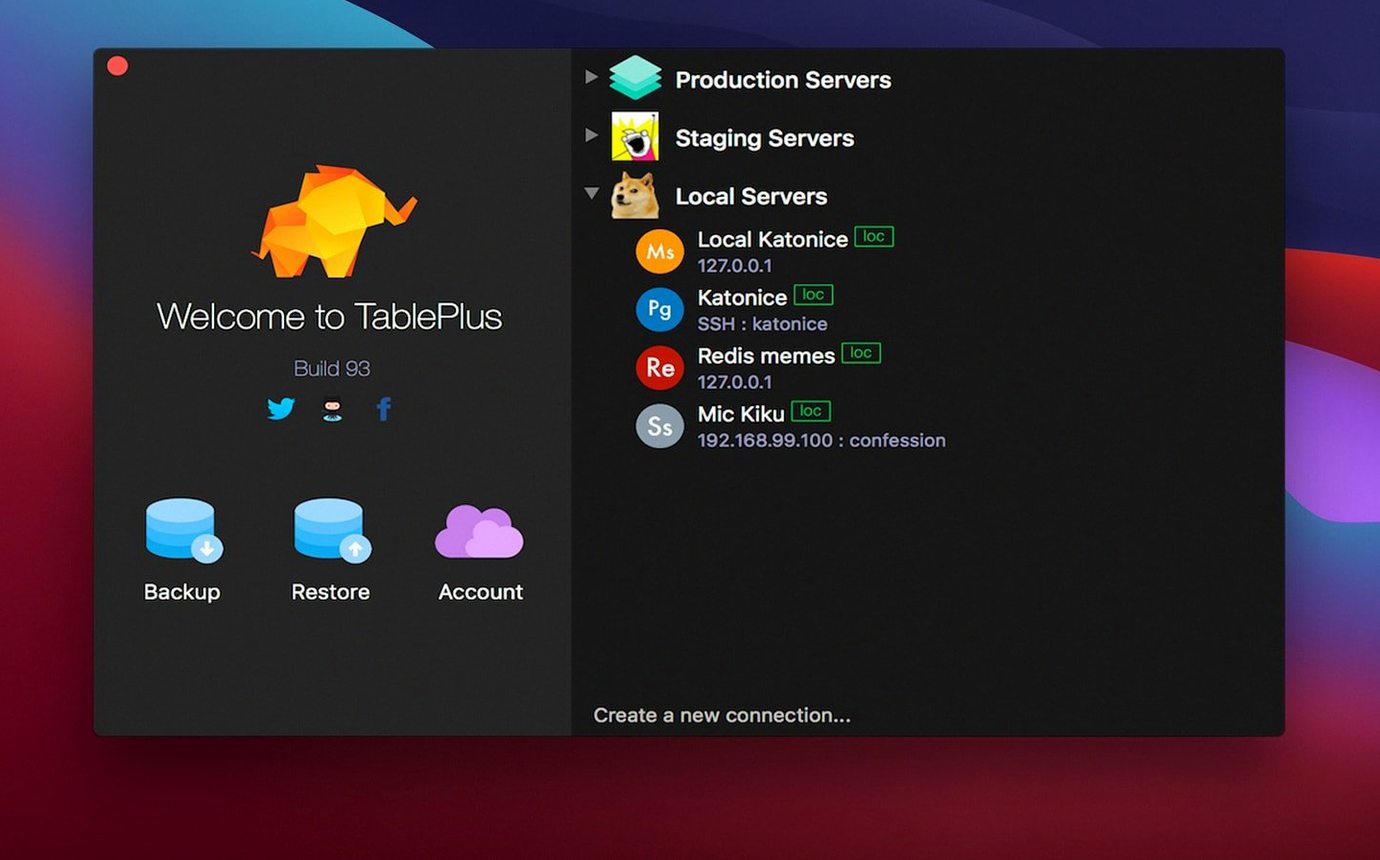
The TablePlus interface has a few touches that don't make the feature list but cut down on friction. The connection manager remembers your recent databases, so you can jump back into yesterday's work without re-entering credentials. Right-clicking a table name gives you quick actions like viewing the first 100 rows or copying the table name to the clipboard. The app also warns you before running a query that will affect many rows, which helps when you are tired and typing fast.
The script editor's syntax highlighting covers keywords, strings, and numbers in different colours, making it easy to spot a missing comma. If you switch to dark mode, the colour scheme adjusts so nothing becomes unreadable. The error reporting in the editor highlights the line with the problem and gives a plain English message, not just a terse error code.
Top concerns before downloading
Compatible with current server versions via native libraries
TablePlus connects to MySQL, PostgreSQL, SQLite, and Microsoft SQL Server out of the box. If you use MariaDB or Amazon Redshift, you can add a driver. The app handles current server versions for each supported database. It uses native libraries for encrypted connections, so your DBA will not need to configure anything unusual.
Runs alongside Sequel Pro or Postico without conflict
Yes. TablePlus keeps its own connection profiles and preferences, so it does not interfere with Sequel Pro, Postico, or command-line clients. You can have multiple database tools open at the same time on the same Mac. The app uses its own configuration files inside your user folder.
How do I update it?
The app checks for updates on launch. When a new version is available, it prompts you to download the latest disk image. You replace the existing app in the Applications folder with the new one. Your connections and saved queries are stored separately and carry over.
Opens to yesterday's PostgreSQL connection and database tree
You open TablePlus from the Launchpad and land on the connection list. You click the PostgreSQL server you were working on yesterday. The app connects and shows the database tree on the left: schemas, tables, views, and functions. You open a table to scan the data, then click the SQL tab to write a query.
The editor highlights your SELECT statement as you type. You add a JOIN and the editor catches a missing alias on the second table. You fix it, run the query, and the results appear in a grid below. You copy a few rows to paste into a ticket for a colleague. You open a second tab to check a different database on the same server without losing your first query. Before closing, you turn on safe mode to make a small data change. The app confirms the update, and you close the tab. The whole session uses the same window, no switching between separate apps.
- Build dated 2026-03-05.
- macOS 12.6 or later
- Intel or Apple Silicon
Questions people ask
Which databases does TablePlus support?
It supports MySQL, PostgreSQL, SQLite, and Microsoft SQL Server, among others. You can add more via plugins and drivers.
Does TablePlus work on Apple Silicon Macs?
Yes, it runs on both Intel and Apple Silicon Macs, as long as you have macOS 12.6 or later.
Staffroom comments 0
Sign in or create an account here to leave a comment.
Nobody has commented on this one yet.
Other Mac Apps tools
All Mac Apps tools-
 Sweet Home
7.5.7
356 MB
Mac Apps
-
 Super Vectorizer Pro
2.4.0
8 MB
Mac Apps
-
 Sublime Text
4.0
54 MB
Mac Apps
-
 Topaz Gigapixel AI
1.4.0
372 MB
Mac Apps
-
 Topaz Video AI
1.7.2
1.6 GB
Mac Apps
-
 TouchDesigner
2025.31550Intel Macs only
615 MB
Mac Apps
-
 SketchUp Pro
27.0.267
1.6 GB
Mac Apps
-
 Typeface
4.5.1
23 MB
Mac Apps