
Sublime Text 4.0 (macOS)
- Version
- 4.0
- Size
- 54 MB
- Earliest macOS
- OS X 10.9 or later
- CPU type
- Universal
- Updated
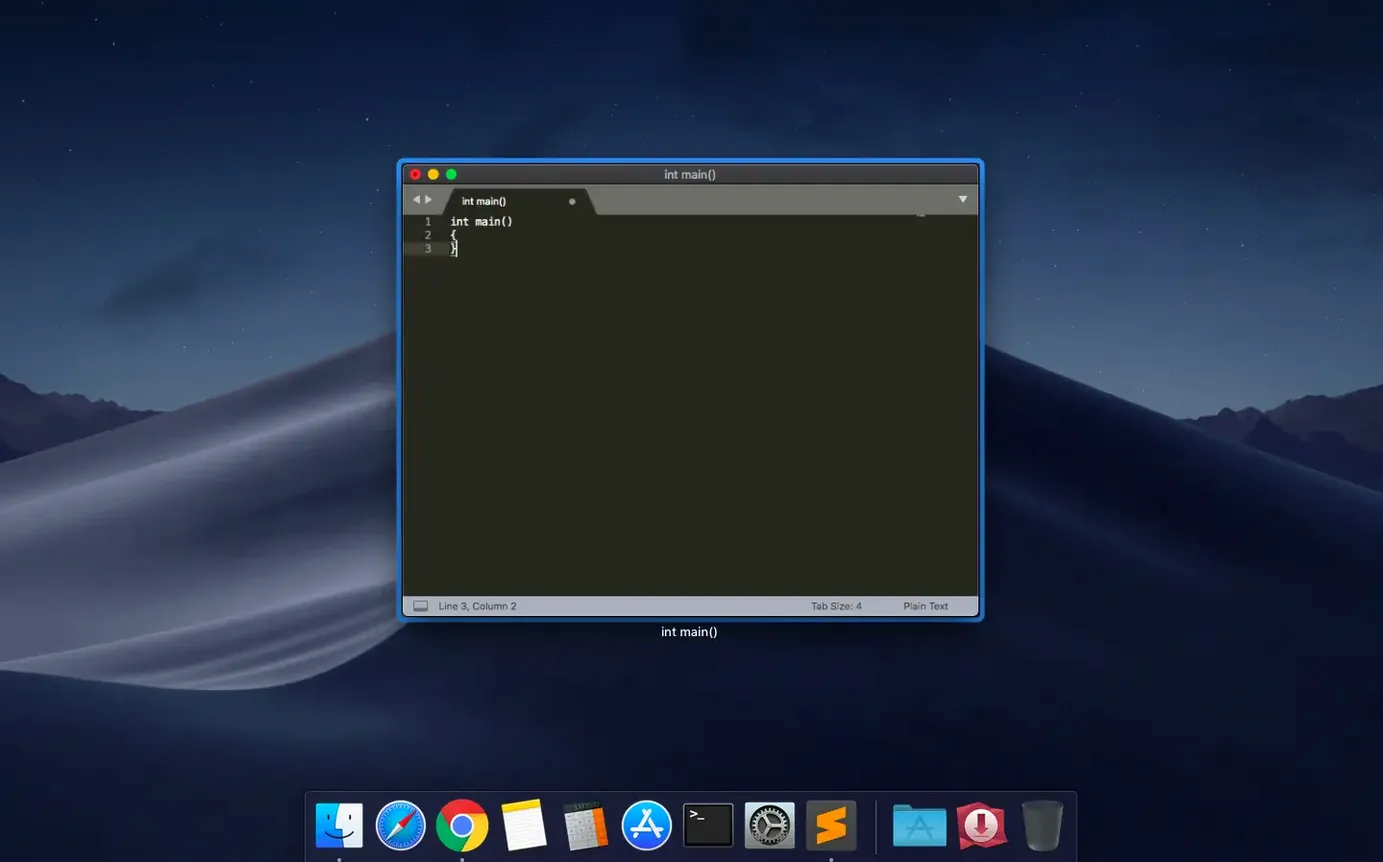
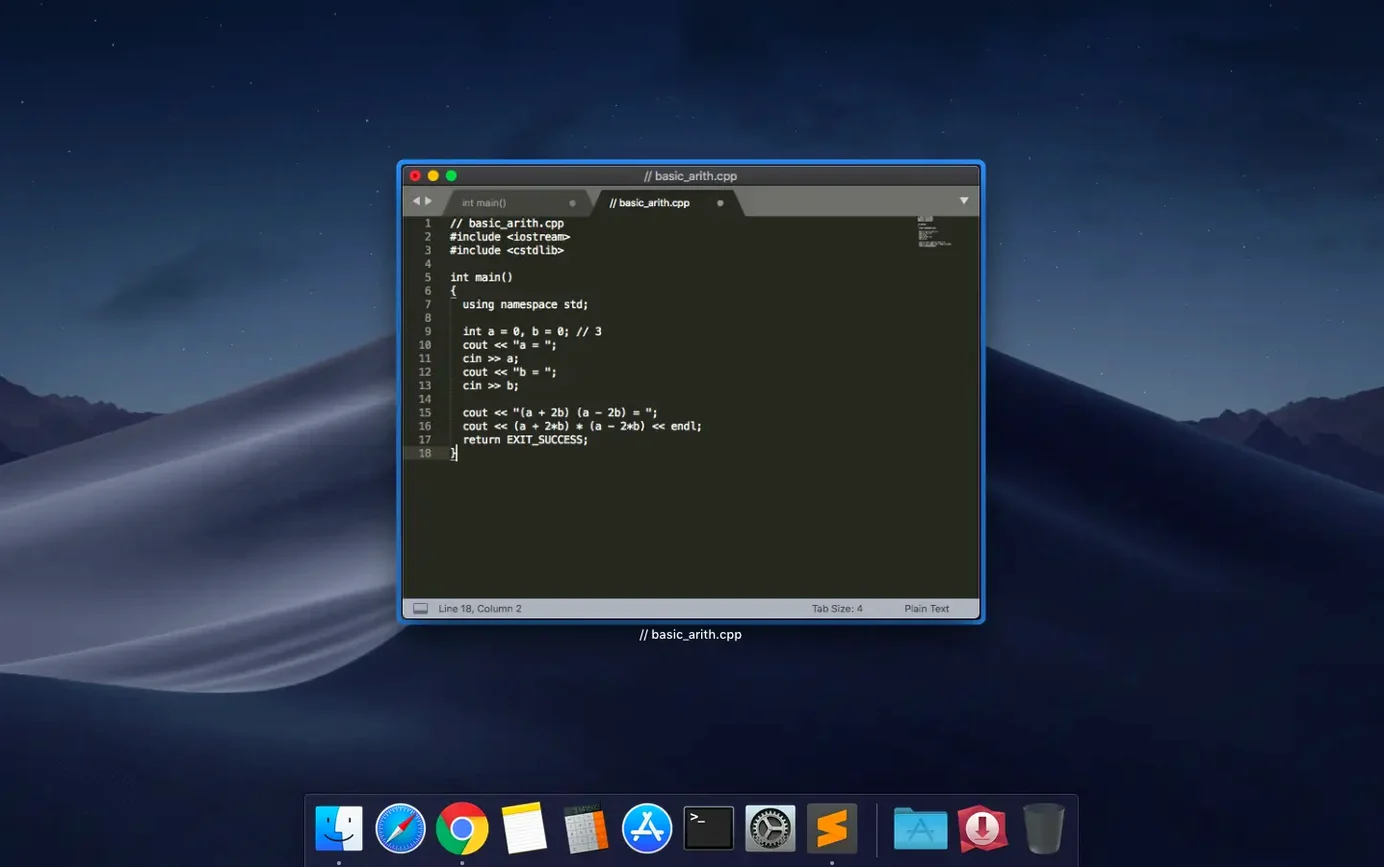
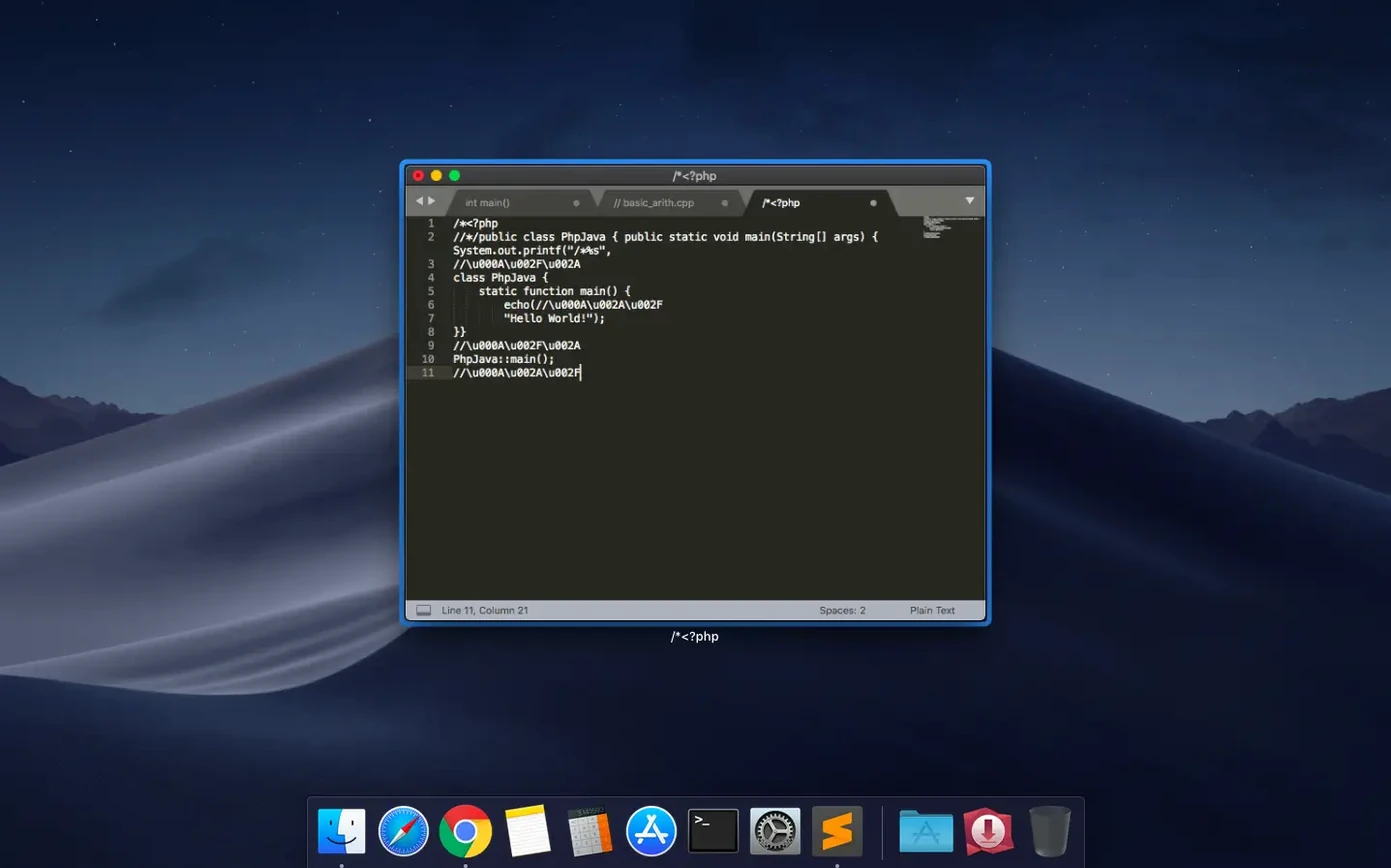
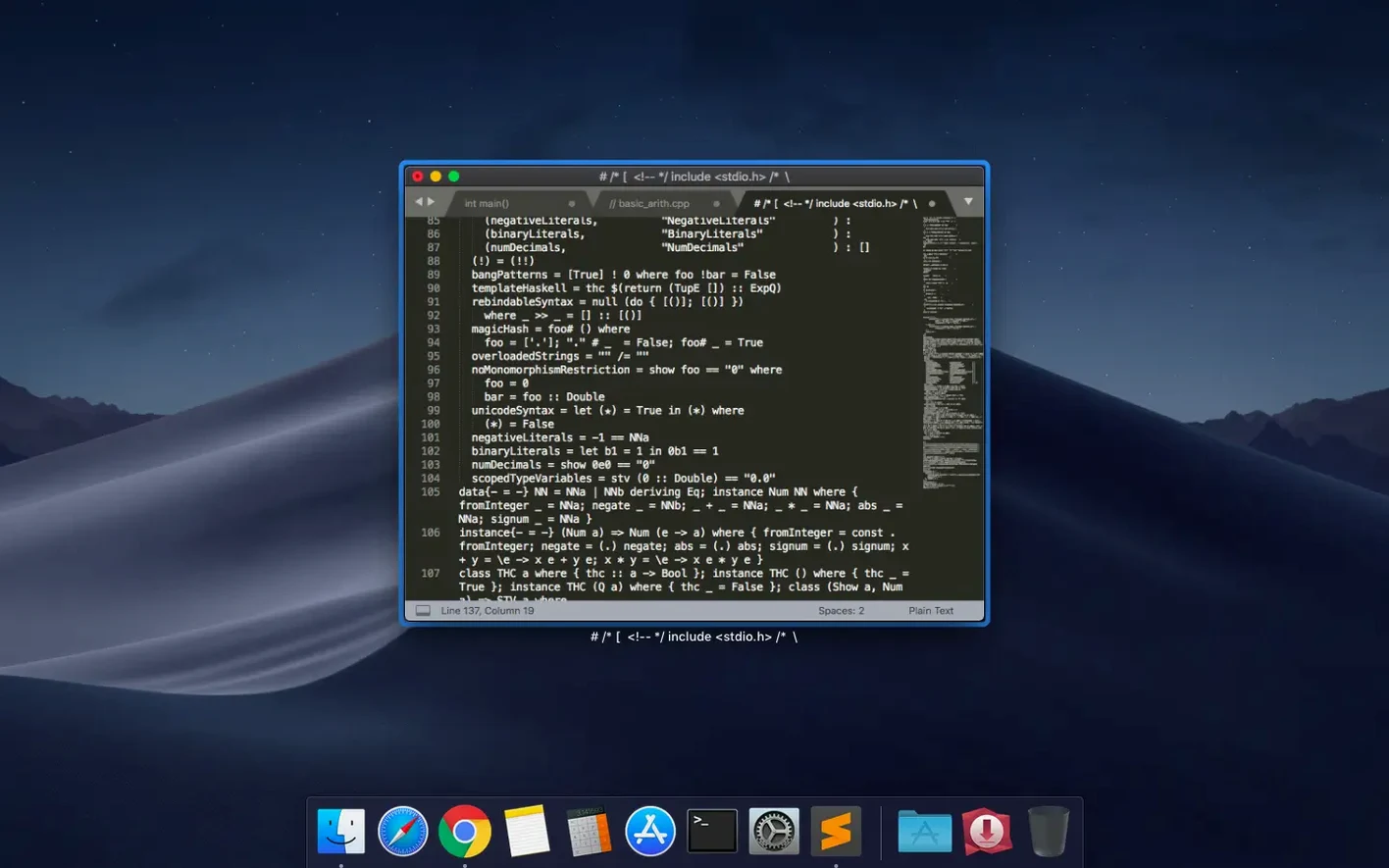
Sublime Text 4 works on any Mac from macOS 10.13 upwards, as a Universal 2 binary that runs natively on both Intel and Apple Silicon. It is a text editor for code, markup and prose, used by developers, sysadmins and writers who want a tool that stays out of the way.
Highlights syntax for dozens of languages and searches as you type
The editor highlights syntax for a long list of languages, from C and Python to HTML and Markdown, and checks syntax as you type. Search-as-you-type finds text in documents, while fuzzy file navigation jumps to any file by name. Snippets store reusable code fragments, and build systems run programs without leaving the editor. Auto-save keeps work safe, and themes can be swapped or extended.
Suits developers, teachers, and script editors on any OS
Sublime Text suits anyone who spends time in text files: developers writing code, teachers preparing lesson plans, or technicians editing scripts. It runs on macOS, Windows and Linux, so the same editor travels between school machines and home. The current build also fixes compatibility with older macOS 10.13 and 10.14 systems.
Column selection and multiple cursors speed up repetitive edits
A few features in Sublime Text 4 do not shout for attention but save time once you know they are there. Column selection and multiple cursors let you edit several lines at once — useful when renaming a variable that appears in a dozen places. The minimap on the right gives a bird’s-eye view of the file; clicking it jumps to that section. One to four panes show up to four files side by side, handy when comparing config files or pasting between documents.
Macros and the repeat-last-action command handle repetitive edits. Indentation, paragraph reformatting, and line joining are available as commands. The package manager handles finding, installing, updating, removing, enabling and disabling packages without restarting Sublime Text — it also keeps installed packages current by downloading new versions from their repositories.
Setting up a syntax-highlighted template
Here is one workflow from start to finish. You want a reusable snippet for a school timetable in HTML.
- Open Sublime Text and go to Tools > Developer > New Snippet.
- Replace the default content with your HTML skeleton. Include placeholders such as
$1for the lesson name and$2for the room number. - Save the file with a
.sublime-snippetextension in thePackages/Userfolder. - Start typing the snippet name in any HTML document — autocomplete shows it after a few characters.
- Press Tab to insert the snippet, then Tab again to cycle through the placeholders.
The same approach works for LaTeX lesson notes, Markdown handouts, or Python scripts for batch-renaming files. No restart needed, and the snippet is available across all projects.
Working with multiple cursors for config files
When editing a school-wide deployment script that repeats the same IP address or hostname across a dozen lines, column selection and multiple cursors save time. Hold Alt and drag down the column of text you need to change — Sublime Text places a cursor at the start of each line. Type the replacement once, and every cursor updates simultaneously. The same trick works for adding a trailing colon to a list of server names or indenting a block of XML tags.
Build systems for quick tests
For a Python 3 script that checks student device registrations, set up a build system once. Open a .py file, choose Tools > Build System > New Build System, and paste a JSON definition that calls python3 with the current file. Save it, then press Cmd+B to run the script without switching to Terminal. The output appears in a panel at the bottom of the editor — useful for spotting syntax errors or verifying a sublime text license key mac works before deployment.
- Fixed the vintage M command not working.
- Fixed a compatibility issue with macOS 10.13 and 10.14.
- macOS 10.13 or later
- Intel or Apple Silicon
Staffroom comments 0
Sign in or create an account here to leave a comment.
Nobody has commented on this one yet.
Other Mac Apps tools
All Mac Apps tools-
 Super Vectorizer Pro
2.4.0
8 MB
Mac Apps
-
 Sweet Home
7.5.7
356 MB
Mac Apps
-
 TablePlus
6.8.0
91 MB
Mac Apps
-
 SketchUp Pro
27.0.267
1.6 GB
Mac Apps
-
 Topaz Gigapixel AI
1.4.0
372 MB
Mac Apps
-
 Topaz Video AI
1.7.2
1.6 GB
Mac Apps
-
 TouchDesigner
2025.31550Intel Macs only
615 MB
Mac Apps
-
 RightFont
10.2.1
18 MB
Mac Apps