MediaMate 3.8.4 (macOS)
One download for Apple Silicon and Intel. Opens the install steps and mirrors.
- Version
- 3.8.4
- Size
- 7 MB
- Earliest macOS
- 13 or later
- CPU type
- Universal
- Updated
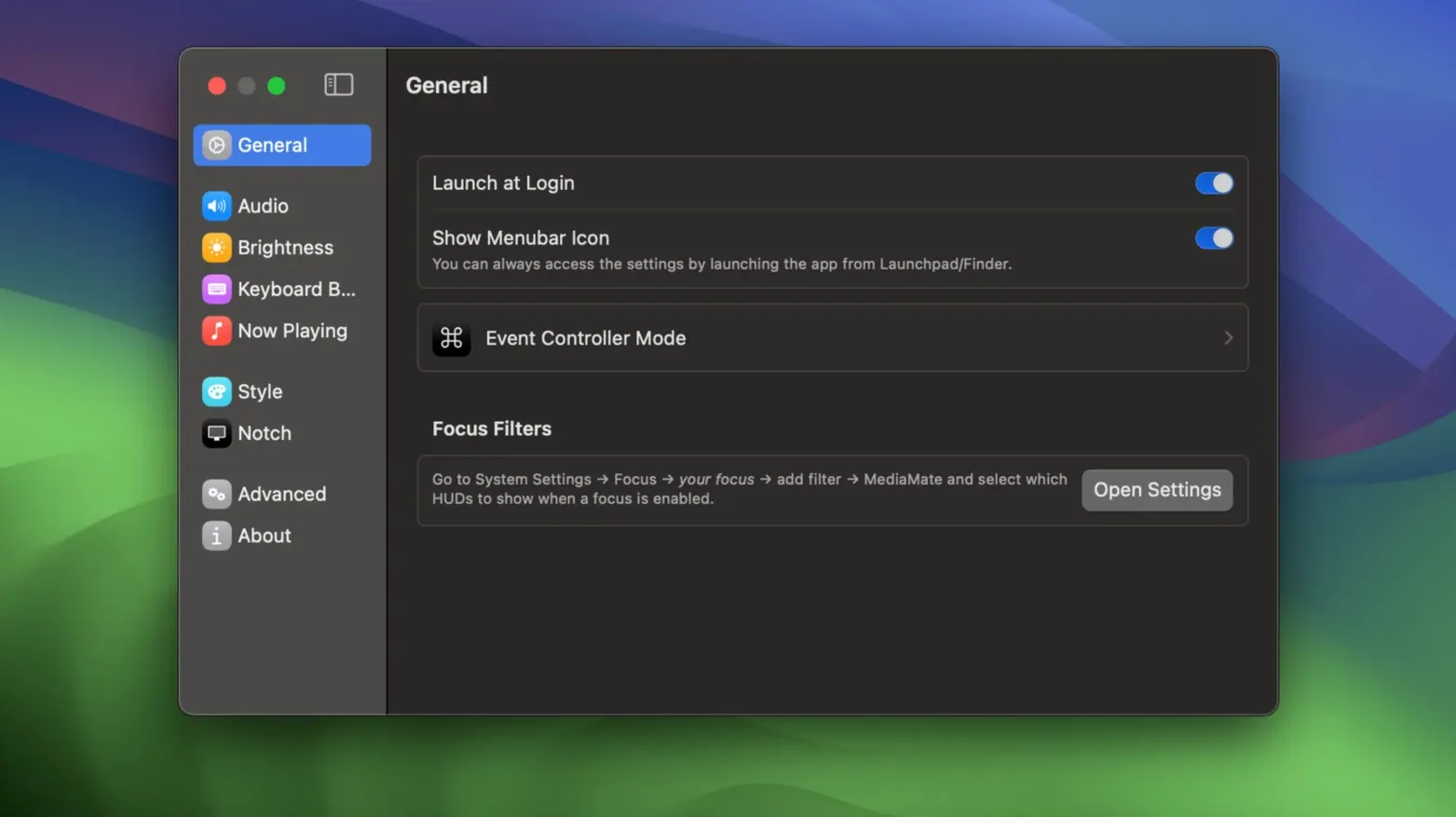
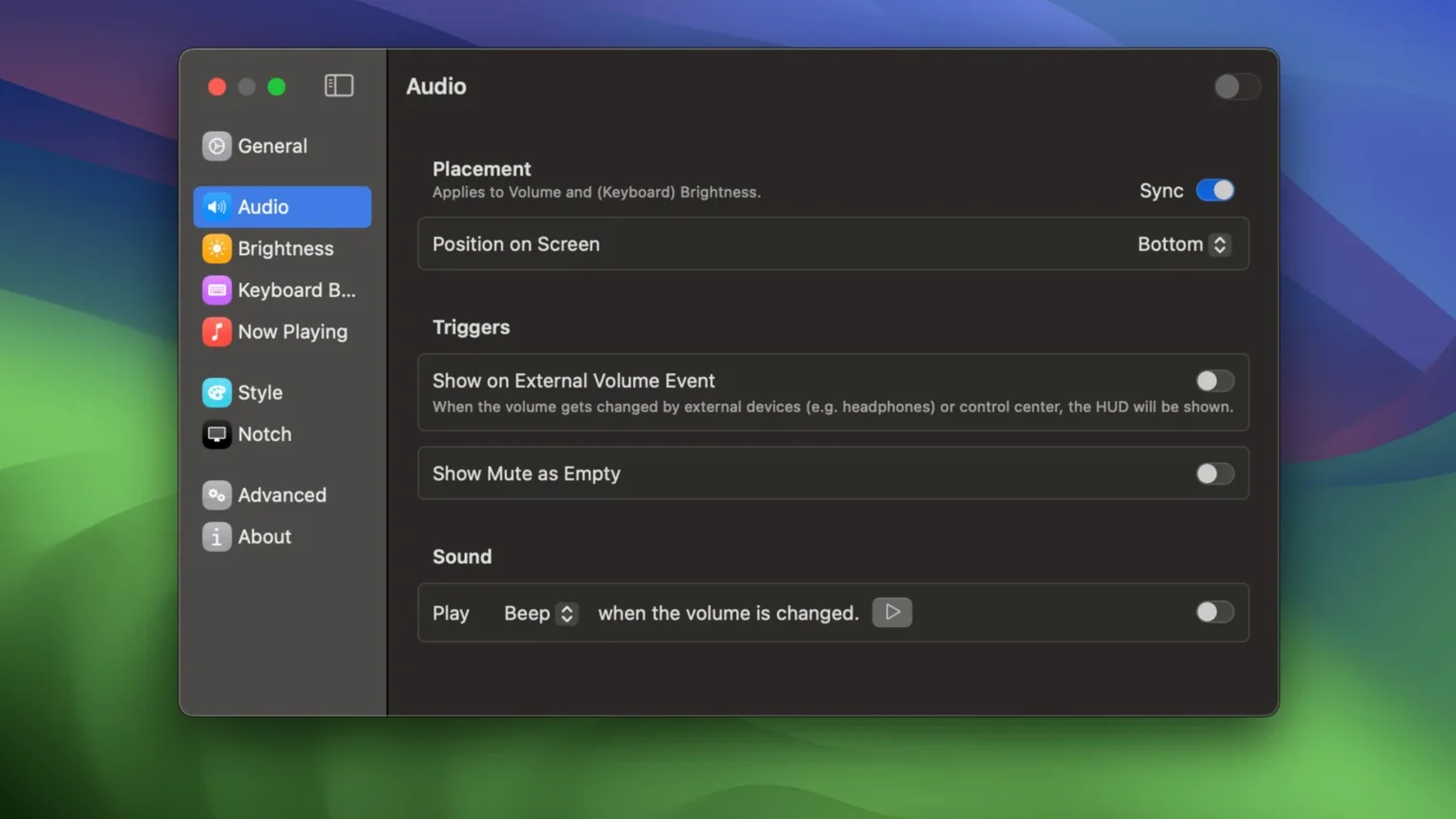
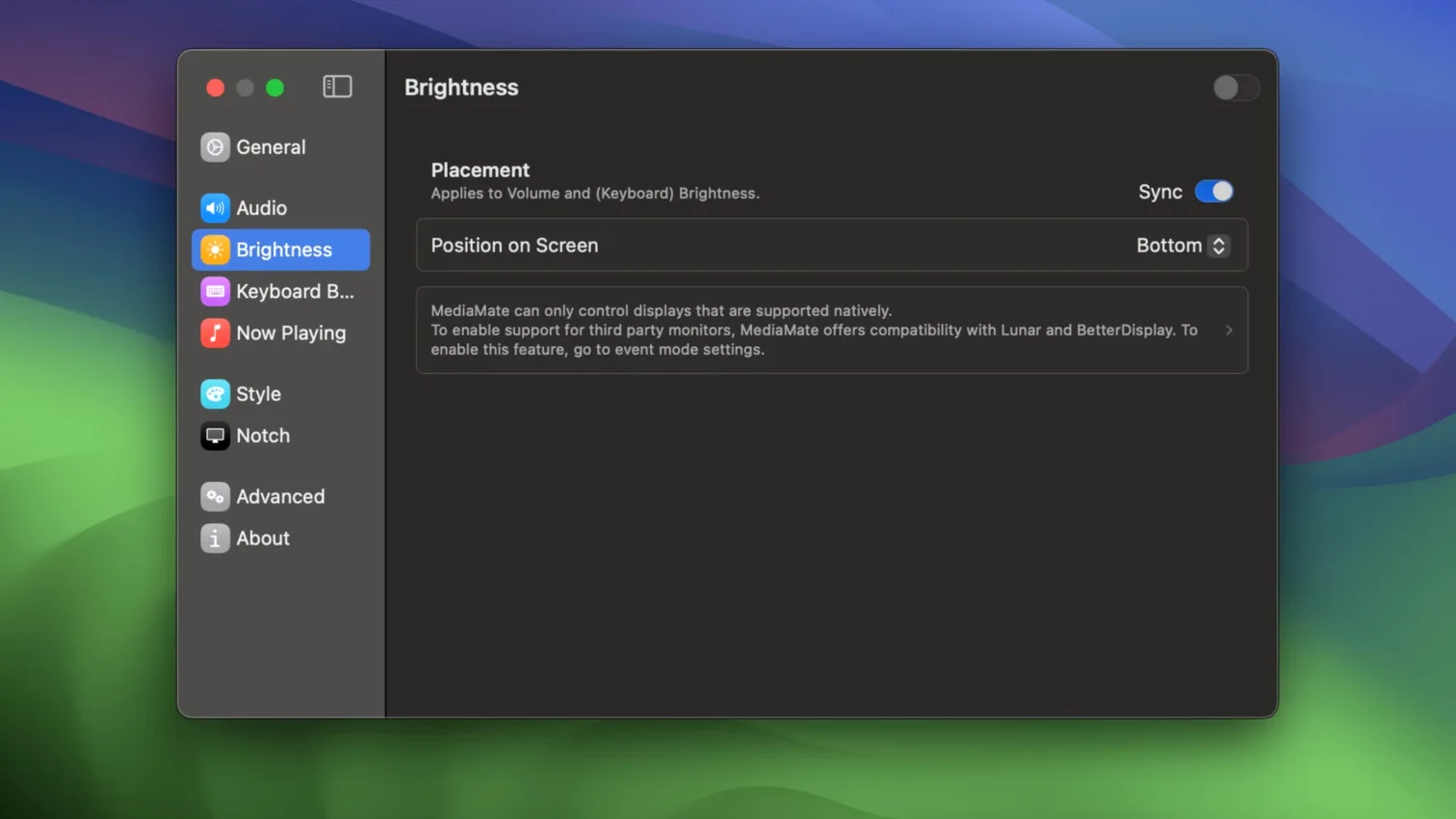
If you already use a utility like BetterTouchTool or Bartender to tweak macOS, MediaMate fits alongside them. It replaces the stock volume and brightness HUDs with compact, custom overlays that don't block the screen. The same HUD handles keyboard backlight brightness.
What does the volume HUD look like?
It shows a thin bar with the current level, no big grey square. The same style applies to brightness and keyboard backlight controls.
How does the now playing display work?
When media is playing in any supported app, a small overlay appears showing the track title and artist. It works with most common macOS media apps.
Replaces the macOS HUD on both Apple Silicon and Intel Macs
3.8.4 refines HUD responsiveness and now playing speed
The current build, 3.8.4, refines how the HUDs behave on the desktop. No new overlays were added, but the existing ones now respond more predictably when you adjust volume or brightness rapidly. The now playing overlay also updates faster after a track change.
- HUD animation timing tightened to match the speed of repeated key presses.
- Now playing display no longer lags behind when skipping tracks in quick succession.
- Keyboard backlight slider now stays in sync with the actual hardware level on more Mac models.
- Touch Bar Macs get a dedicated mode that avoids overlapping the thin touch strip.
Sits in the menu bar without a background daemon
MediaMate sits in the menu bar when running. It does not install a system service or a background daemon. The app intercepts the same hardware key signals that trigger the default macOS HUD and replaces them with its own overlay. You can still use the keyboard brightness keys, the volume keys, and the media keys — nothing else changes.
If you use a utility that remaps keys or adds gestures, like Keyboard Maestro or Sensible, MediaMate respects those remaps as long as the final output is a standard key press. It also does not interfere with the on-screen display settings in DisplayFusion or similar monitor-management tools — each handles a separate part of the display pipeline.
The now playing feature reads metadata from the currently active audio source. It works with Apple Music, Spotify, VLC, and most apps that publish track info to the macOS media control framework. It does not poll or scan running applications, so it uses no extra CPU when nothing is playing.
Keeps the volume HUD off the projector screen
A teacher uses a MacBook Air connected to a projector. The students see whatever is on the screen. Every time the teacher adjusts the volume for a video clip, the giant grey macOS volume HUD appears in the middle of the presentation. With MediaMate, the volume bar is thin and sits at the bottom edge of the screen — the projection stays clear. The teacher also uses the keyboard backlight slider on that MacBook when the classroom lights are dimmed for a film. One HUD handles both volume and backlight, so there is no confusion about which overlay belongs to which control. The teacher has never needed to open the settings panel after the initial setup.
Yes. MediaMate runs on both ARM and 64-bit Intel Macs, from macOS 13 Ventura onward.
No “what's new” for 3.8.4. The release line gave nothing I could check, and I will not stretch it into a changelog.
- macOS 13 Ventura or later
- Apple Silicon or 64-bit Intel Mac
- Interface language: English
Questions people ask
What does the MediaMate license key unlock?
The license key unlocks the full app, including custom HUDs for volume, brightness, keyboard backlight, and the now playing display.
Which macOS versions does MediaMate run on?
MediaMate requires macOS 13 Ventura or later and supports both Apple Silicon and Intel Macs.
Staffroom comments 0
Sign in or create an account here to leave a comment.
Nobody has commented on this one yet.
Other Utilities tools
All Utilities tools-
 Little Snitch
6.5
39 MB
Utilities
-
 Mountain Duck
5.3.2
187 MB
Utilities
-
 MouseBoost Pro
5.3.0
17 MB
Utilities
-
 Movavi Video Converter
22.5.0Intel Macs only
79 MB
Utilities
-
 Musify
5.3.0Intel Macs only
68 MB
Utilities
-
 LanScan
8.2.17
17 MB
Utilities
-
 Nook X
2026.10.24
36 MB
Utilities
-
 iTubeGo
10.15.0Intel Macs only
115 MB
Utilities