
Musify 5.3.0 (macOS)
Intel build. On Apple Silicon it runs through Rosetta 2. Opens the install steps and mirrors.
- Version
- 5.3.0
- Size
- 68 MB
- Earliest macOS
- 10.12 or later
- CPU type
- Intel
- Updated
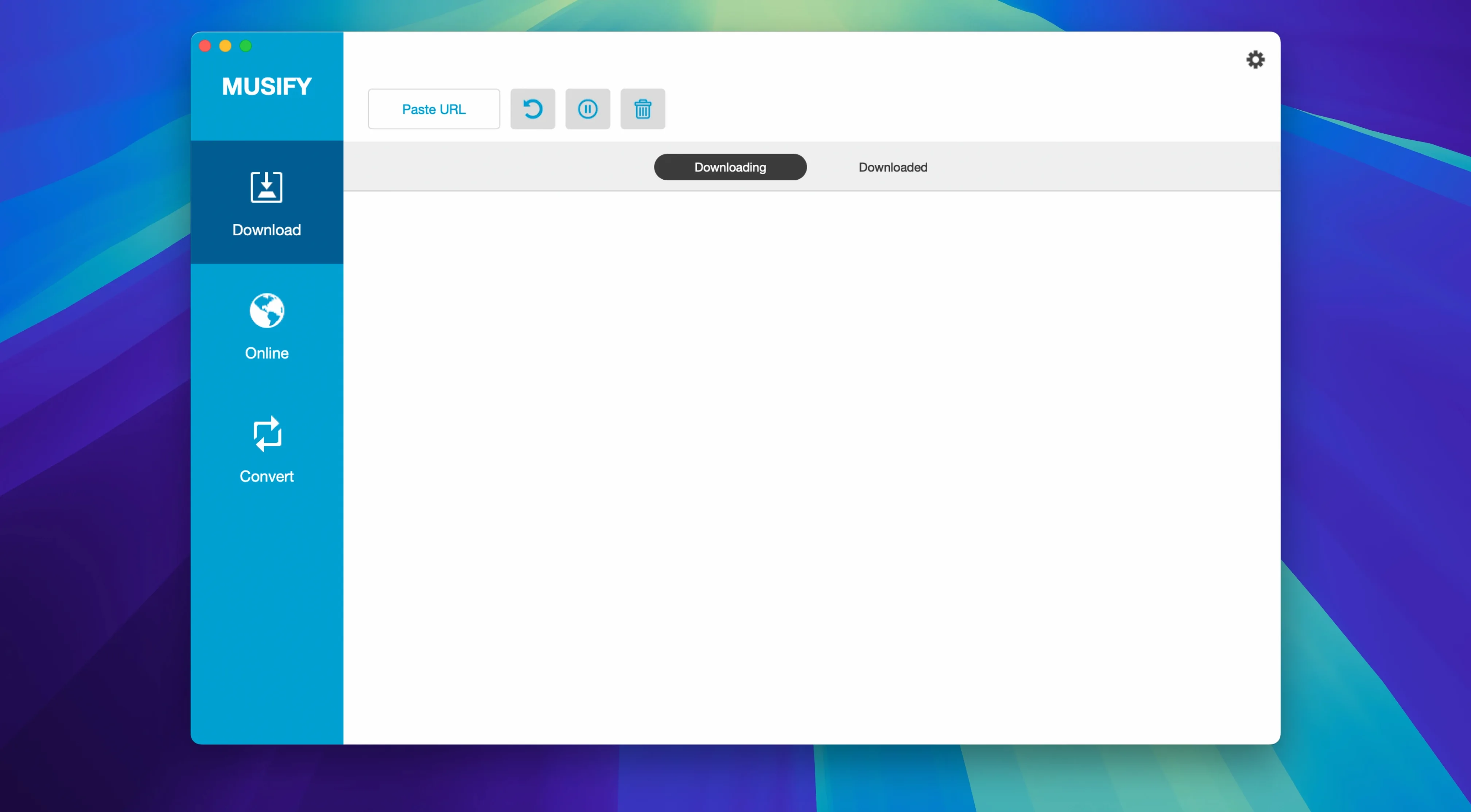
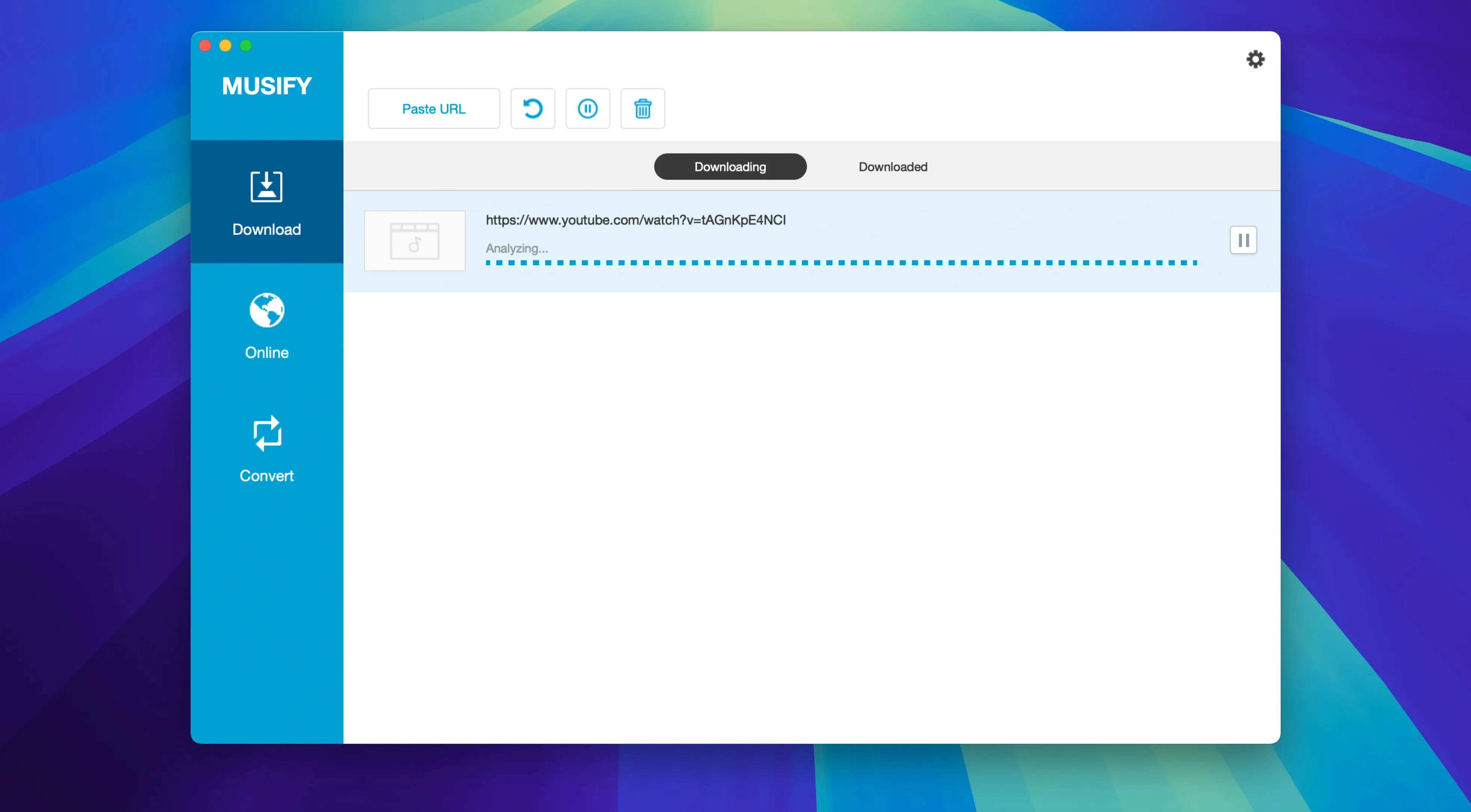
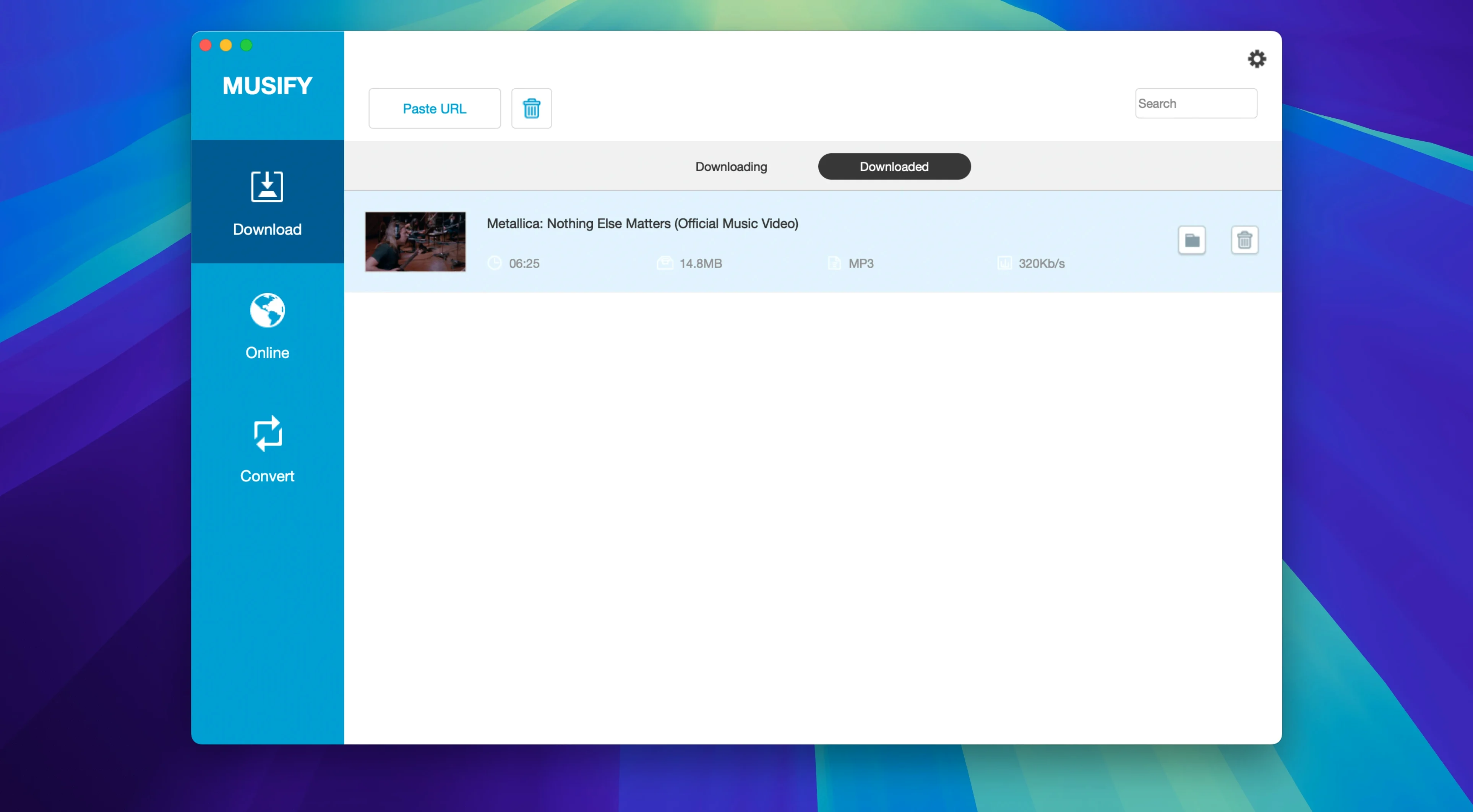
Musify 5.3.0 hasn't shipped with change notes, but the core workflow remains the same: grab audio from a dozen sources and get it into a format your device actually plays.
| Detail | Value |
|---|---|
| Developer | iTubeGo |
| Version | 5.3.0 |
| macOS | 10.12 and later |
| Architecture | 64-bit Intel |
| Languages | English |
It handles YouTube-to-MP3 conversion as a straight-through job, and supports Spotify, SoundCloud, Bandcamp, MixCloud, Facebook, Instagram, Freesound, Audioboom and Veojam. Output lands as MP3, M4A or WAV. The device-transfer feature pushes finished tracks straight to iOS or Android without a secondary sync app. Useful if you manage a school library of audio resources or maintain a personal collection that needs to live on a phone as well as the Mac.
Small details in Musify that aren't obvious at first glance:
What the metadata preservation actually does
When you download a playlist as MP3, Musify keeps the track titles, artist names and album art attached to the files. That means they show up properly in iTunes, Apple Music, VLC or whatever player you use on the Mac or your phone. If you've ever imported a batch of unnamed audio files and spent an afternoon retagging them, this is the part that saves the time.
Drags straight into iTunes and DAWs
Musify's output lands as standard audio files. You can drag them straight into an iTunes library folder, drop them into a Finder smart playlist directory, or load them into any DAW that opens MP3, M4A or WAV. The device-transfer feature uses a direct USB connection to iOS and Android, so you don't need to involve a cloud service or a separate sync tool. For a school environment, that means a technician can prep a batch of audio resources on one Mac, transfer them to a set of tablets without creating accounts on third-party services, and keep the whole thing offline.
Device transfer and file sharing shortcuts
Playlist downloads that stall partway through
A long playlist from YouTube or Spotify can sometimes pause on a track. The workaround is to break the playlist into smaller groups and queue them separately. The app handles each queue independently, so a stalled download doesn't block the rest of the list.
Gatekeeper on first launch
The install procedure already walks you past Gatekeeper using a Terminal command. If you skip that step and the app won't open, mount the disk image again and follow the instructions in the included text file. The same bypass works on macOS 10.12 through to recent versions of the OS on Intel hardware.
Files that won't transfer to an iPhone or Android device
If the transfer feature doesn't see your phone, check the cable connection first, then confirm the phone is set to file transfer mode rather than charge-only. The app writes standard MP3 or M4A files, so any device that plays those formats will accept them once the connection is established.
No “what's new” for 5.3.0. The release line gave nothing I could check, and I will not stretch it into a changelog.
- macOS 10.12 and later
- 64-bit Intel processor
Questions people ask
What sources can Musify download from?
YouTube, Spotify, SoundCloud, Facebook, Instagram, MixCloud, Bandcamp, Freesound, Audioboom and Veojam.
What audio formats does it output?
MP3, M4A and WAV.
Can Musify transfer music to a phone?
Yes, it supports direct transfer to iOS and Android devices.
Staffroom comments 0
Sign in or create an account here to leave a comment.
Nobody has commented on this one yet.
Other Utilities tools
All Utilities tools-
 Movavi Video Converter
22.5.0Intel Macs only
79 MB
Utilities
-
 MouseBoost Pro
5.3.0
17 MB
Utilities
-
 Mountain Duck
5.3.2
187 MB
Utilities
-
 Nook X
2026.10.24
36 MB
Utilities
-
 One Switch
1.35.4
7 MB
Utilities
-
 MediaMate
3.8.4
7 MB
Utilities
-
 Parallels Desktop
27.0.3
186 MB
Utilities
-
 Little Snitch
6.5
39 MB
Utilities