Presentify 8.2.1 (macOS)
One download for Apple Silicon and Intel. Opens the install steps and mirrors.
- Version
- 8.2.1
- Size
- 6 MB
- Earliest macOS
- 13 or later
- CPU type
- Universal
- Updated
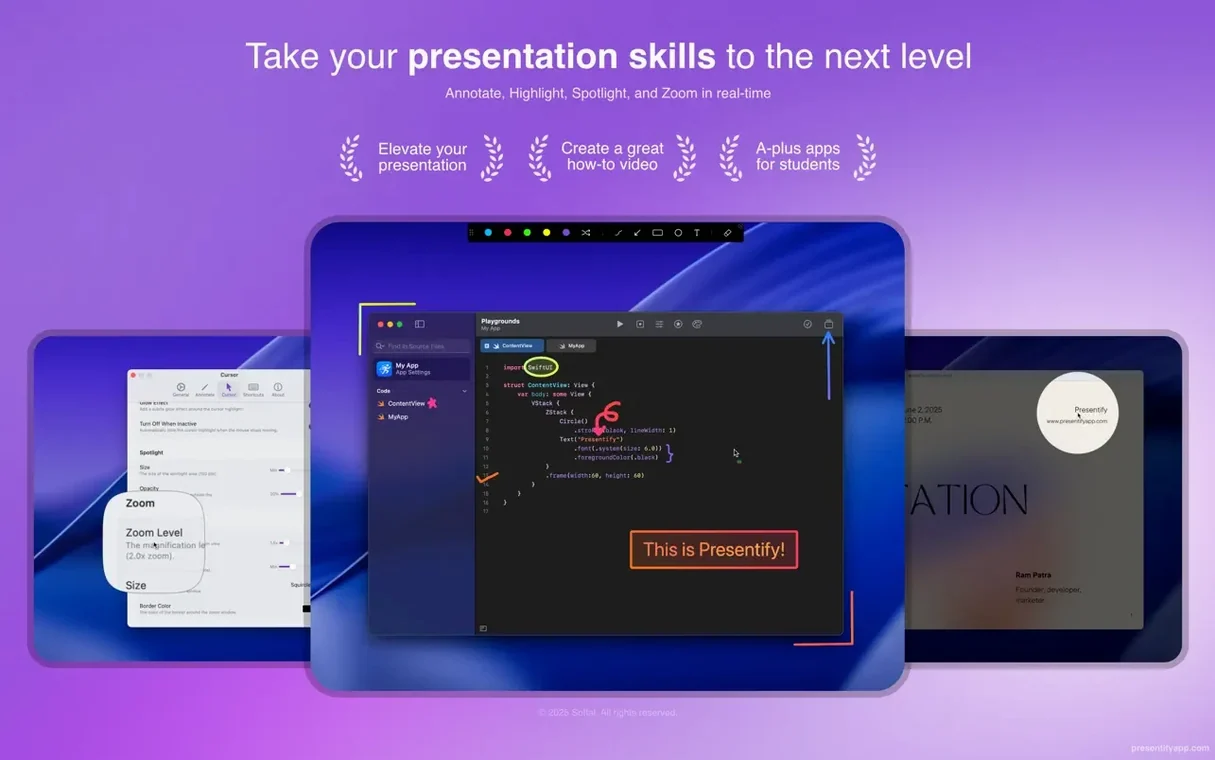
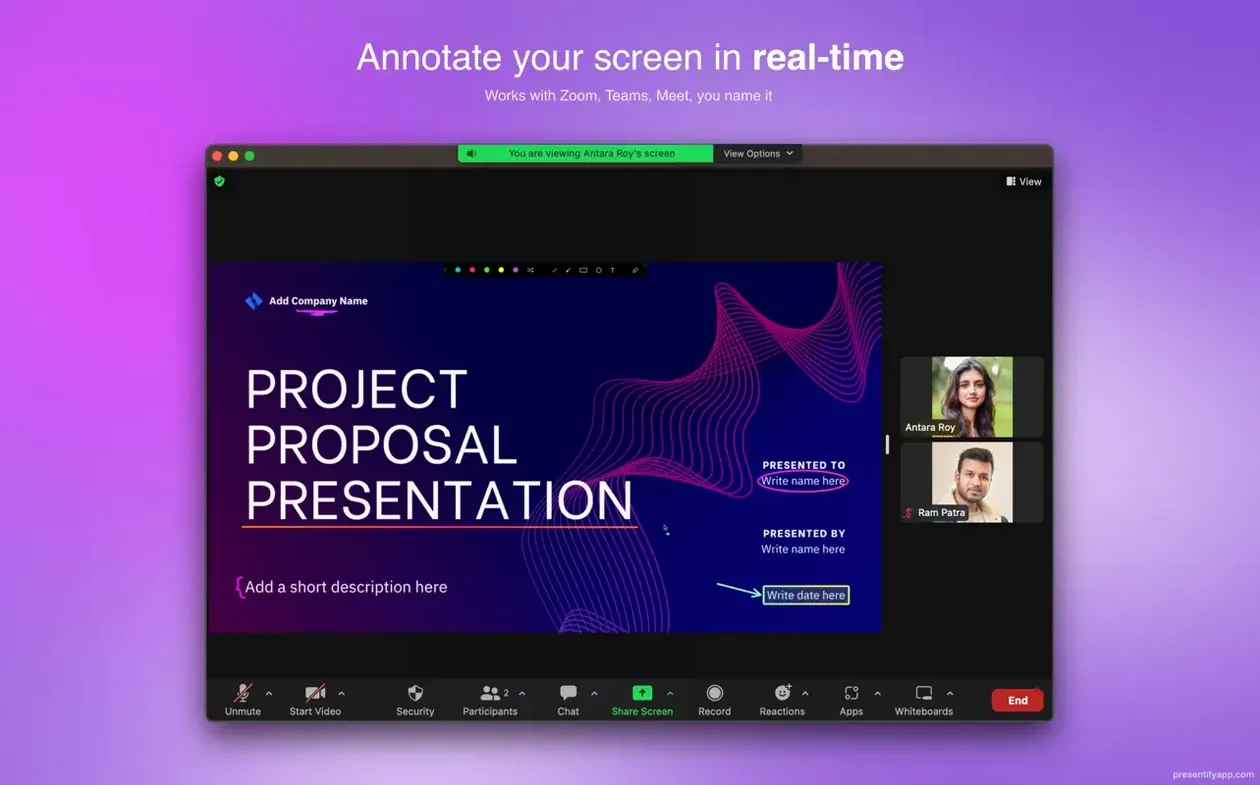
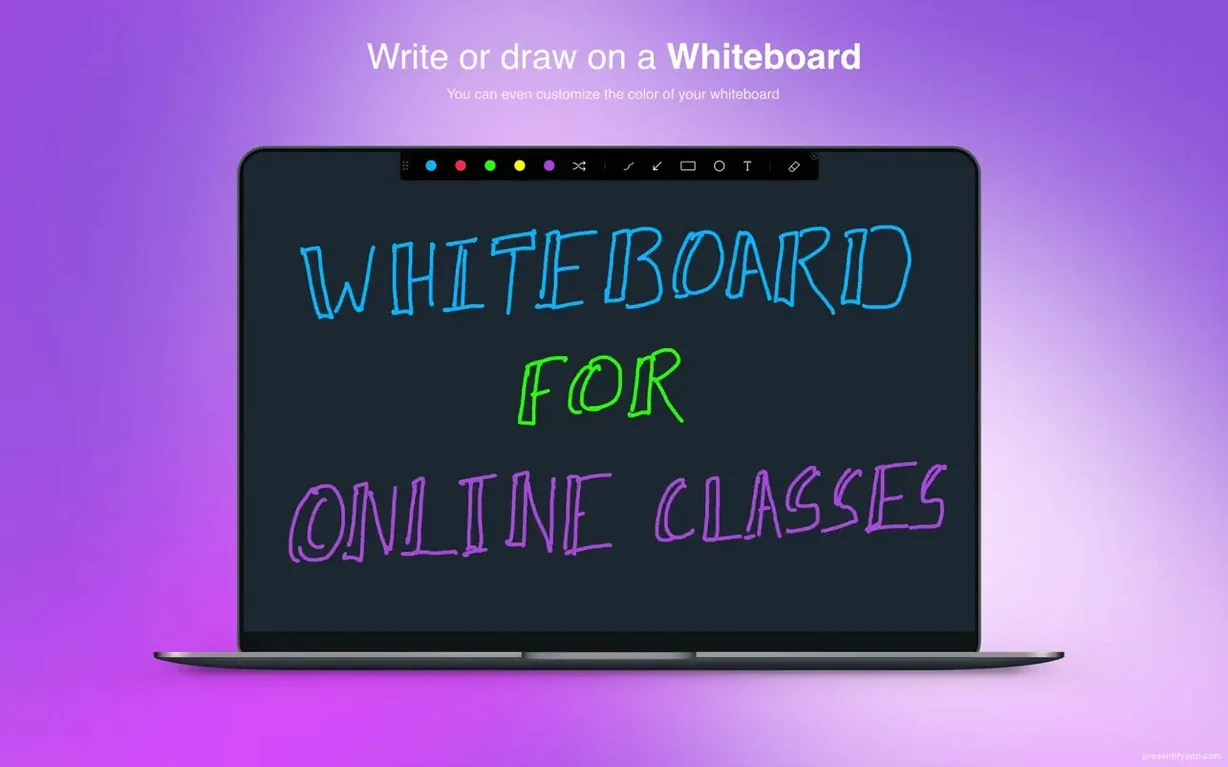
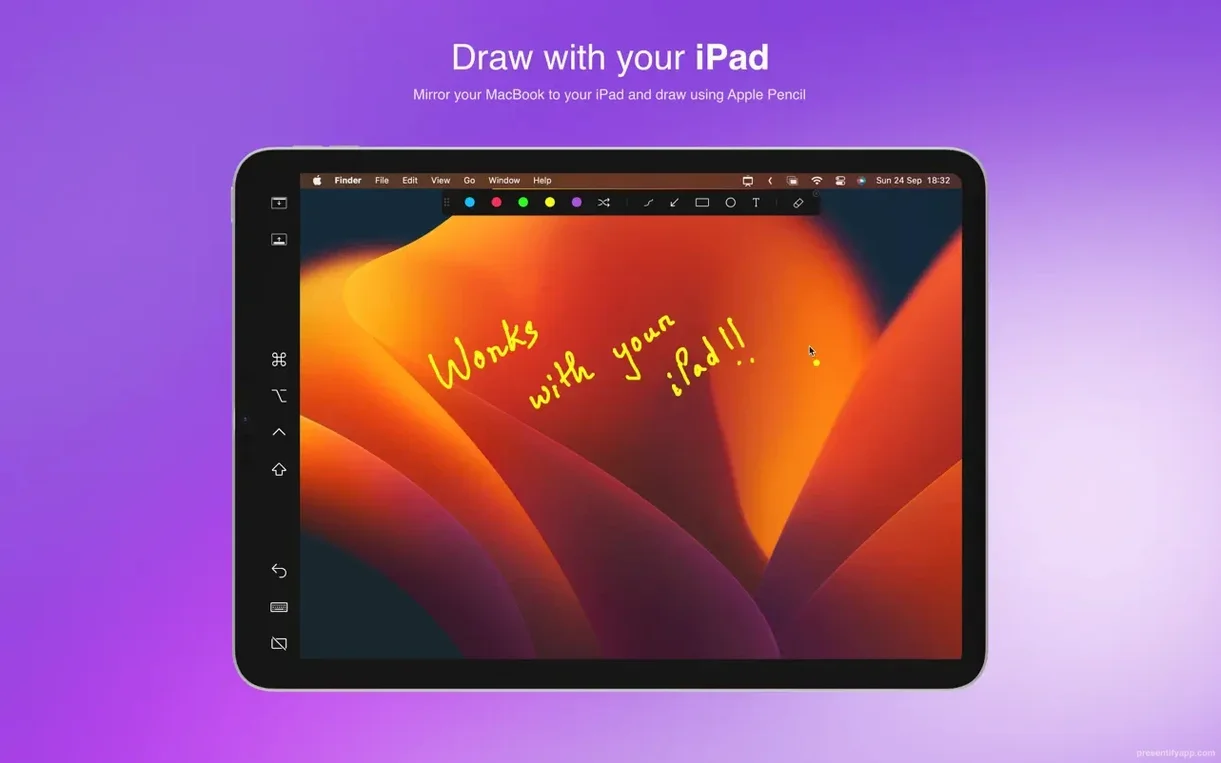
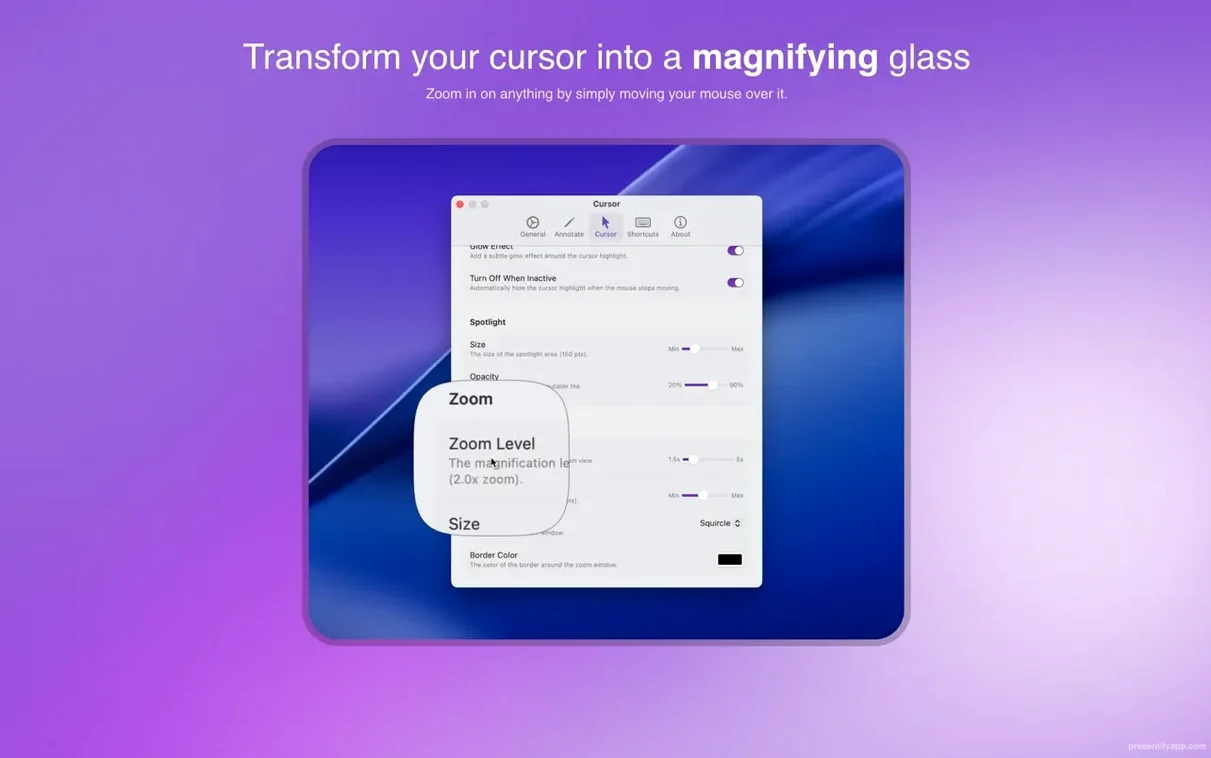
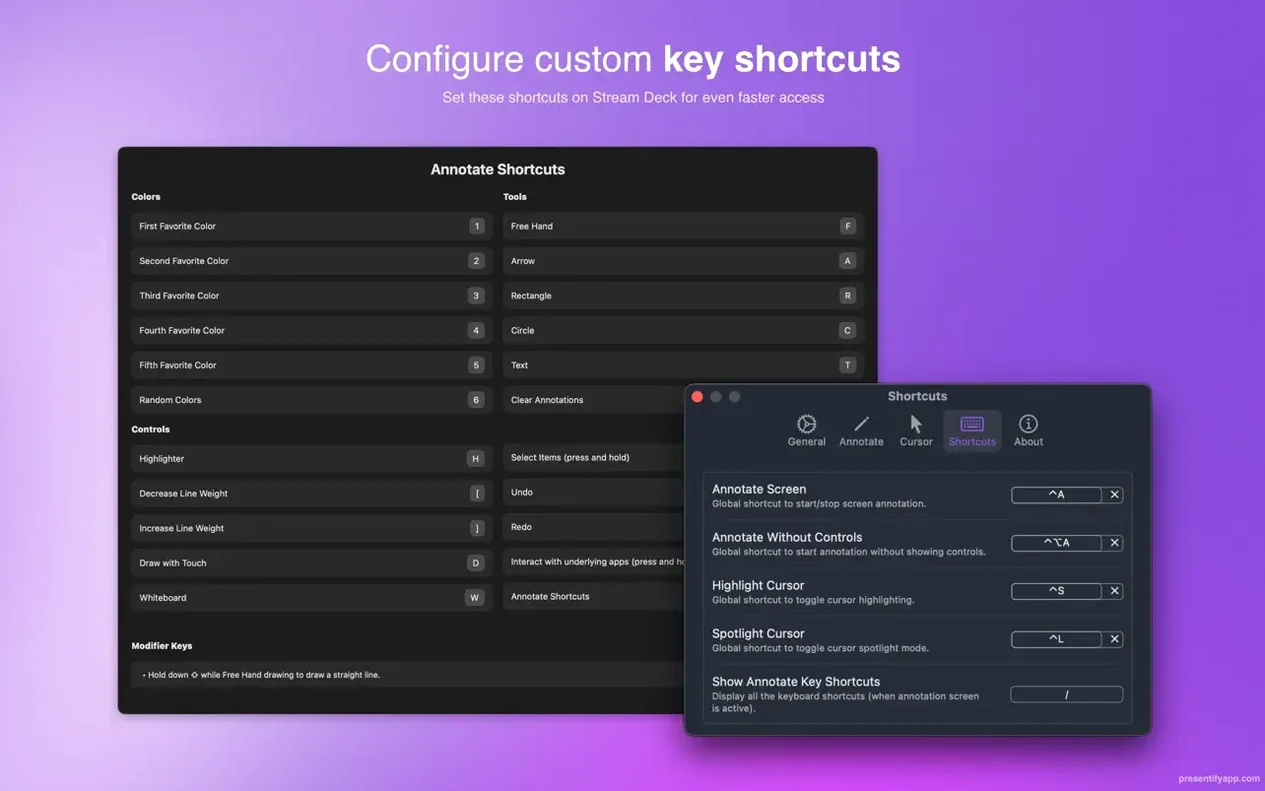
If you already use a screen-recording or presentation tool without annotation, Presentify fills that gap from the menu bar. It adds a visual layer of shapes, text, and highlights over anything on screen — live presentations, recorded tutorials, or remote teaching sessions.
Key tools for the experienced user
Automatic erasing — annotations clear themselves after a set interval, so you don't have to scrub the canvas manually between slides.
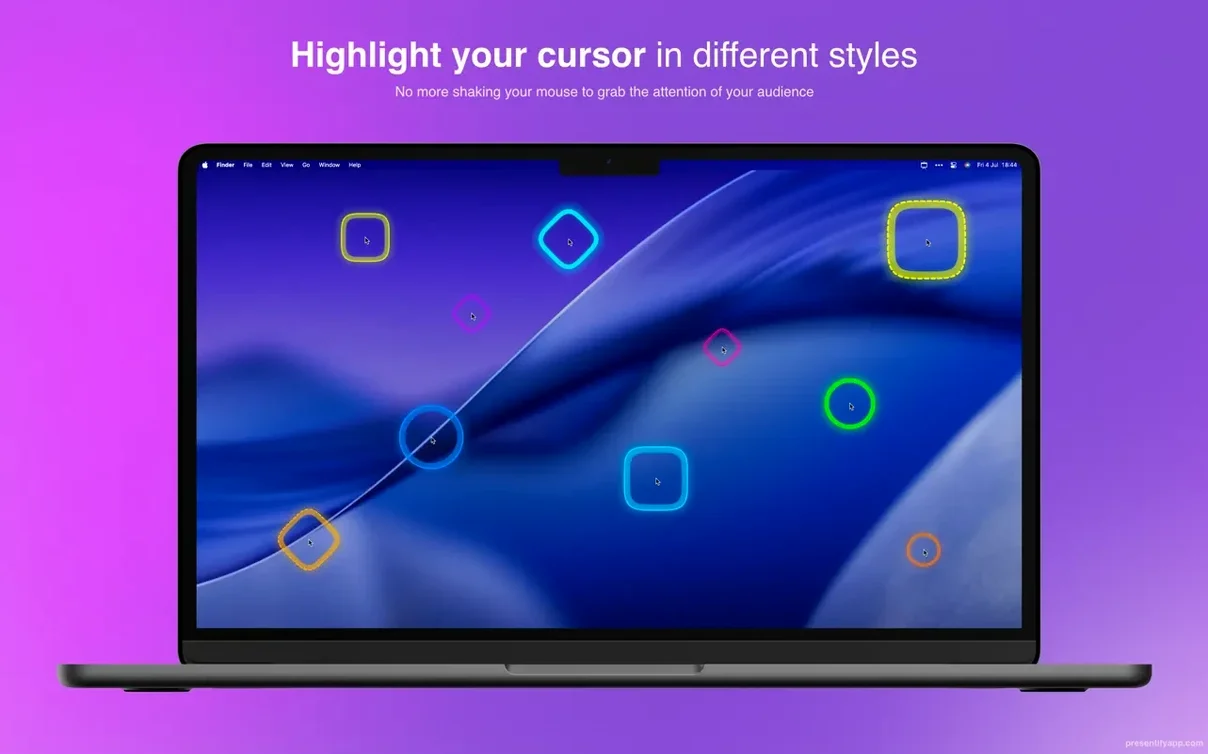
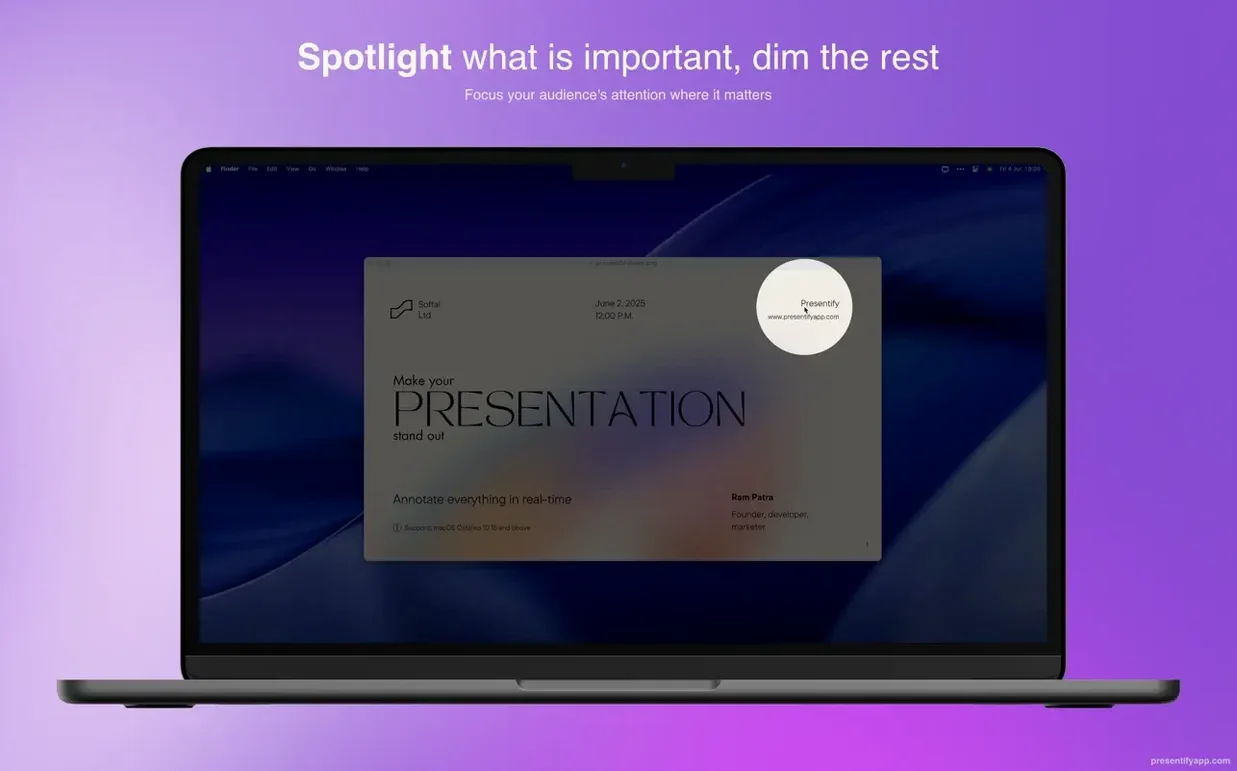
Cursor highlighting and spotlight — the cursor gets a coloured halo or the screen dims to a spotlight circle, both configurable in the preferences.
Graphics tablet support — works with XP-Pen and Wacom tablets for pressure-sensitive drawing during annotation.
Full-screen compatibility — the overlay stays active even when an app is in full-screen mode, which is where most presentation tools live.
Fn-mode interaction — hold the Fn key to click through to the underlying app without quitting the annotation layer.
Does not interfere with other screen tools
People often ask whether Presentify interferes with other screen tools. It sits as a menu bar app, so it does not modify system files or inject into other processes. The overlay appears only when you activate it from the menu, and it disappears when you quit the app. Another frequent question is about graphics tablet compatibility: Presentify works with XP-Pen and Wacom tablets out of the box, but any tablet the Mac recognises as an input device should work for drawing and annotation. If your tablet works as a mouse substitute, it will work here.
Several users wonder whether the app works with streaming software such as OBS. Because Presentify annotates the screen itself, any application that captures the display — including OBS, Zoom, and Google Meet — will see the annotations. No special configuration is needed. The language setting, available in English, German, Spanish, French, and Russian, can be changed from the preferences menu before you start presenting.
Forget to hold the Fn key and clicks go nowhere
The most common slip is forgetting to hold the Fn key when trying to interact with the underlying app. In the default mode, clicks are captured by the annotation layer, so clicking a button in, say, Keynote does nothing until you hold Fn. New users sometimes think the app has frozen or is unresponsive; it has not — it is simply waiting for that key.
Another mistake is leaving automatic erasing on for the whole session. Beginners set a short erase interval and then wonder why their carefully drawn arrows disappear mid-sentence. The automatic erasing is meant for quick callouts where you draw, talk, and let the annotation fade. For sustained teaching or code walkthroughs, keep it off and erase manually when you are ready to move on.
A third error is not quitting and relaunching the app after the first install. The first launch can behave oddly — the annotation layer may not respond. Quitting in Activity Monitor and opening it again fixes this every time.
Online instructors highlight code without covering text
Online instructors and trainers benefit most. If you teach code, you can highlight lines in an IDE without covering the text, circle errors in real time, and clear annotations automatically between examples. The same applies to anyone walking through PDFs, diagrams, or slides during a live class — the spotlight keeps viewer attention on the cursor, not the whole screen.
Video creators who record tutorial footage will find the zoom and annotation tools useful for pointing out interface details that would otherwise be lost in a full-screen recording. Presentify free download offers a lightweight screen annotation tool ideal for presenters who need quick, focused markups. Presentify for mac free of extra bloat, it does one thing and does it from the menu bar without background processes or dashboard logins.
No “what's new” for 8.2.1. The release line gave nothing I could check, and I will not stretch it into a changelog.
- macOS 13 Ventura or later
- Apple Silicon or Intel 64-bit
- Languages: English, Russian, German, Spanish, French
Staffroom comments 0
Sign in or create an account here to leave a comment.
Nobody has commented on this one yet.