Parallels Desktop 27.0.3 (macOS)
- Version
- 27.0.3
- Size
- 186 MB
- Earliest macOS
- 26 or later
- CPU type
- Apple Silicon
- Updated
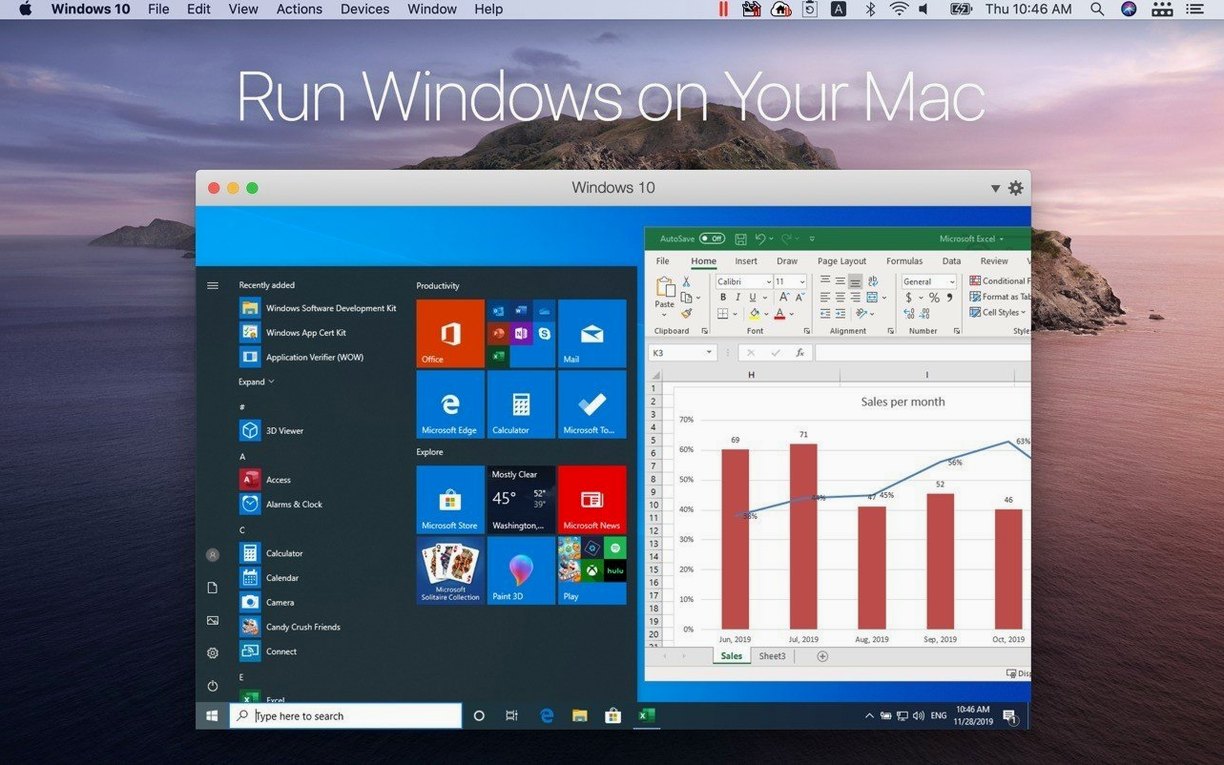
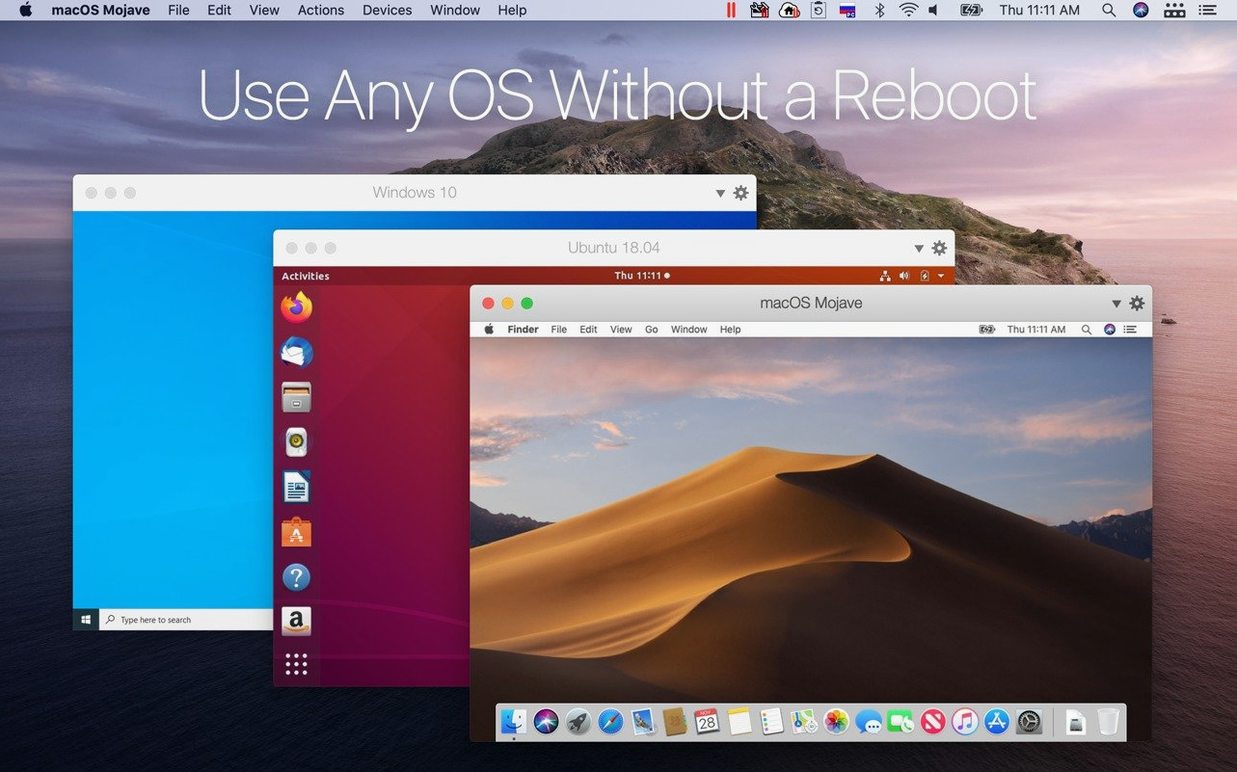
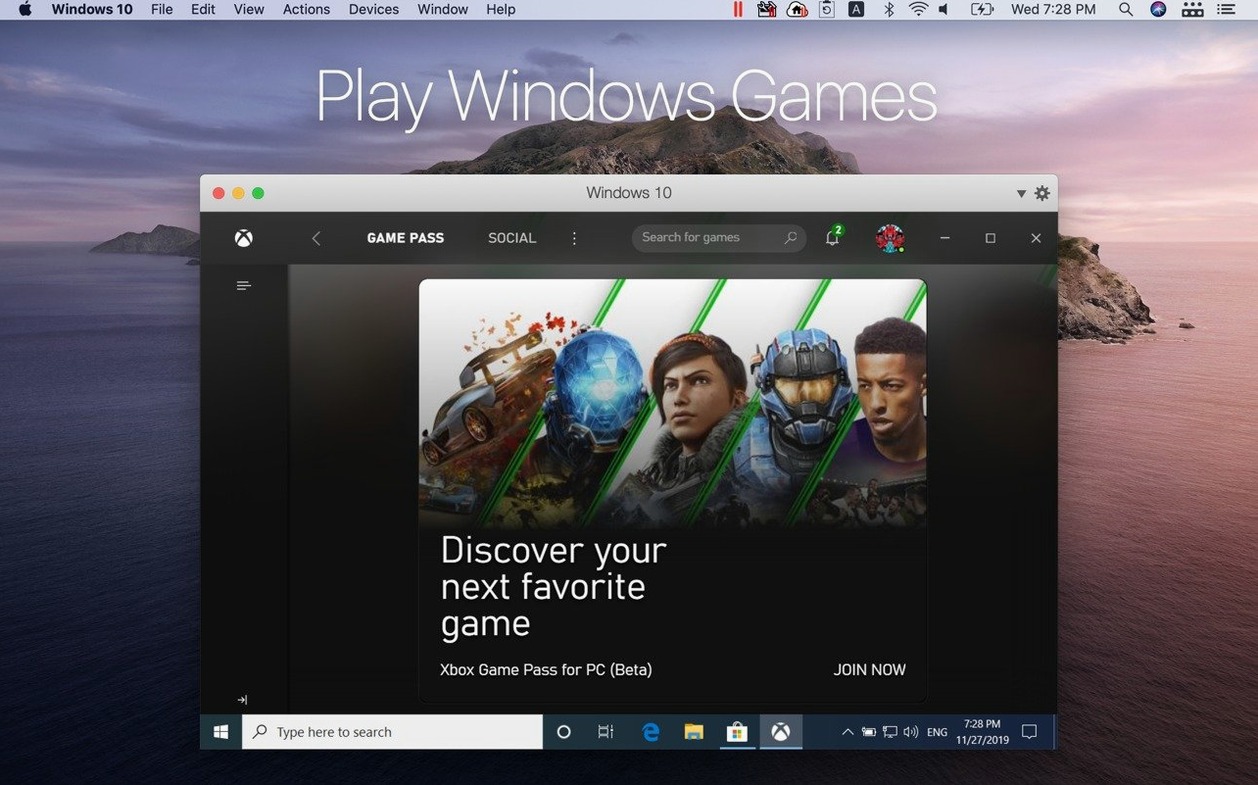
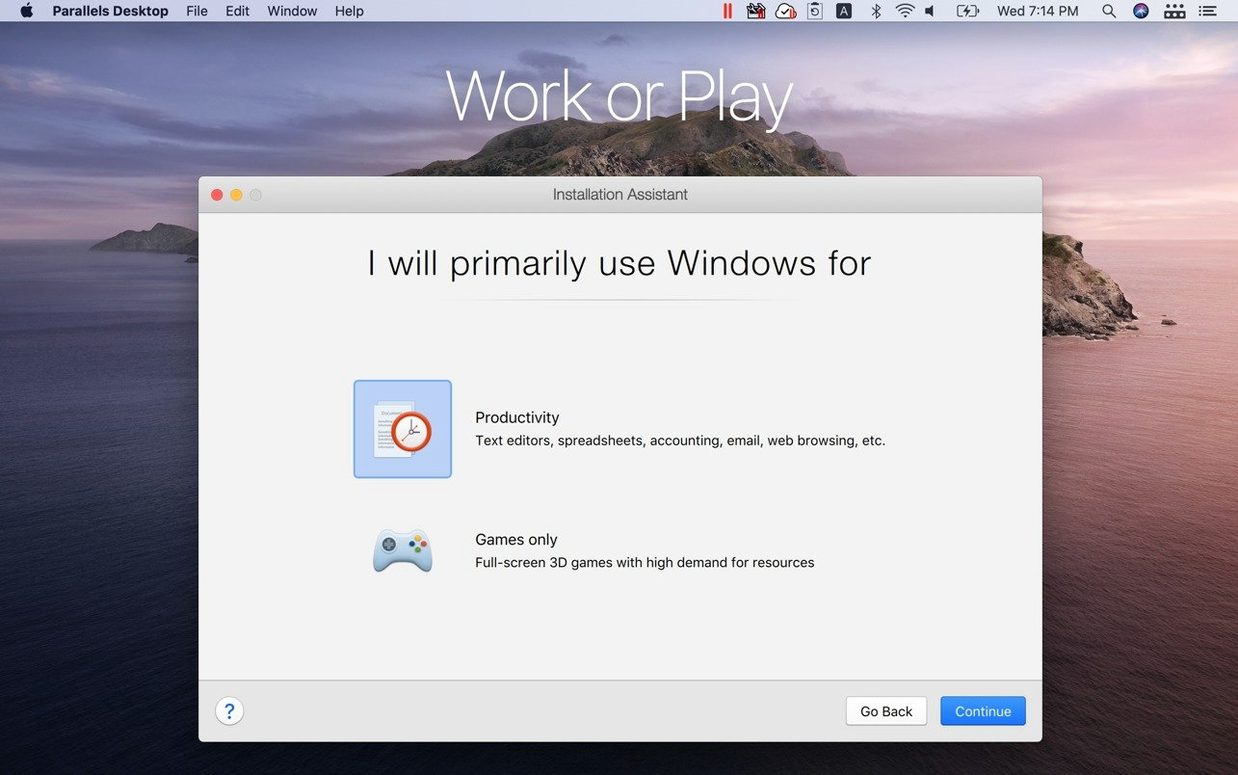
If you have used Apple's Boot Camp, Parallels Desktop is the modern counterpart that keeps both systems running at once.
Virtual machine — the Windows or Linux system running inside Parallels.
Full screen mode — makes Windows fill the Mac display so it feels native.
Shared folders — directories both macOS and Windows can read and write.
Drag and drop — move a file from Finder into a Windows app.
Clipboard sync — copy text or an image on one side, paste on the other.
Apple silicon support — the current build runs on M-series Macs only; Intel support ended with version 27.
For a typical setup, pick a Windows 11 image, assign four cores and 8 GB of RAM, then enable shared folders. A school admin can test Group Policy settings in a Linux VM without touching the network. The Windows window runs in full screen when staff need Word or an old SIMS client without seeing macOS underneath.
First days with Parallels Desktop 27
Let Windows run its updates before you do anything else. A fresh VM will pull down several rounds of cumulative patches. Leave it connected overnight if you can; interrupting the process mid-stream just means starting again.
Set the shared folder scope early. Point it at ~/Documents or a single project directory, not your whole home folder. Windows indexing will crawl through whatever you give it, and the narrower the scope the sooner it finishes.
Check the graphics setting. Switch to Best for external display if you are on a Studio Display or a 4K monitor. The difference in window redraws is noticeable.
Assign keyboard shortcuts you can actually remember. The default Mac-to-Windows modifier mapping works, but the Coherence toggle — the one that makes Windows apps sit in the dock — deserves a shortcut that is not hidden three menus deep.
If you brought a Boot Camp partition across, do not expect it to appear. Parallels 27 dropped Boot Camp support altogether. The VM has to be built from a fresh ISO or imported from a vmdk.
What the Mac sees while a VM runs
Activity Monitor will show a process called prl_vm_app eating a chunk of RAM and CPU. That is expected. The RAM you assigned to the VM is reserved on the host side — if you gave Windows 8 GB, those 8 GB are gone from macOS the moment the VM boots.
The guest OS keeps its own timers and background services ticking even when the Mac thinks it is idle. On a MacBook, expect the fans to spin up sooner than they would under a native macOS workload of similar weight.
Disk space grows in bursts. Snapshots, saved states and the virtual disk file itself expand as Windows installs patches. Keep an eye on ~/Library/Parallels.
The network adapter appears as a separate interface. Windows gets its own IP from your router unless you set it to shared networking mode, which pipes everything through the Mac's connection. Shared mode is simpler; bridged mode is what you want if the VM needs to talk to other machines on the LAN directly.
Snags that come up
Windows sees no network. Disable and re-enable the network adapter inside Windows. If that does nothing, toggle the Mac's network source setting for the VM — switching from shared to bridged and back often shakes the lease loose.
Coherence mode windows flicker. This crops up after a macOS point update. An uninstall of Parallels Tools inside Windows, a reboot of the VM, and a fresh Tools install sorts it nine times out of ten.
USB device not handed over. The icon in the Mac menu bar controls which side claims the device. If Windows does not see it, check that macOS has not grabbed it first. Printers and scanners are the usual culprits.
Linux VMs hang after a kernel update. The out-of-the-box support for Ubuntu 26.04 LTS, Fedora 44, Debian 13.6 and Kali Linux 2026.2 means the guest tools ship pre-built for those kernels. If you run something older or rolling, reinstall the guest additions after every kernel bump.
ARM SystemReady certification question. The SR 3.1 VE band certification matters only if you run an OS that checks for it at boot. Most desktop Linux distributions do not, but server images or custom firmware builds might. If a distro refuses to boot, the certificate is not the problem — check the ISO architecture first.
Who feels the benefit most
School IT staff. Testing Group Policy objects, imaging workflows, or a dodgy Windows-only educational app in a sandbox before touching a real lab — that is the core use case. Snapshots let you roll back a botched config in seconds.
Developers targeting ARM Windows. Apple silicon means the guest runs ARM Windows natively. If your build pipeline needs a Windows ARM target, spinning up a VM is faster than maintaining a separate box. The x86_64 emulation layer for Ubuntu 26.04 LTS also means you can test mixed-architecture workloads without leaving the desk.
Anyone stuck on a Windows-only line-of-business app. Local government portals, old accounting software, SIMS — things that have no web equivalent and no macOS port. Coherence mode tucks the app into the dock like a native Mac program, which keeps less-technical staff from getting confused.
People who need more than one Linux flavour running at once. The update that added five distributions out of the box means less time wrestling with kernel parameters. You can have Ubuntu 26.04 LTS and Kali 2026.2 running side by side, each with its own snapshot chain.
A search for parallels desktop for mac full tends to surface older Intel builds. This version is Apple Silicon only, so those turn out useless on an M-series Mac. The cracked build tagged by the QiuChenly team targets the current version directly, which at least matches the hardware.
- Adds out-of-the-box support for Ubuntu 26.04 LTS, Ubuntu 26.04 LTS x86_64 emulation, Fedora 44, Debian 13.6, and Kali Linux 2026.2.
- Certified as ARM SystemReady SR 3.1 (VE band).
- Addresses overall stability and security issues.
- macOS 26
- Apple Silicon
Questions people ask
Does Parallels Desktop work on Intel Macs?
No. Parallels Desktop 27 removed support for Intel Macs and requires Apple silicon.
Can I copy files between Mac and Windows?
Yes. You can drag files between applications and use shared folders, plus clipboard sync works for text and images.
What does ARM SystemReady SR 3.1 certification mean?
Version 27.0.2 is certified as ARM SystemReady SR 3.1 (VE band), which covers standardised virtual environment behaviour for ARM guests.
Staffroom comments 0
Sign in or create an account here to leave a comment.
Nobody has commented on this one yet.