ProPresenter 7.16.3 (macOS)
One download for Apple Silicon and Intel. Opens the install steps and mirrors.
- Version
- 7.16.3
- Size
- 207 MB
- Earliest macOS
- 10.15 or later
- CPU type
- Universal
- Updated
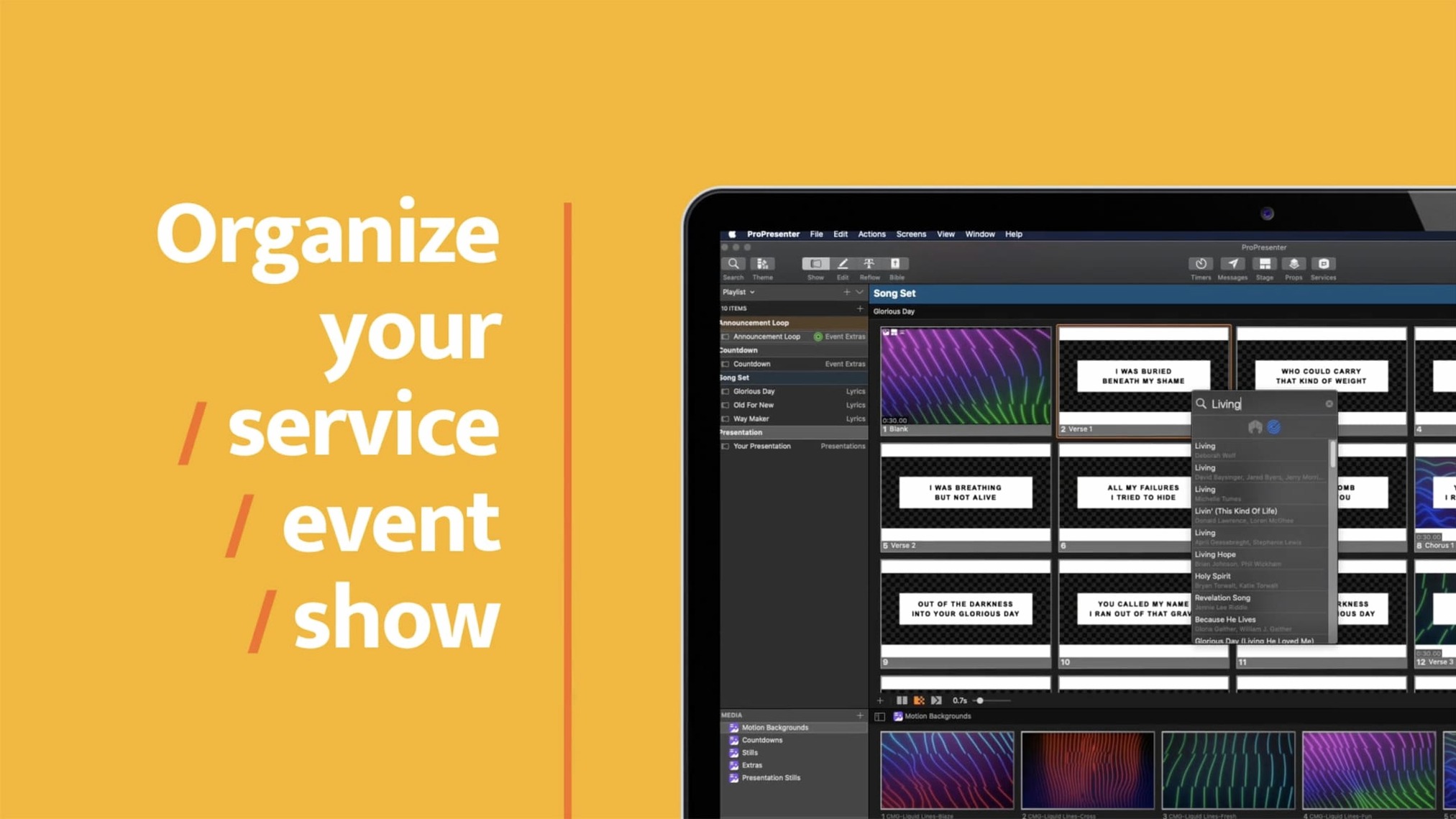
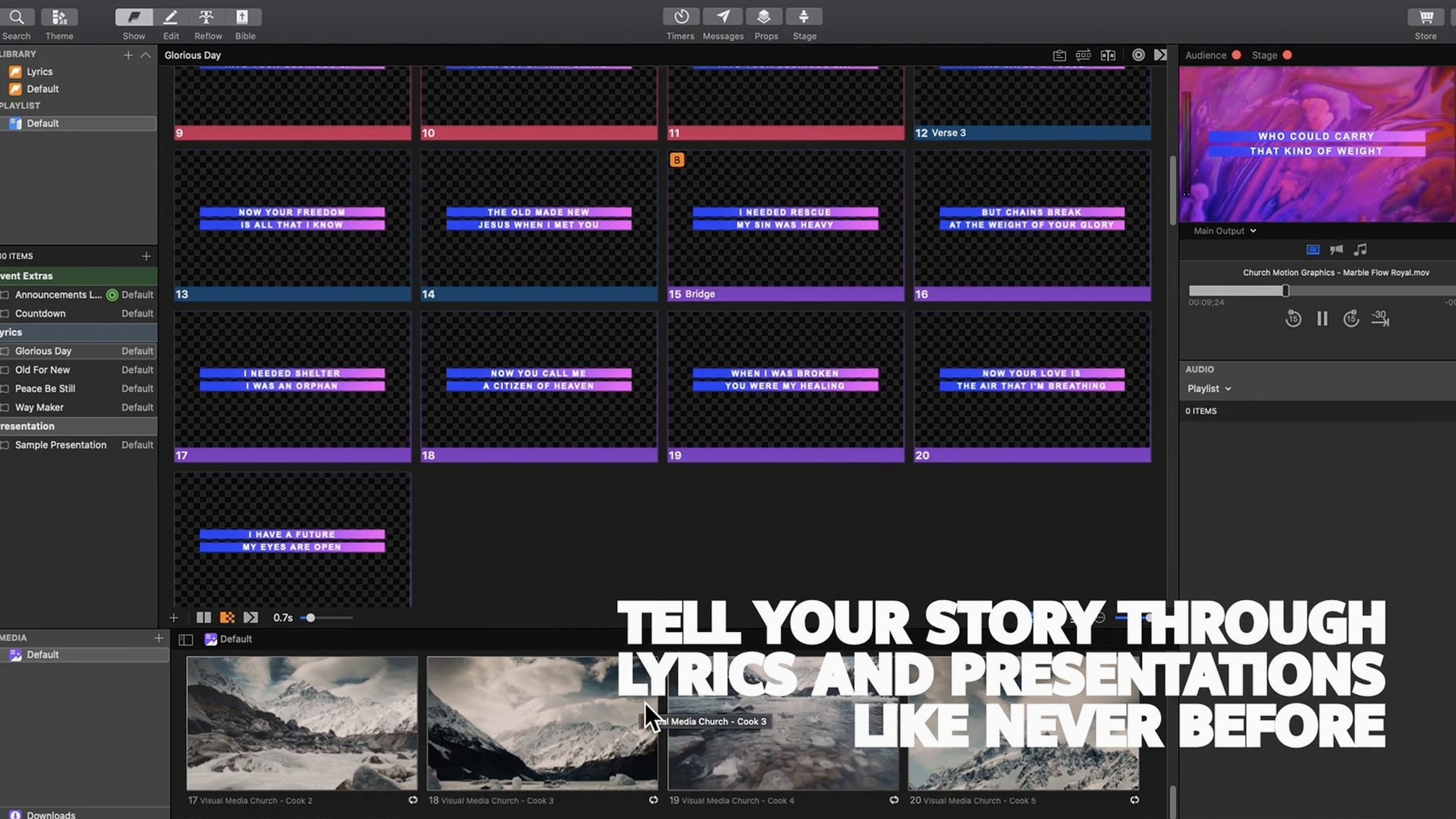
Stage display — the screen the presenter sees, not the audience. Lobby feed — a separate output for foyer TVs or overflow rooms. Online feed — a third output routed to streaming software. ProPresenter 7.16.3 handles all three from one Mac, each with its own layout, clock, and content layers.
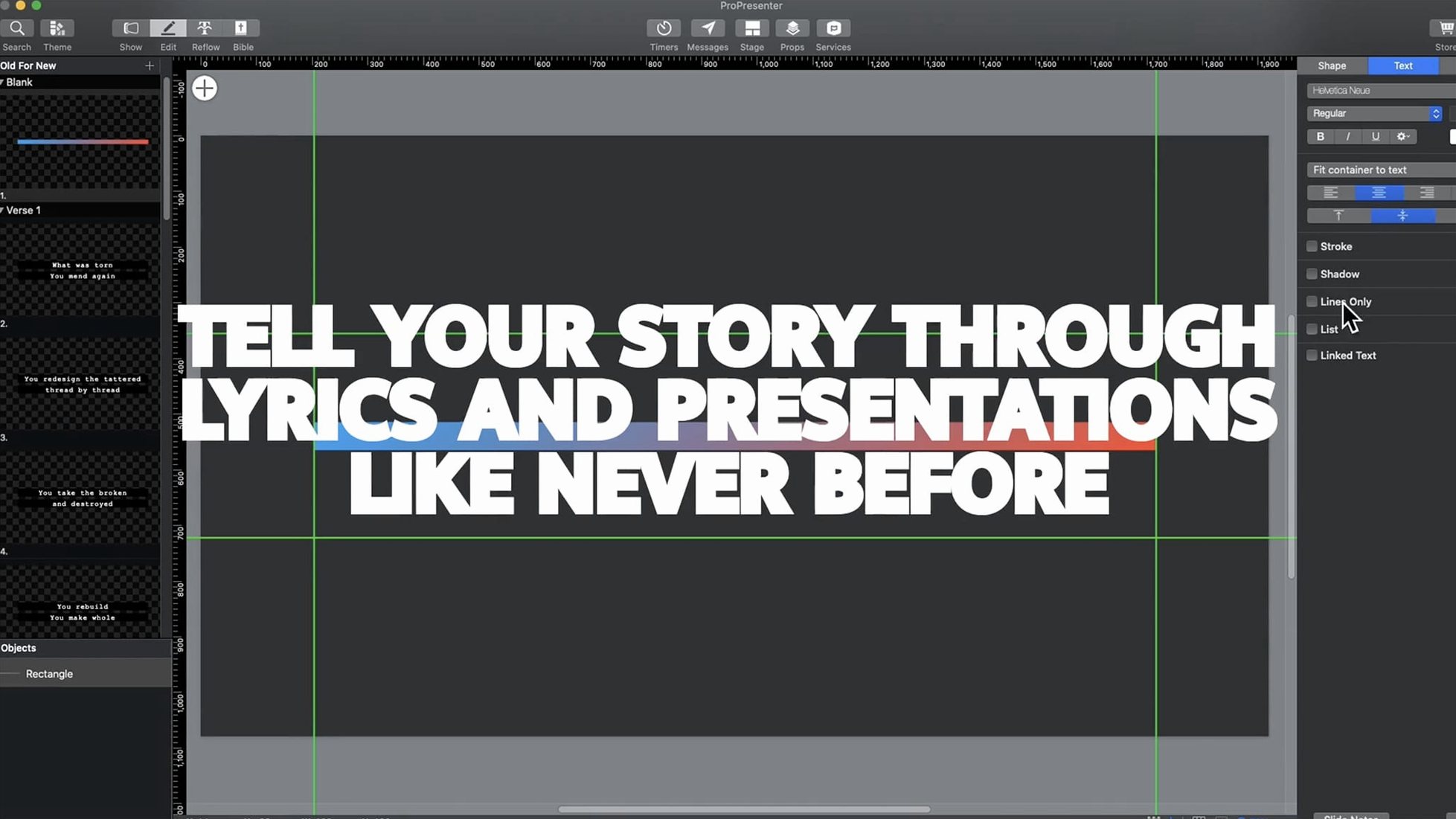
Create a new document and open the Screen preferences. Add a stage display screen, a lobby screen, and a custom output for your streaming encoder. Assign each to a separate display or virtual output. The advanced slide editor, with up to 8 layers per slide, lets you build distinct content for each screen without duplicating slides. Use the Message tool for lower-thirds or countdowns that appear only on the lobby feed. The ProPresenter Remote app on an iPad gives wireless control over cueing and transitions — no need to sit at the Mac.
Real-world scenario: a midweek training session
Small church with a Wednesday evening youth group. One person runs sound, another handles slides. The presenter isn't in the tech booth — they're on stage with an iPad running ProPresenter Remote. The youth leader calls out a Bible verse; the operator cues it from the iPad without touching the Mac. Meanwhile, the lobby feed shows the evening's announcements on loop, and the online feed sends a clean, lower-third-free output to the church's streaming platform. ProPresenter 7.16.3 does this on one MacBook, with two external displays and an iPad on the same network. No extra hardware, no second machine for streaming.
Message tool sends different content to each screen
- The Message tool works per output: a "Welcome" message can appear on the lobby screen while the main stage display stays clear.
- Confidence monitors show the next two slides and a timer, not just the current slide. The presenter knows what is coming.
- Moderated Twitter feeds can be set to auto-approve certain accounts or hashtags, useful for events where a single feed is trusted.
- The slide editor's 8 layers allow separate text, image, and video elements per screen — no need to create duplicate slides for different outputs.
- The Remote app can be set to control only specific outputs, so the stage presenter cannot accidentally change the lobby feed.
NDI and Syphon share output with OBS or a video mixer
ProPresenter 7.16.3 can share its output with other compatible Mac applications via NDI or Syphon. This means you can feed the clean program output into OBS Studio for streaming, or into a video mixer for a live broadcast — all on the same Mac. The macOS virtual desktop feature lets you assign each ProPresenter screen to a different workspace, so you can switch between the control interface, the stage display preview, and the streaming feed without closing windows. The ProPresenter Remote app on iOS talks to the Mac over the local network, so no internet connection is required during the event.
Linking with audio and video
Audio playback can be triggered from within a presentation, so background music or sound effects play automatically when a slide appears. The video playback tools handle common formats like MP4 and MOV, and the multi-camera streaming and recording feature can capture a live feed directly into the presentation. This is useful for events where a live camera feed needs to appear on screen, such as speaker close-ups or worship band shots.
Black stage screen fixed by assigning outputs, not mirroring
- Stage display shows a black screen on the second monitor. Check the Screen preferences: each display must be assigned to a specific output. If the second monitor is mirrored, change the display configuration in macOS System Preferences before assigning it in ProPresenter.
- ProPresenter Remote cannot find the Mac. Ensure both devices are on the same subnet. If the church network has VLANs, the iPad and the Mac need to be on the same VLAN. Disable any client isolation settings on the access point.
- Video stutters during playback. The app uses hardware decoding where available. If the video is a high-bitrate 4K file, transcode it to H.264 or ProRes 422 before importing. Also, avoid playing video from a USB 2.0 drive — use the internal SSD or a USB 3.0 drive.
- Lobby feed shows the same content as the main screen. Go to Screen preferences and create a separate document for the lobby feed. Each screen has its own playlist; the lobby feed's playlist can be set to loop announcements while the main screen runs the service order.
- The confidence monitor timer is not counting down. The timer only appears when a cue with a timer is assigned to the stage display. Open the cue's properties and set a duration. Without a duration, the timer stays at zero.
- Slides look different on the stream output compared to the main screen. Each output can have its own layer visibility. Check the layer settings for the streaming feed — some layers may be hidden by default. Set the layer visibility per output in the slide editor's Output Layers panel.
No “what's new” for 7.16.3. The release line gave nothing I could check, and I will not stretch it into a changelog.
- macOS 10.15 or later
- Intel or Apple Silicon
Staffroom comments 0
Sign in or create an account here to leave a comment.
Nobody has commented on this one yet.