Artlantis 9.5.2 (macOS)
Intel build. On Apple Silicon it runs through Rosetta 2. Opens the install steps and mirrors.
- Version
- 9.5.2
- Size
- 370 MB
- Earliest macOS
- 10.13 or later
- CPU type
- Intel
- Updated
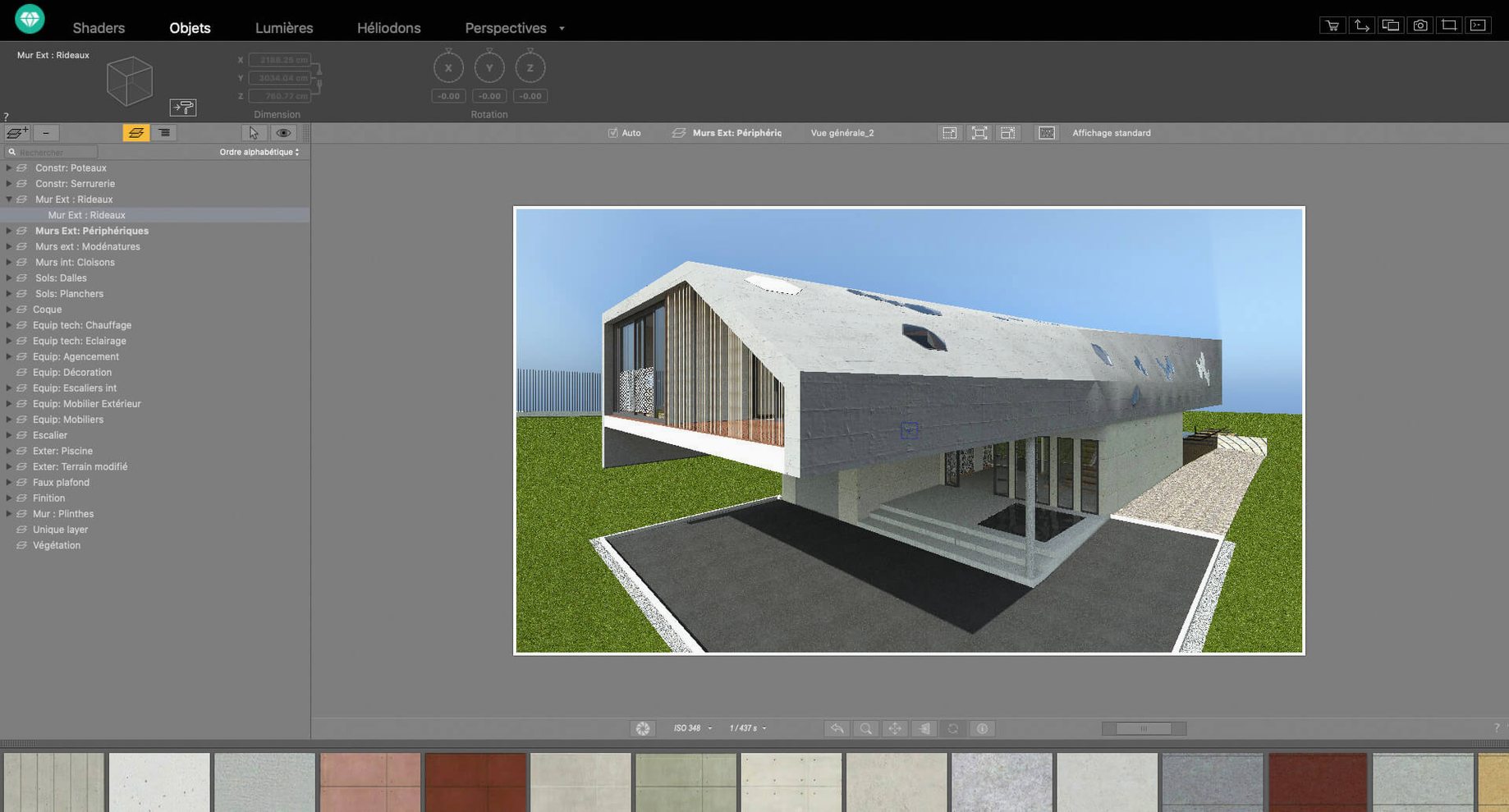
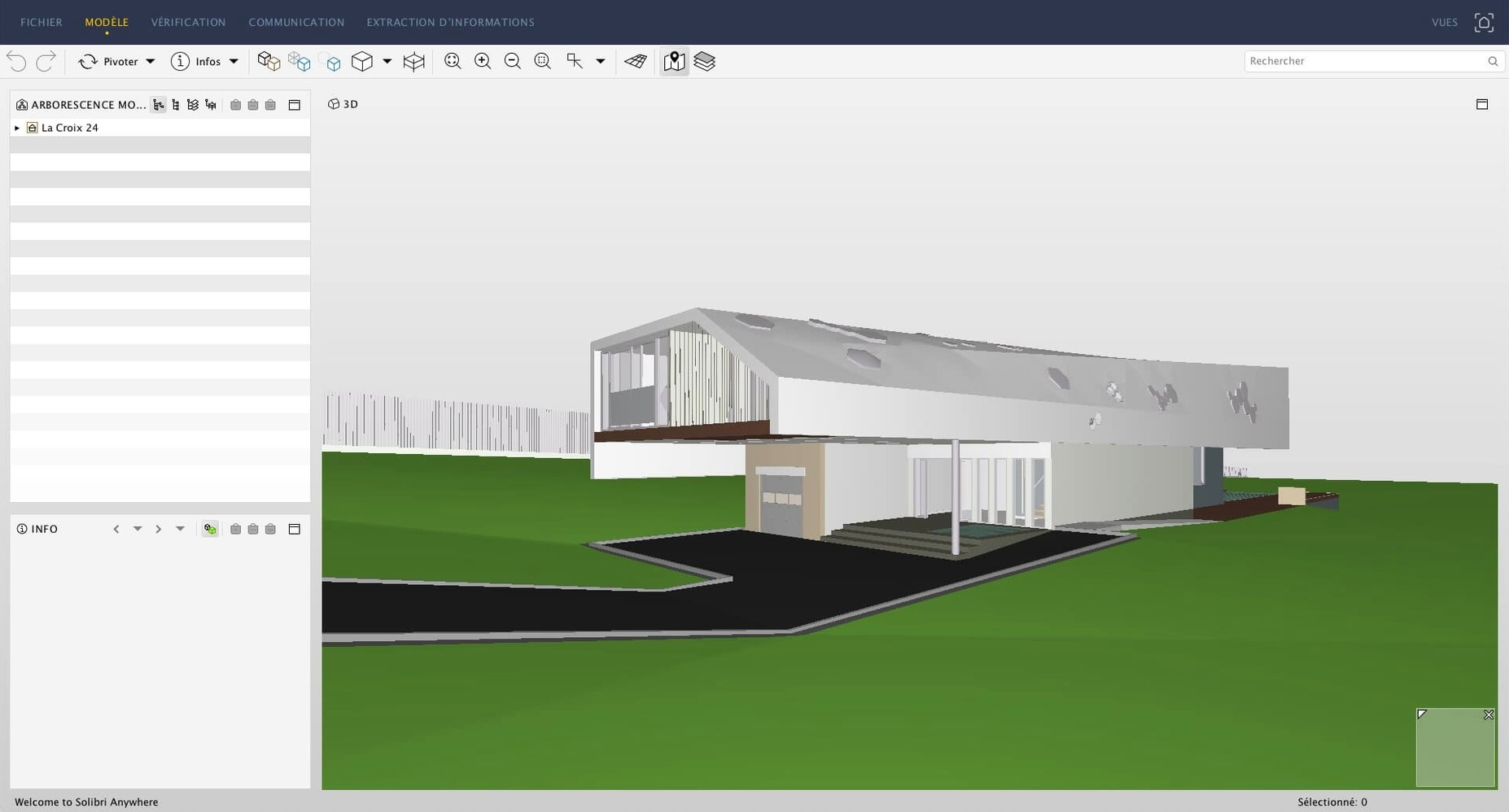
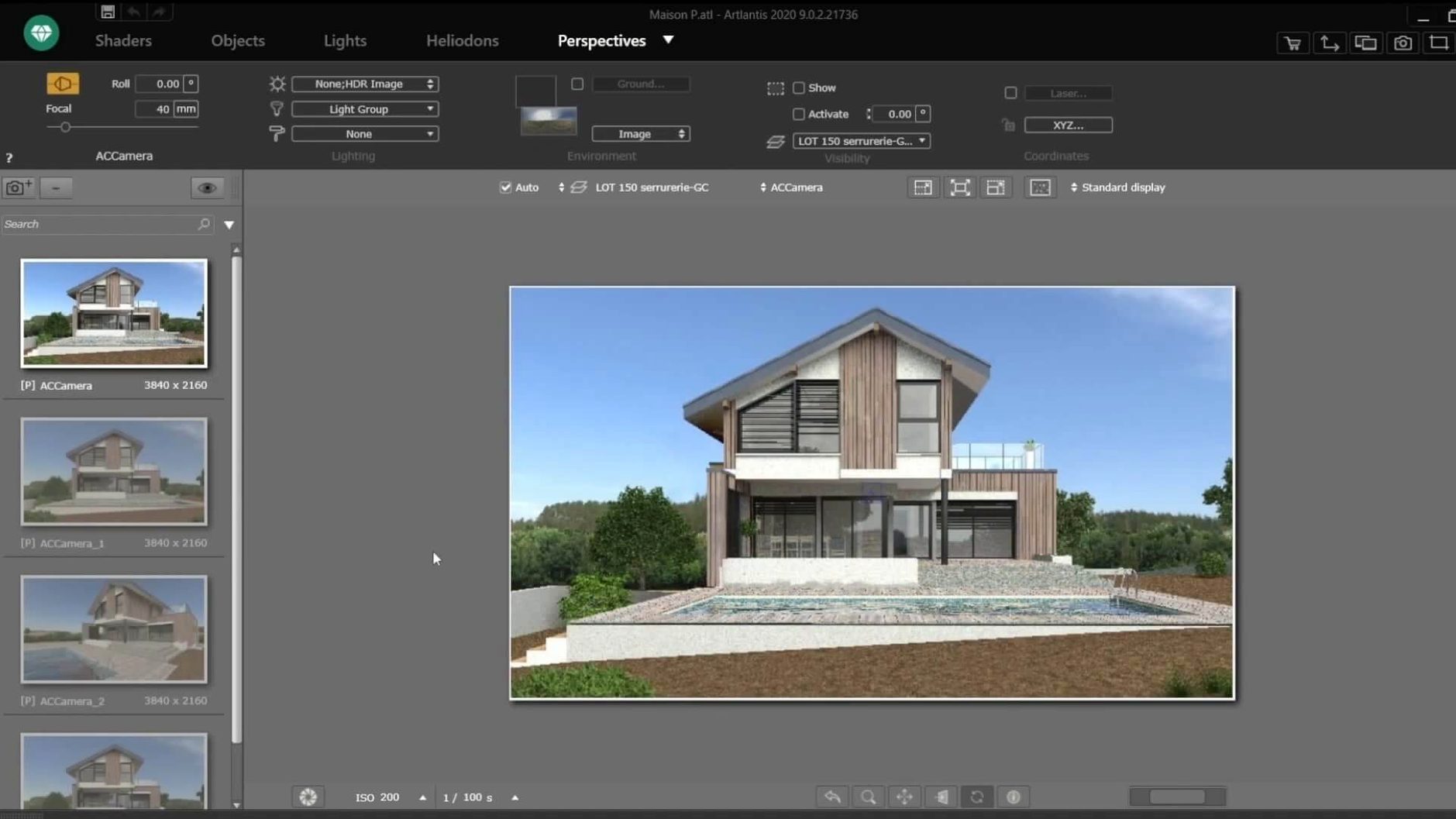
One scene file can generate a still render, a walkthrough animation, and a navigable VR panorama from the same project. Artlantis is a presentation-focused renderer for architects and designers who need to show a space from multiple angles without rebuilding it each time.
Assign materials by dragging
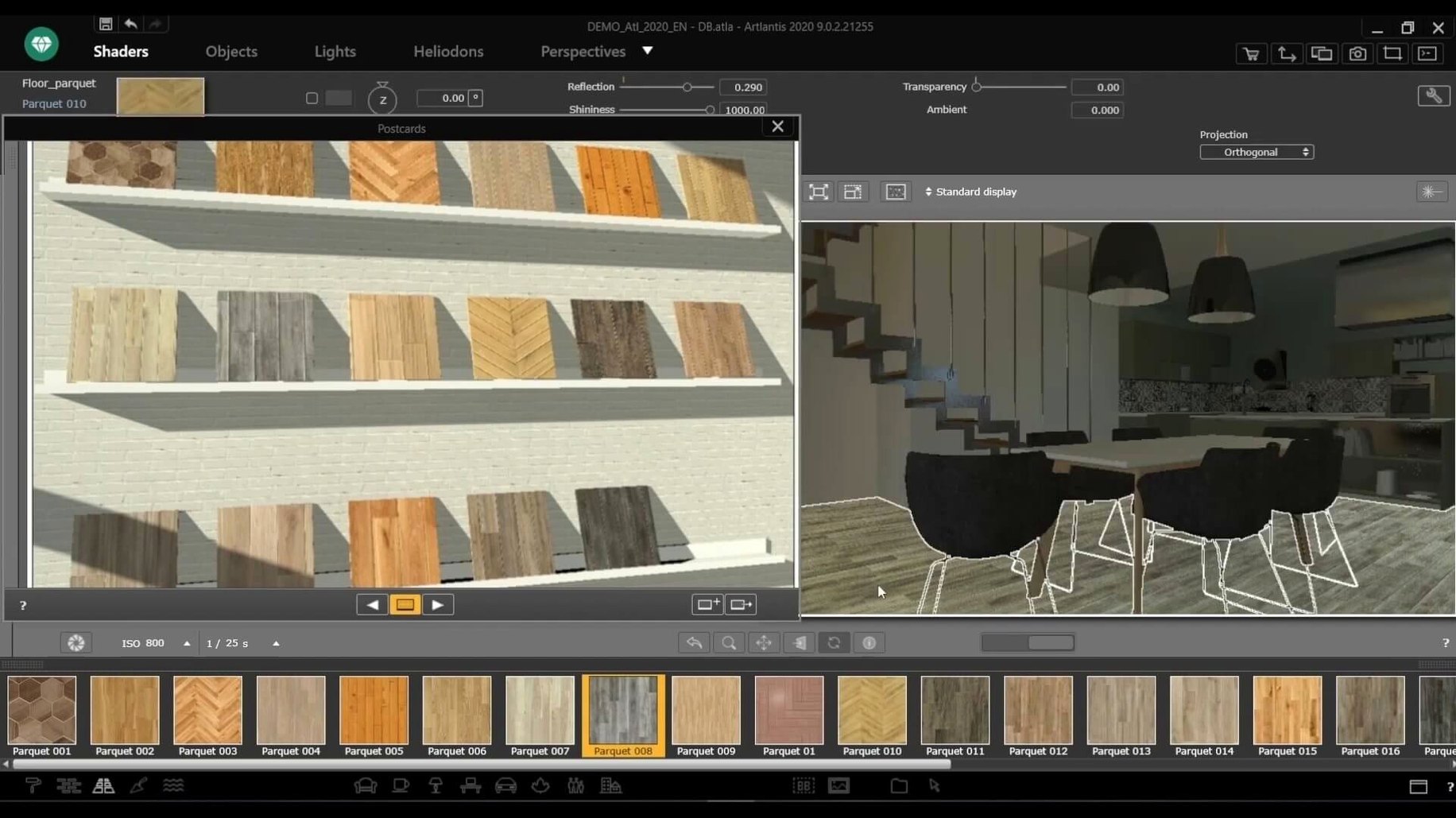
Pick a surface, drag a material from the built-in catalog, and see it update in the viewport. The library covers common architectural finishes so you spend less time tweaking shader settings.
Edit camera paths for animation
Set keyframes along a motion path to produce fly-through videos. You adjust speed and direction per segment directly in the preview window.
Export a scene as a VR panorama
Import your own photos as materials
A few features are easy to overlook but save time on a project. You can use your own photographs as materials — take a shot of a brick wall or a floor finish, import it, and assign it to a surface the same way you would a catalog item. The post-processing tools for brightness, contrast, and colour tables let you adjust the final look inside the app rather than exporting to a photo editor.
The shader tools for textures give you control over surface roughness, reflection, and pattern scale. For a quick materials check, you can apply any of these without committing to a full render run. The material and object collection is there to browse, but you can also hide objects you do not need in a particular view so they do not clutter the scene.
Polished lighting and surfaces out of the box
SketchUp with its native render engine does fast draft visuals but needs third-party plug-ins for the kind of polished surfaces and lighting that Artlantis handles out of the box. VectorWorks includes a render module, yet its main focus is CAD drafting, so you spend more time adjusting scene settings than you do in a dedicated renderer. Cinema 4D is a strong option for animation, but its learning curve is steeper when you only need architectural stills and walkthroughs, and its file exchange with ArchiCAD or AutoCAD is less direct.
Artlantis sits between these: it takes a model from your CAD app and lets you work on the rendering side without becoming a general-purpose 3D suite. It does one job and does it with a catalog of materials and lighting presets ready to go.
Direct data exchange with five CAD apps
The import support for DXF, DWG, and 3DS files means you can bring geometry in from almost any CAD or modelling program. More useful for daily work is the direct data exchange with ArchiCAD, VectorWorks, SketchUp, AutoCAD, and Arc+. You model in your usual tool, send the file over, and start placing materials and lights — no conversion hassle.
On macOS, the 64-bit Intel architecture means it runs on any Mac from the last decade that is on macOS 10.13 or later. It is a standard click-and-install from a disk image, no Terminal commands or dependency wrangling. The exported VR panorama files do not need extra viewers on the Mac itself — they open in the browser or in a VR headset player that your client likely already has. For showing work on a second screen or projector, you can run the preview alongside your CAD app and switch between them.
The QuickTime VR export is useful if you have an older Mac or client who still uses that format — it produces a navigable scene that plays back without a separate render. For an architect who relies on ArchiCAD for the model and Artlantis for the visuals, the round trip between the two is about as frictionless as it gets on a Mac.
Switch the output to VR mode to generate an interactive 360° view. The result works in a browser or VR headset without extra authoring tools.
No “what's new” for 9.5.2. The release line gave nothing I could check, and I will not stretch it into a changelog.
- macOS 10.13 or later
- 64-bit Intel processor
Staffroom comments 0
Sign in or create an account here to leave a comment.
Nobody has commented on this one yet.
Other Mac Apps tools
All Mac Apps tools-
 Apple Keynote
15.3.1
356 MB
Mac Apps
-
 Audiobook Builder
2.2.9
25 MB
Mac Apps
-
 AI Transcription
2.16
5.1 GB
Mac Apps
-
 Affinity Designer
2.6.5
779 MB
Mac Apps
-
 Adobe XD
59.0.12
2.6 GB
Mac Apps
-
 Adobe Substance 3D Painter
12.1.5
3 GB
Mac Apps
-
 Adobe Premiere Rush
1.5.62Intel Macs only
1.6 GB
Mac Apps
-
 Adobe Premiere Pro
26.5.2
4.1 GB
Mac Apps